Home/

Games/

Action/

H1Z1 Battle Royale

H1Z1 Battle Royale
4.0100+

H1Z1 Battle Royale

Play on PC with LDPlayer
recommend
How to Download&Play H1Z1 Battle Royale on PC?
Last Updated: 2022-09-29
H1Z1 Battle Royale
Share:
  • Overview

  • FAQ

Use LDPlayer to Play H1Z1 Battle Royale on PC

Run H1Z1 Battle Royale on PC
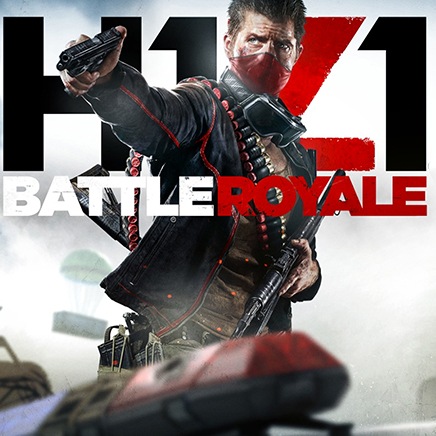
Daybreak Game Company's battle royale experience is called the H1Z1 Battle Royale, and it is a whole package of actions, competitive battles, and some arcade features. You just have to shoot and try to keep your title continuously as the King of the Kill, and the game is well known to provide you with a classical and amazing look within a world surrounded by chaos.


Solo, Dual, and Group Play
You are free to play either as a solo or a dual player here, and there will be a deathmatch in H1Z1 Battle Royale until there is a one-person left. The last one who will stand in the game will win, and whether you play as a solo, dual, or in a group play, you all will have the same goal for the game, that being the last one remaining.
The death matches will begin from random locations, and once the game starts with your landing, you will have to defend yourself. So many weapons can be used to save yourself, and you can also hunt other players throughout the game to defend yourself. Or, just try hiding until other players are killing them all off with each other. To gain the best experience from all these gameplay elements, you can have the best use of the best emulator: LDPlayer 9.


Variety of Supplies and a Crafting System
Your surroundings in the H1Z1 Battle Royale come with several items, and they might be some weapons, first aid kits, as well as equipment. These are all there to make players' lives safe and defend themselves, and you can also create some makeshift tools with the use of the crafting system. All these are to defend yourself.
 

Open up

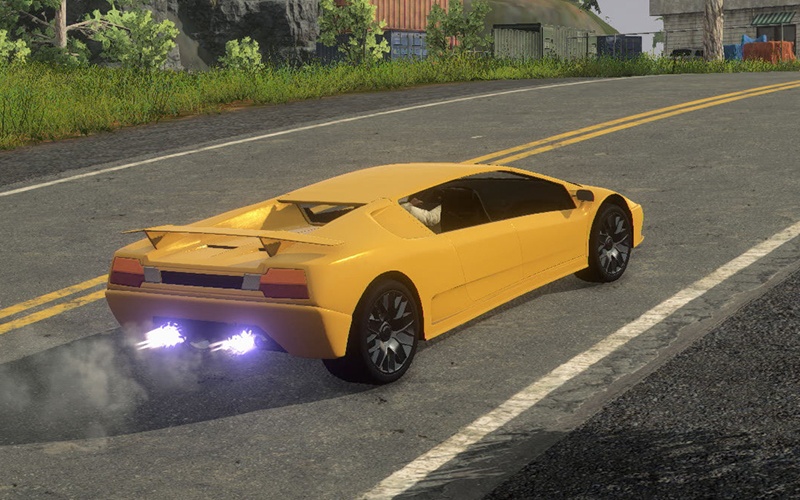
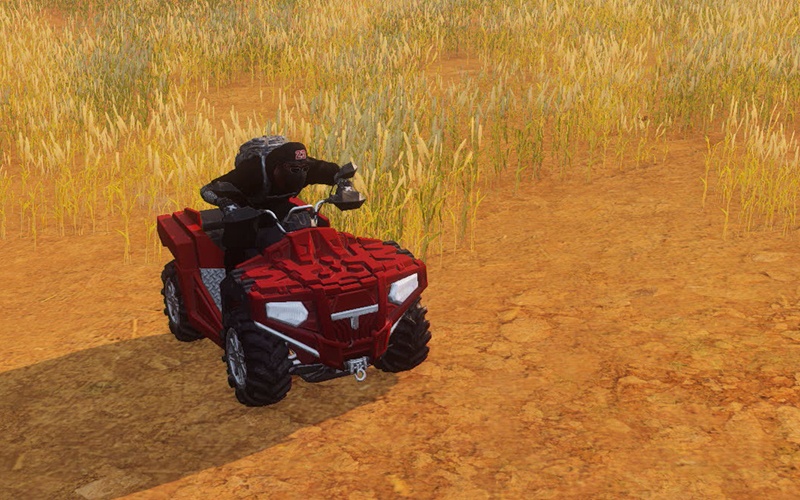
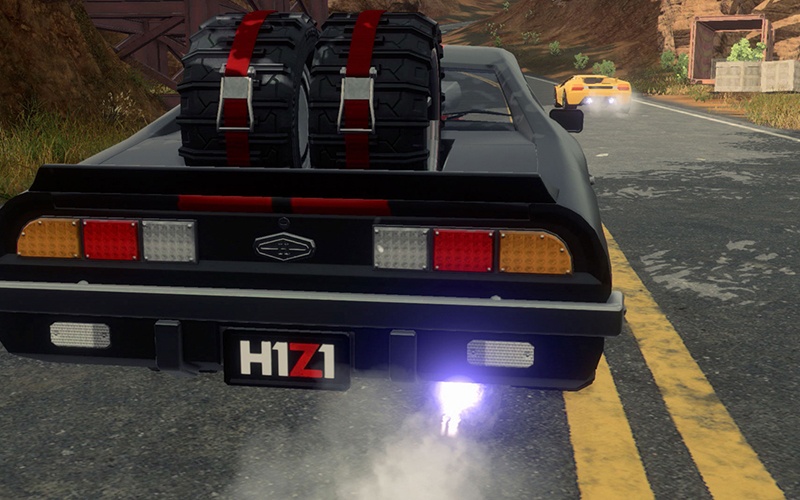
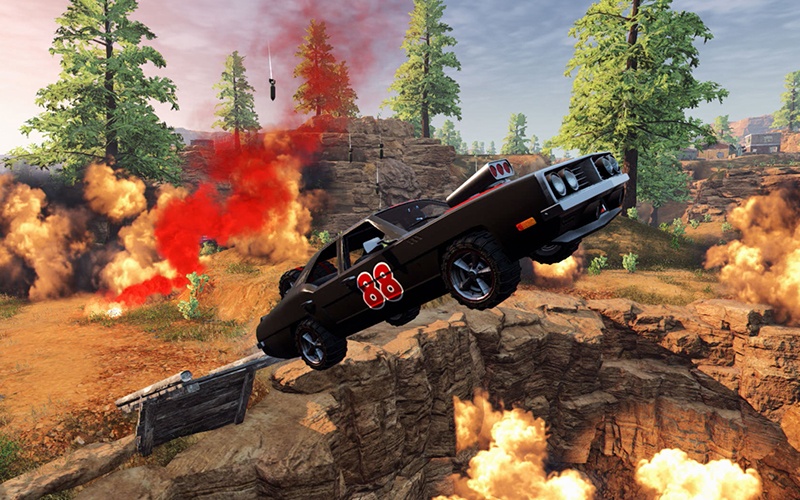
Screenshots and Videos of H1Z1 Battle Royale PC

Experience a wider field of view, exquisite game graphics, and cooler combat skills and effects by downloading and playing H1Z1 Battle Royale on PC with LDPlayer. Enjoy the ultimate gaming experience with LDPlayer.

Why Play H1Z1 Battle Royale on PC with LDPlayer?

LDPlayer offers unique emulator features including multi-instance support, macros, operation recorder, and other functions not available on mobile devices.

Ultra-Wide Screen

Keyboard Mapping

One-Click Macro

Ultra-Wide ScreenKeyboard MappingOne-Click Macro

Utilizing the expansive screen, it offers a panoramic, all-encompassing view of the game in H1Z1 Battle Royale, leaving no blind spots. Players can observe game details with crystal clarity and react instantaneously.

  • High FPS

    With support for high FPS, H1Z1 Battle Royale's game graphics are smoother, and actions are more seamless, enhancing the visual experience and immersion of playing H1Z1 Battle Royale.
  • Extended Battery Life

    When running H1Z1 Battle Royale on your computer, you need not worry about low battery or device overheating issues. Enjoy playing for as long as you desire.

How to Download&Play H1Z1 Battle Royale on PC?

  • 1

    Download and install LDPlayer on your computer

  • 2

    Locate the Play Store in LDPlayer's system apps, launch it, and sign in to your Google account

  • 3

    Enter "H1Z1 Battle Royale" into the search bar and search for it

  • 4

    Choose and install H1Z1 Battle Royale from the search results

  • 5

    Once the download and installation are complete, return to the LDPlayer home screen

  • 6

    Click on the game icon on the LDPlayer home screen to start enjoying the exciting game