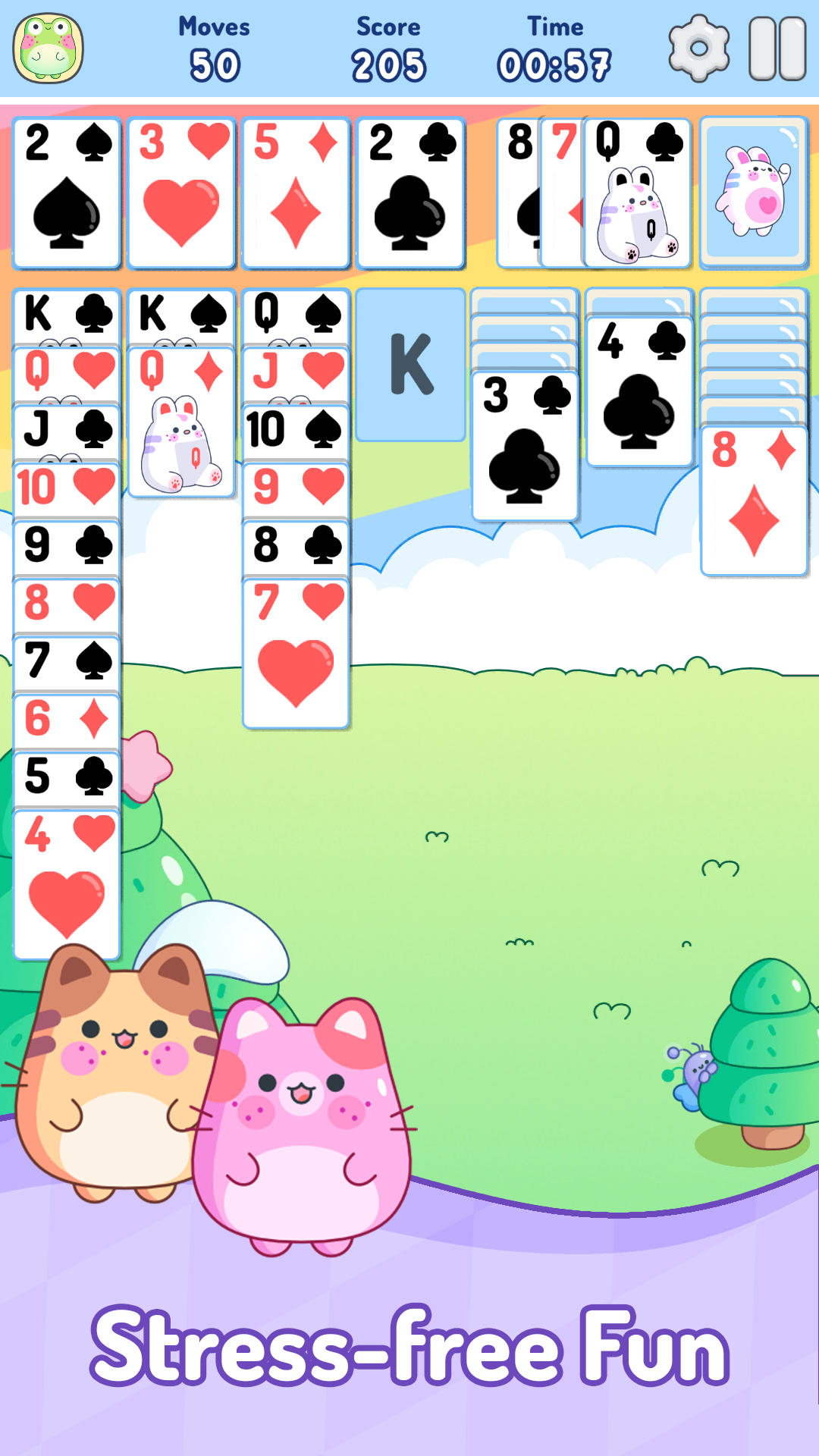
Cozy Calm Solitaire is a Card application developed by Matchala Games, but with the best Android emulator-LDPlayer, you can download and play Cozy Calm Solitaire on your computer.
Running Cozy Calm Solitaire on your computer allows you to browse clearly on a large screen, and controlling the application with a mouse and keyboard is much faster than using touchscreen, all while never having to worry about device battery issues.
With multi-instance and synchronization features, you can even run multiple applications and accounts on your PC.
And file sharing makes sharing images, videos, and files incredibly easy.
Download Cozy Calm Solitaire and run it on your PC. Enjoy the large screen and high-definition quality on your PC!
Cozy Calm Solitaire is a calm and beautifully crafted take on the classic Klondike Solitaire card game. Whether you’re looking to unwind, clear your mind, or just enjoy a timeless classic, Cozy Calm Solitaire offers a relaxing experience tailored for peaceful play.Enjoy smooth gameplay, a clean and simple interface, and a soft, minimal aesthetic designed to help you relax. Every detail is tuned for a mindful experience — from intuitive controls to quiet, thoughtful design. Perfect for short breaks, winding down at night, or daily mindfulness.
🃏 Classic Gameplay, Modern Feel
Play the Klondike Solitaire you know and love, enhanced with modern visuals and fluid animations. The rules stay familiar, but the feeling is refreshingly calm.
🌿 Relaxing Design
Soothing colors, clean lines, and optional ambient sound make this more than just a game — it's a gentle escape from the everyday.
📴 Offline Play
No internet? No problem. Enjoy Cozy Calm Solitaire anytime, anywhere — on a flight, on the train, or simply away from it all.
🎨 Customizable Themes
Choose from a variety of backgrounds and card styles to suit your mood. Whether you’re into cozy tones or cool minimalism, there’s a look for everyone.
🧘 Mindful Experience
Cozy Calm Solitaire is designed with relaxation in mind. It’s a peaceful way to play — no pressure, no distractions, just you and the cards.
✨ Why You’ll Love Relaxing Solitaire:
- Classic Klondike Solitaire rules
- Smooth, intuitive controls
- Minimal, calming design
- Play offline anytime
- Amazing winning animations for you to enjoy
- Custom themes for cards and backgrounds
- Great for stress relief and mindful breaks
If you're a fan of classic solitaire but want a more peaceful and modern experience, Cozy Calm Solitaire is your perfect companion. Take a breath, take a break, and enjoy the quiet joy of the cards.