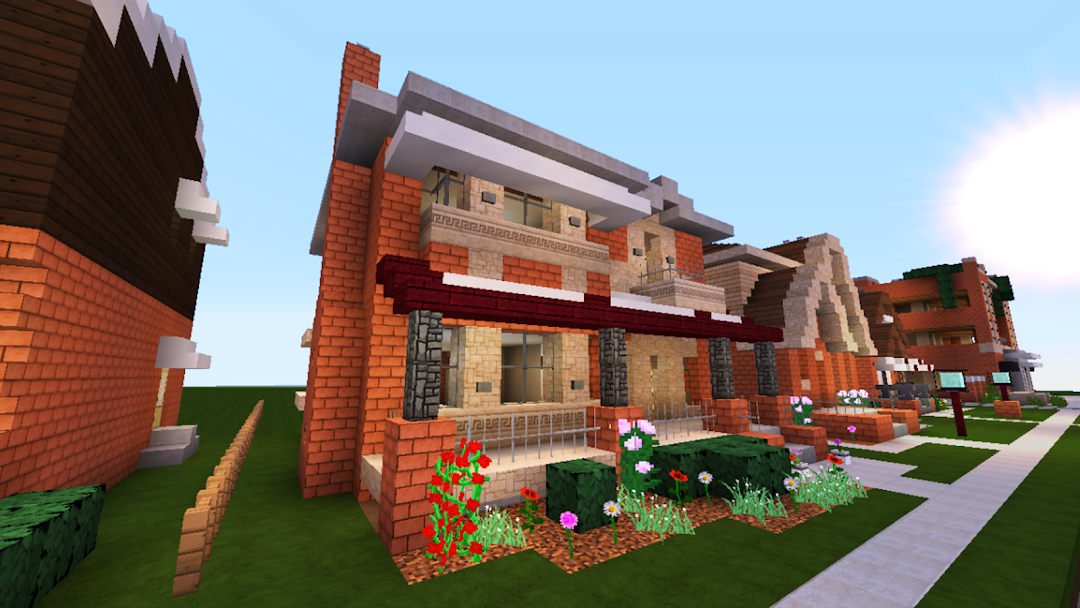


Block Crazy Robo World Craft is a Simulation application developed by Prokids Studio, but with the best Android emulator-LDPlayer, you can download and play Block Crazy Robo World Craft on your computer.
Running Block Crazy Robo World Craft on your computer allows you to browse clearly on a large screen, and controlling the application with a mouse and keyboard is much faster than using touchscreen, all while never having to worry about device battery issues.
With multi-instance and synchronization features, you can even run multiple applications and accounts on your PC.
And file sharing makes sharing images, videos, and files incredibly easy.
Download Block Crazy Robo World Craft and run it on your PC. Enjoy the large screen and high-definition quality on your PC!
🧱 Block Crazy Robo World Craft – Unleash your creativity in a futuristic voxel universe!Step into an open-world sandbox where robots meet blocks. Craft, build, and explore limitless possibilities in a world full of tech, creativity, and imagination. Design futuristic bases, high-tech cities, and robotic landscapes in a fully customizable 3D environment.
🔑 Key Features:
🛠️ Build & Create Freely
Construct anything you dream of! From robot factories and tech towers to epic cities and homes using hundreds of futuristic blocks.
🤖 Futuristic Robo World
Explore a world where technology and block-building collide! Discover robotic zones, digital landscapes, and secret AI labs.
🔨 Craft & Mine Resources
Collect materials like metal, circuits, stone, and ores to craft tools, blocks, and robotic decorations.
🎮 Simulation Gameplay
Experience a smooth, fun, and intuitive simulator with controls optimized for all ages.
🎨 Customize Your World
Change terrains, install neon lights, add sci-fi decorations, and create your dream robotic world.
👾 Survival & Creative Modes
Play in Creative Mode to build freely or Survival Mode to gather resources and craft gear to thrive.
🌐 Multiplayer Experience
Collaborate with friends and build robot-themed worlds together in multiplayer mode.
❓ Why Play Block Crazy Robo World Craft?
🚀 Tech-Driven Creativity: Build cyber worlds with sci-fi blocks and robot elements.
🎮 Fun for Everyone: Easy to play, suitable for kids, teens, and adults.
🌍 Massive Open Sandbox: Travel through high-tech biomes while building futuristic creations.
📥 Download Block Crazy Robo World Craft now and start building your robotic paradise today!