Crappy Bird: Pigeon Simulator is a Simulation application developed by Trucutbarber, but with the best Android emulator-LDPlayer, you can download and play Crappy Bird: Pigeon Simulator on your computer.
Running Crappy Bird: Pigeon Simulator on your computer allows you to browse clearly on a large screen, and controlling the application with a mouse and keyboard is much faster than using touchscreen, all while never having to worry about device battery issues.
With multi-instance and synchronization features, you can even run multiple applications and accounts on your PC.
And file sharing makes sharing images, videos, and files incredibly easy.
Download Crappy Bird: Pigeon Simulator and run it on your PC. Enjoy the large screen and high-definition quality on your PC!
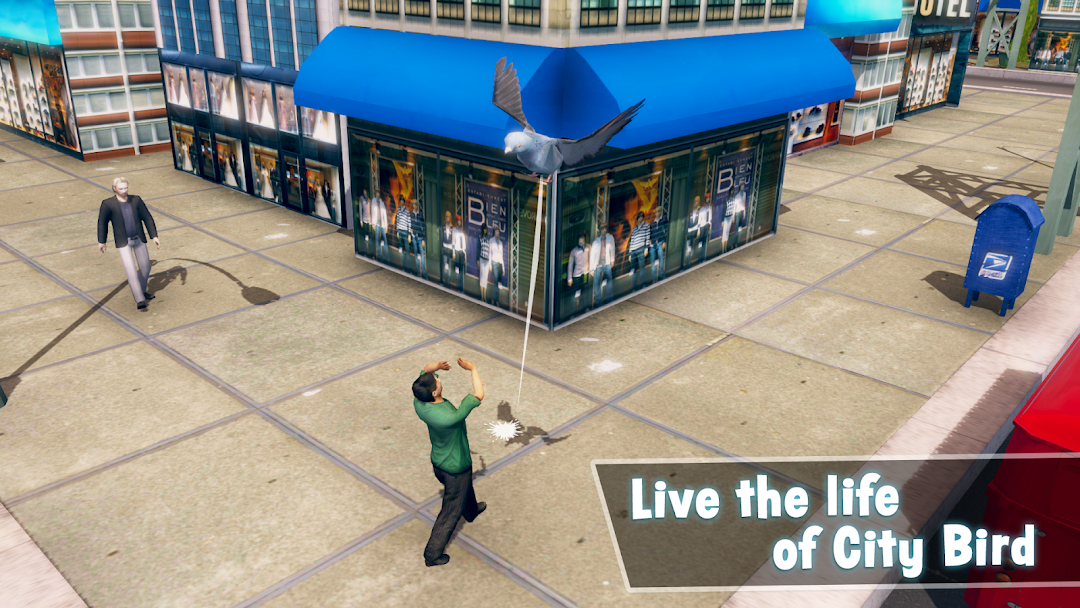
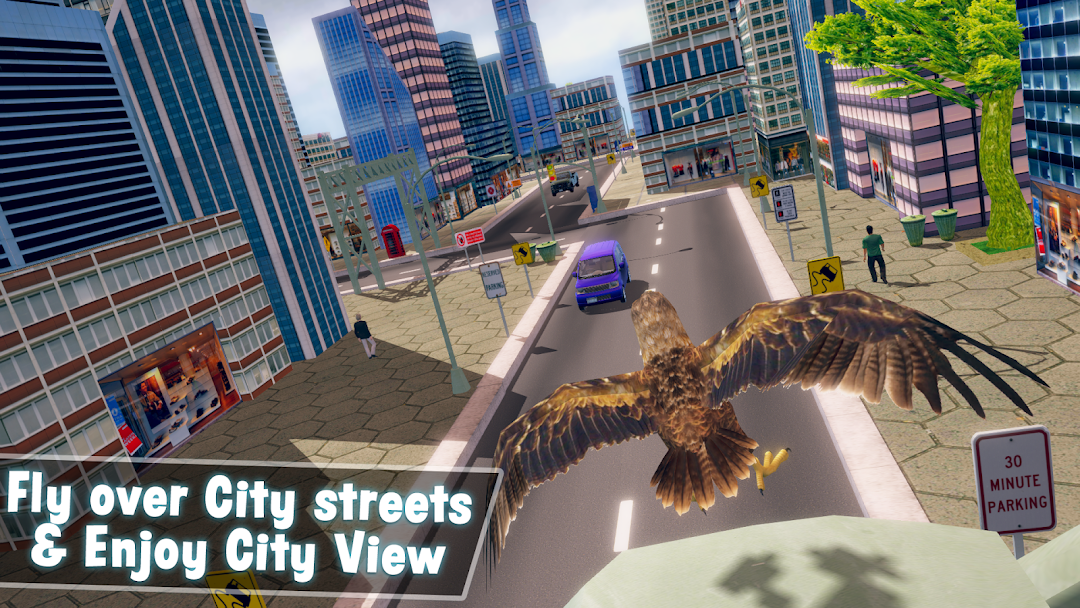
Get ready to play the best life of a Pigeon in this Crappy Bird: Pigeon Simulator! In this simulator, you will go on a complete rampage as a naughty bird in the big city and In different Environments as a pigeon. You will be able to attack humans, poop on any human and you can do anything you like and enjoy as the pigeon in this Pigeon Simulator!Crappy Bird: Pigeon Simulator is a totally new pigeon simulator game! In this game, you will control a crazy pigeon and Many Birds that will poop on humans and explode city props. This simulator is designed for mobile platforms and plays very smoothly even on older devices. If you are ready, be prepared for some very fun pigeon adventure in the big city where you can find a lot of really mean, but funny things to do. Humans of the city do not like pigeons, and you will make some fun of them. And don't be surprised when you find out that you can even shoot the bird from a cannon! Some skills will be required to control this crazy rampage.
Install the best new 2022 free Pigeon Simulator Adventure game on your devices and start the adventure today. There are many levels with beautiful graphics. Use your skills and help the pigeon to Survive in this game. Explore Different Worlds and after download joins millions of peoples who play this game like Many other Simulation games. Crappy Bird: Pigeon Simulator game is the best and updated game with unique graphics style from all bird simulator type games and sounds that you enjoy your crappy bird pigeon simulator experience.
Crappy Bird: Pigeon Simulator Gameplay
• Move and Fly Pigeon using the Joystick
• Collect Food to fill up your Stomach
• Poop On different Peoples to Get Points
• Stay Away from Peoples
• Reach Destinations
Crappy Bird: Pigeon Simulator Game Features
• Attractive and High quality 3D Planets
• Fly in the air to find some food
• Poop on the people and their vehicles in these wild pigeon games
• Save yourself from the other Peoples in the pigeon simulator
• Easy and Fun game
• HD gaming graphics and different sounds
• No need network, you can still continue play in no Wi-Fi
• Progress synchronization among devices and platforms
• Simple to start but difficult to clear the levels
• Easy and fun to play but yet challenging for master
Are you ready to join new Crappy Bird: Pigeon Simulator Game? Try this turd bird game in 2022. Try to pass as many levels as you can.
Please share and rate this wonderful Crappy Bird: Pigeon Simulator 2022 and leave your reviews about this marvelous journey as your feedback is a lot to us for making further improvements and upgrades to enhance your experience.
Download Crappy Bord:Pigeon Simulator 2022 now and play free pigeon games skyscarper game now!