Cribbage Club®: Card Game is a Card application developed by Nickel Buddy, LLC, but with the best Android emulator-LDPlayer, you can download and play Cribbage Club®: Card Game on your computer.
Running Cribbage Club®: Card Game on your computer allows you to browse clearly on a large screen, and controlling the application with a mouse and keyboard is much faster than using touchscreen, all while never having to worry about device battery issues.
With multi-instance and synchronization features, you can even run multiple applications and accounts on your PC.
And file sharing makes sharing images, videos, and files incredibly easy.
Download Cribbage Club®: Card Game and run it on your PC. Enjoy the large screen and high-definition quality on your PC!
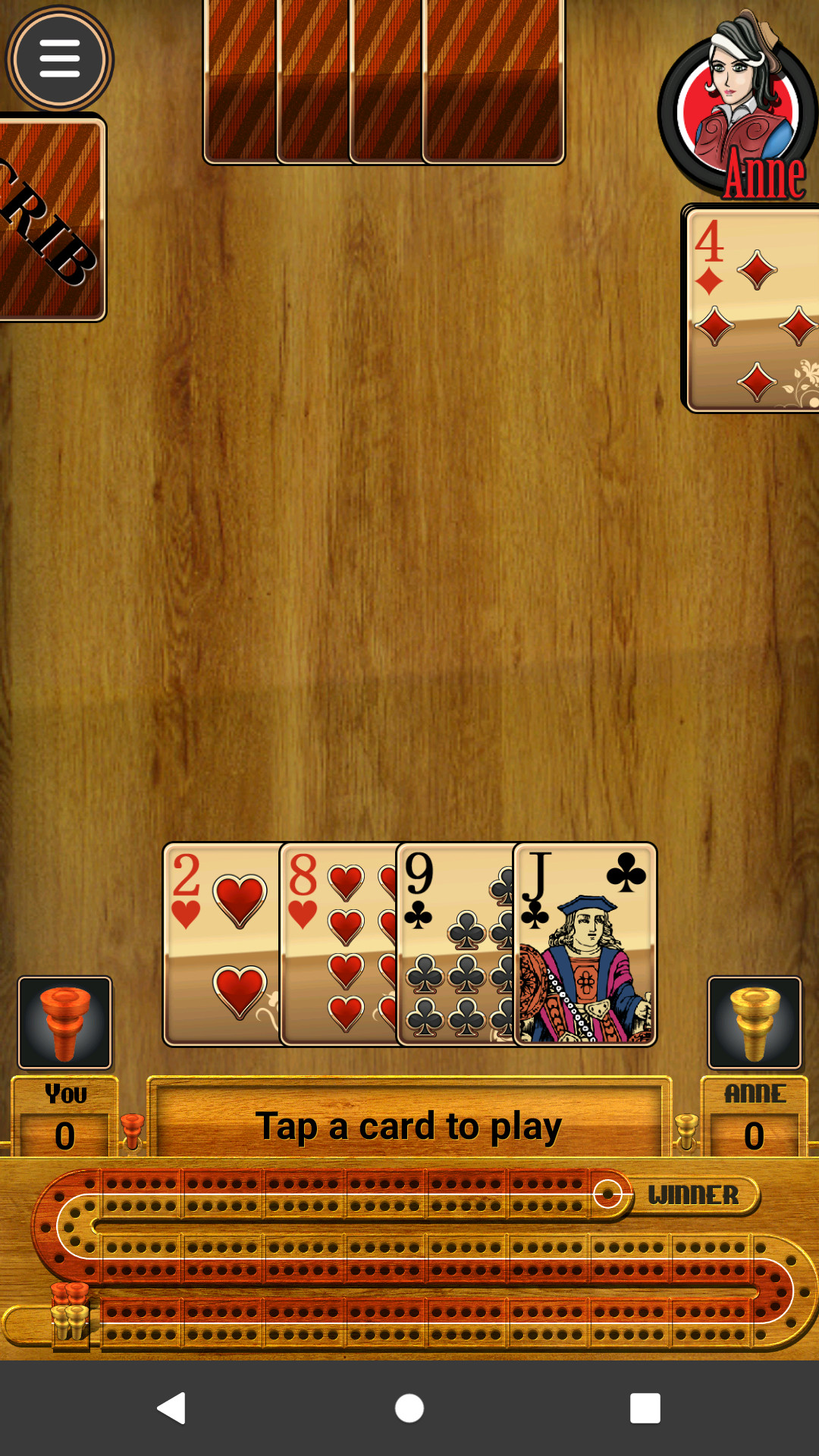
Play the ultimate Classic Cribbage game! Cribbage Club® brings the beloved classic card game to your Android device. Whether you want to play Cribbage offline against smart AI or challenge friends in online multiplayer, this is the premier "Crib" experience.Whether you're a seasoned pro or a complete beginner, Cribbage Club® is the perfect Cribbage trainer. Our interactive tutorial and three difficulty levels help you master bidding, pegging, and the crib.
WHY PLAY CRIBBAGE CLUB®?
● Classic Cribbage Offline: No internet? No problem. Enjoy smooth, fast-paced gameplay anywhere.
● Online Multiplayer: Challenge players worldwide or host private games for friends and family.
● Learn to Play Cribbage: The most comprehensive Cribbage tutorial on the Play Store—perfect for all ages.
● Muggins & Pro Scoring: Toggle manual scoring to sharpen your skills for real-life game nights.
● The Ultimate Cribbage App: Lots of bonus features, including Cribbage Solitaire, Hand analyzer, and a digital Cribbage Travel Board to keep score with a real deck.
MASTER THE BOARD
Cribbage is a game of logic and strategy. Many of us learned to play with our Grandpas. If you enjoy card games like Solitaire, Hearts, and Spades, you'll love Cribbage. Use our Cribbage hand calculator and discard analyzer to experiment with strategies and top the leaderboards.
KEY FEATURES:
● Smart AI Opponents: Play against Elsa, Jack, or Anne (the Pro!).
● Global Achievements: Earn awards and track your progress with detailed stats.
● Lightweight & Fast: Optimized for quick hands during your commute or relaxing at home.
● Clean Design: High-visibility cards and a classic layout designed for Android.
● Online Competitions: Try our seasonal contests against guest AI personalities. Join the daily discard analyzer competition and become Top Tosser!
Download Cribbage Club® today and discover why thousands of players call this the best Cribbage app on the Play Store. Play your best hand now!