Critical - Incremental Reactor is a Strategy game developed by WaffleStack Studio LLC, and LDPlayer is the best platform for playing Critical - Incremental Reactor on Windows PC, offering powerful features for an immersive experience.
When playing Critical - Incremental Reactor on your computer, you can enjoy long game sessions using the operation recording feature to record repetitive operations to complete the same tasks automatically. It allows you to level up faster and makes resource grinding much more efficient.
In addition, if you want to execute combo moves or the game requires repeated skill actions, the macro feature is your best helper. It enables you to complete kills with just one click!
If you want to manage multiple accounts, LDMultiplayer and Synchronizer will assist you. You can run multiple alternative accounts at the same time to assist the leveling of your main account. Download and play Critical - Incremental Reactor on PC with LDPlayer now!
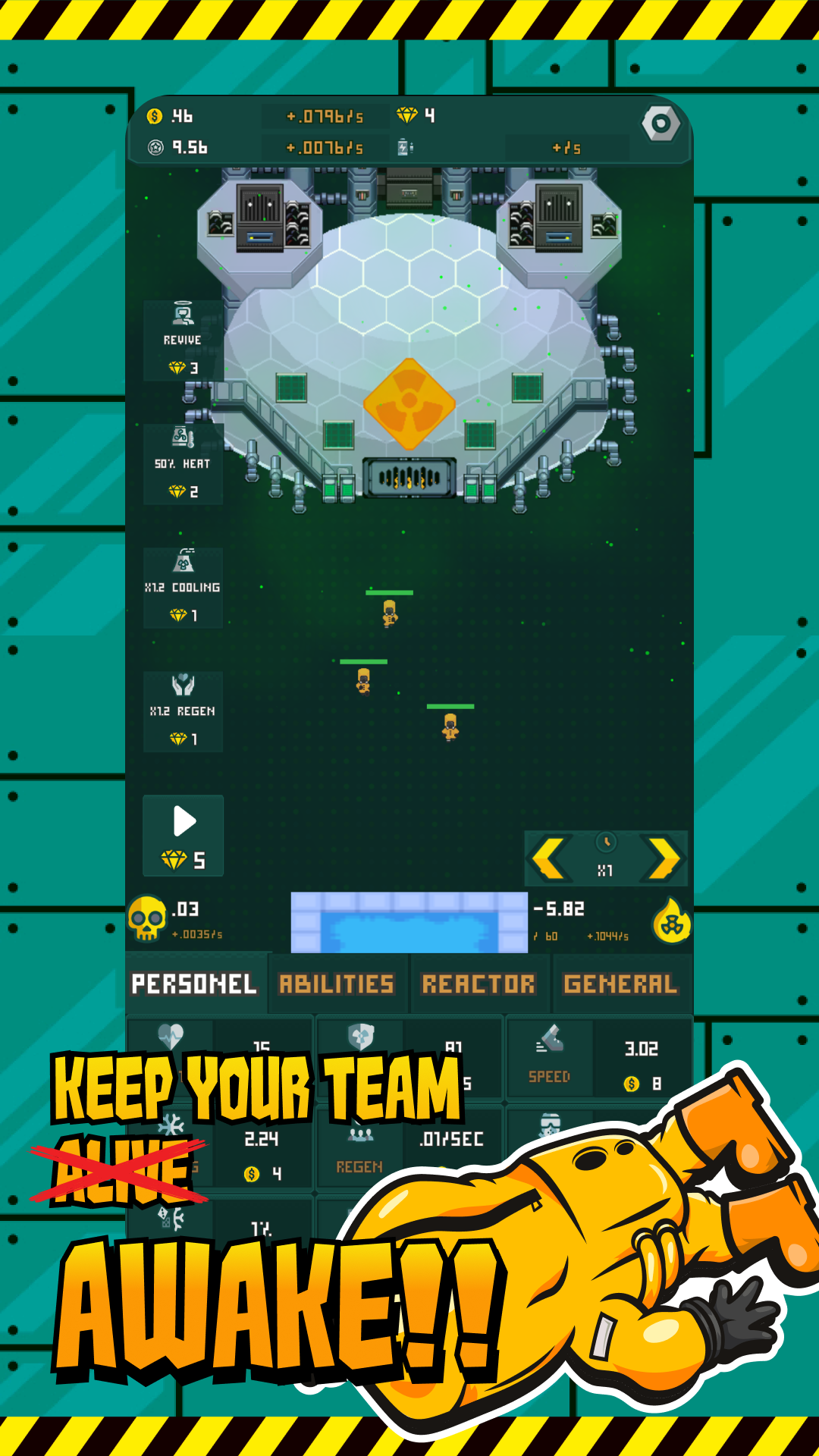
Prevent a reactor meltdown by delivering water in this thrilling game of strategic resource management. Instead of costly robots, employ cost-effective personnel to tackle the hazardous task at hand.Earn escalating amounts of money as you extend your survival time. Make strategic investments to unlock permanent upgrades, ensuring each successive attempt lasts longer than the previous one.
Utilize your hard-earned cash to explore a plethora of upgrades, conduct research, and unveil hidden secrets. Give it a shot!
☢️CRITICAL – FEATURES☢️
• Safeguard the reactor to accumulate cash
• Utilize funds for lasting upgrades
• Strategically invest to optimize team efficiency
• Ensure the well-being of your workforce
• Access collectable managers for enhanced rewards
• Explore new technologies for increased earnings
• Climb the leaderboards
• Activate autoplay for hands-free earnings while away
• Experience a captivating idle clicker with endless replay value
• Strive to survive as long as possible!
KEEP THE LIGHTS ON
Guide your dedicated team of hazmat suit-wearing workers as they strive to maintain the reactor's functionality and power generation. Despite occasional drowsiness induced by nuclear radiation, ensure their sacrifices count by wisely spending money.
WATCH THE NUMBERS GROW
Witness your income soar exponentially by preventing the reactor from exploding. Start modestly and observe your cashflow skyrocket as you extend your survival time. Delay the impending catastrophe for as long as possible and revel in the financial windfall.
EXERCISE STRATEGIC MANAGEMENT
Employ a thoughtful approach in choosing upgrades to minimize bottlenecks. Enhance your personnel with increased armor, health, speed, and various power-ups.
Avert a reactor meltdown, manage your team, and embark on a journey to become a nuclear energy tycoon - try Critical today!
*For suggestions or bug reports, use the support button in the settings or connect directly via the Discord link in the settings.