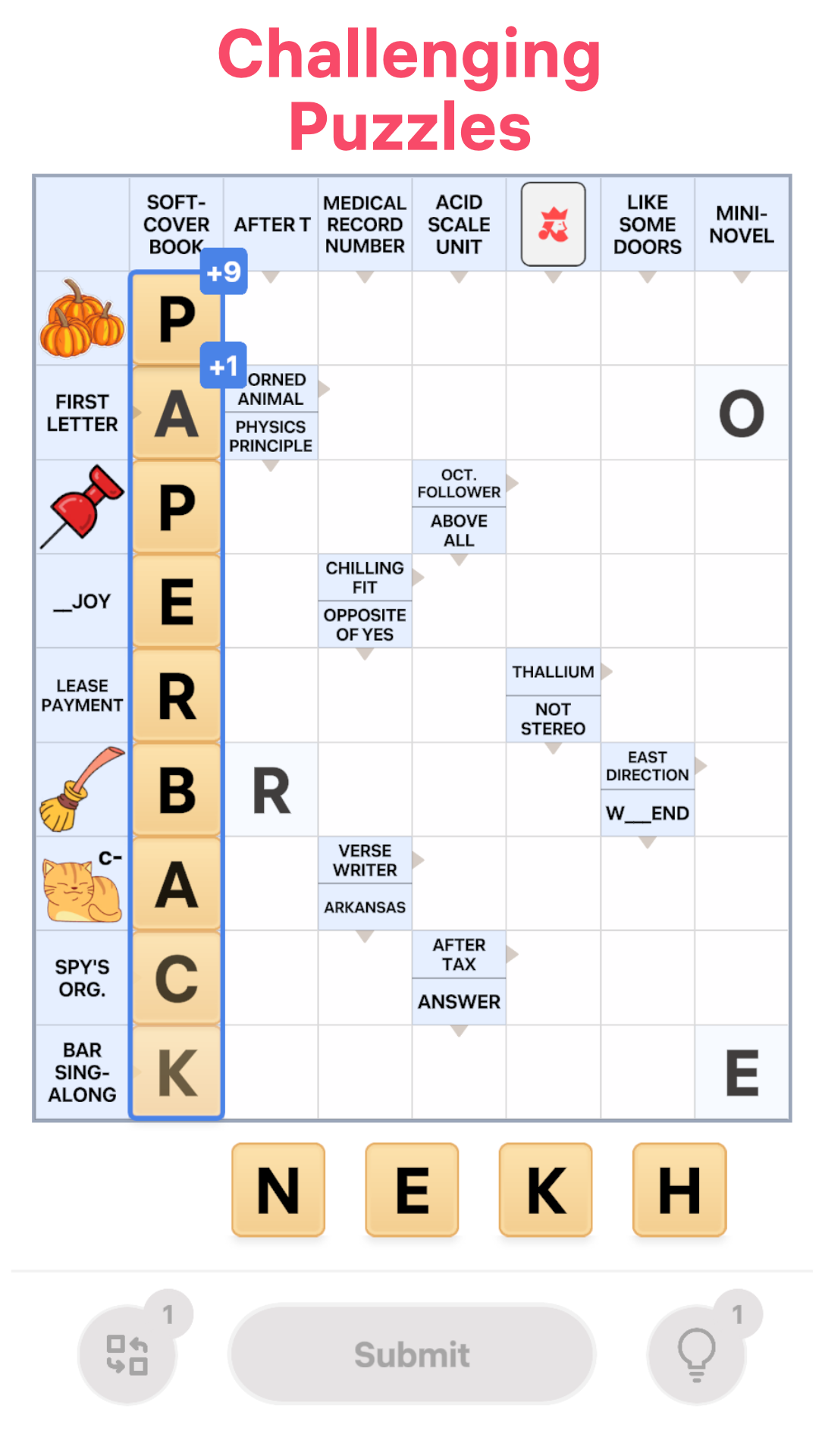
Crossword Challenge is a Word application developed by NOCTURNAL, but with the best Android emulator-LDPlayer, you can download and play Crossword Challenge on your computer.
Running Crossword Challenge on your computer allows you to browse clearly on a large screen, and controlling the application with a mouse and keyboard is much faster than using touchscreen, all while never having to worry about device battery issues.
With multi-instance and synchronization features, you can even run multiple applications and accounts on your PC.
And file sharing makes sharing images, videos, and files incredibly easy.
Download Crossword Challenge and run it on your PC. Enjoy the large screen and high-definition quality on your PC!
Crossword Challenge is the ultimate brain-training crossword game that keeps your mind sharp and your spirit competitive! Solve beautiful picture clues, enjoy smooth modern gameplay, and embark on a journey of daily mental exercise. Whether you’re a seasoned word solver or a casual puzzle fan, Crossword Challenge will quickly become your new daily ritual!🧠 Train your brain every day with fun and relaxing crosswords. Stretch your vocabulary, improve your logic skills, and keep your mind young with every puzzle you complete!
🌙 Dark Mode Support lets you play comfortably at any time, day or night.
🖼️ Picture Clues add a fresh twist to the classic crossword experience, making each puzzle even more exciting and fun to solve.
🏙️ Daily Mini Levels with City Badge Rewards give you quick, rewarding challenges every day. Collect them all and showcase your achievements!
🏆 Weekly Tournaments invite you to compete with players around the world. Climb the leaderboard and prove you’re a true Crossword Champion!
With smooth graphics, intuitive controls, and countless word puzzles to explore, Crossword Challenge is perfect for anyone who loves to train their mind while having fun.
Download now and start your daily brain workout with Crossword Challenge!
Features:
✔️ Brain-training crossword puzzles for all skill levels
✔️ Modern design with Dark Mode support
✔️ Unique picture clues for a fresh and fun twist
✔️ Daily mini levels with collectible city badges
✔️ Weekly tournaments and global leaderboards
✔️ Hints to help when you're stuck
✔️ No timers — play at your own pace
✔️ Auto-save to pick up right where you left off
Ready to sharpen your mind and have fun doing it? Join Crossword Challenge today!