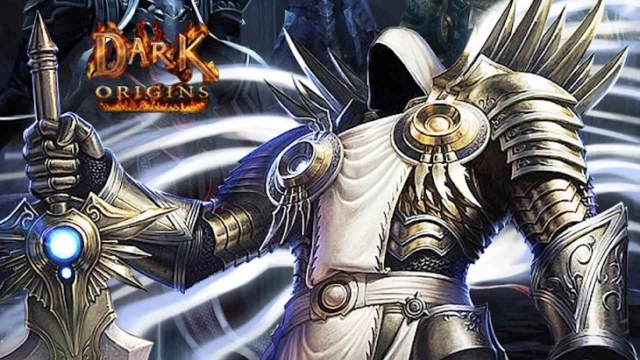
Dark Origins: Immortal is a Casual game developed by RoundTableGame. LDPlayer is the best platform for playing Dark Origins: Immortal on Windows PC, offering powerful features to enhance your immersive experience in Dark Origins: Immortal.
When playing Dark Origins: Immortal on your computer, if you find repetitive actions or tasks tedious and time-consuming, fret not! Macro can alleviate your concerns. Simply record your actions with a click of the screen recording feature and let macros take care of the rest. Macros automate your operations, allowing you to effortlessly conquer the game with minimal effort! Start downloading and playing Dark Origins: Immortal on your computer now!
In the war between humans and demons, humanity united its wisdom and strength to confront a demon known as the "King of Demons" by wielding a powerful artifact called the "Soul Stone" to seal him. However, the artifact’s immense power proved too overwhelming for humans to control. Although the demon was sealed, the Soul Stone shattered into countless fragments scattered across the world.While the Demon King perished, his lingering power quietly awakened ancient demons in slumber. These demons began gathering the fragments of the Soul Stone in secret, aiming to revive the glory of their fallen king. Unaware of this looming crisis, humanity faces an impending war that will determine their fate.
[Game Features]
- Relive a classic storyline and immersive worldview. Choose freely among three diverse professions and craft your personalized adventure!
- Classic art style paired with a 60° panoramic view delivers a powerful visual experience, instantly rekindling the fiery memories of 1996.
[Gameplay Highlights]
- Easy idle gameplay, smooth progression: Relax with one-hand controls and enjoy effortless development in "Supreme Demon Realm." No grinding or heavy spending needed to experience the thrill of conquering armies!
- Fast loot, legendary gear: Open chests and instantly acquire powerful equipment, becoming the supreme ruler in a flash!
- Social adventures: Make new friends and team up to form powerful squads. Together, tackle demon dungeons and defen