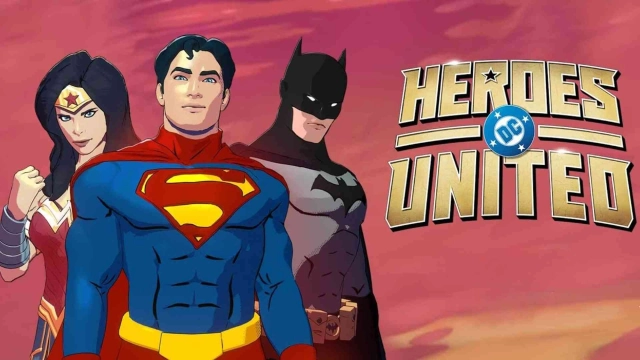
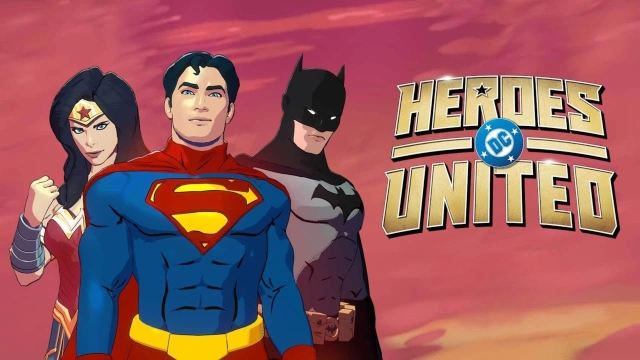
DC Heroes United is a Adventure application developed by Genvid Entertainment LLC, but with the best Android emulator-LDPlayer, you can download and play DC Heroes United on your computer.
Running DC Heroes United on your computer allows you to browse clearly on a large screen, and controlling the application with a mouse and keyboard is much faster than using touchscreen, all while never having to worry about device battery issues.
With multi-instance and synchronization features, you can even run multiple applications and accounts on your PC.
And file sharing makes sharing images, videos, and files incredibly easy.
Download DC Heroes United and run it on your PC. Enjoy the large screen and high-definition quality on your PC!
Can you survive?Battle hordes of enemies and vicious bosses from around the DC universe in this incredibly challenging roguelite. Play as Batman, Superman, Wonder Woman or many other Super Heroes and face off against powerful Super-Villains.
Each map increases in difficulty. Level up your characters and unlock new ones. Mix and match different super abilities and evolve them to get more powerful. Unique Ultimates change your gameplay experience and help you survive.
Also catch the DC Heroes United interactive series, with the first seven episodes already available in the app, and decisions that will impact what happens in the series and what items you as a community will unlock in the game.
Features
- Face off against hordes of enemies
- Unlock powerful heroes and abilities through experience and in-app purchases
- Take on Bane, Poison Ivy, and many more across Gotham, Metropolis, and other locations
- New heroes, weapons, power-ups and maps added weekly
Join us in DC Heroes United and shape the course of legends. Are you ready to answer the call to heroism and shape the future of your favorite characters?
Check the latest info for this interactive series and rougelite experience at https://dcheroesunited.com/ and
- X (Twitter): https://x.com/GenvidEnt
- Instagram: https://www.instagram.com/genvidentertainment/
- Facebook: https://www.facebook.com/GenvidEntertainment
- Bluesky: https://bsky.app/profile/genvid.com
© WBEI. DC LOGO and all related characters and elements © & TM DC.