

Dress Up- StyleMe2 is a Simulation application developed by M.R STUDIO, but with the best Android emulator-LDPlayer, you can download and play Dress Up- StyleMe2 on your computer.
Running Dress Up- StyleMe2 on your computer allows you to browse clearly on a large screen, and controlling the application with a mouse and keyboard is much faster than using touchscreen, all while never having to worry about device battery issues.
With multi-instance and synchronization features, you can even run multiple applications and accounts on your PC.
And file sharing makes sharing images, videos, and files incredibly easy.
Download Dress Up- StyleMe2 and run it on your PC. Enjoy the large screen and high-definition quality on your PC!
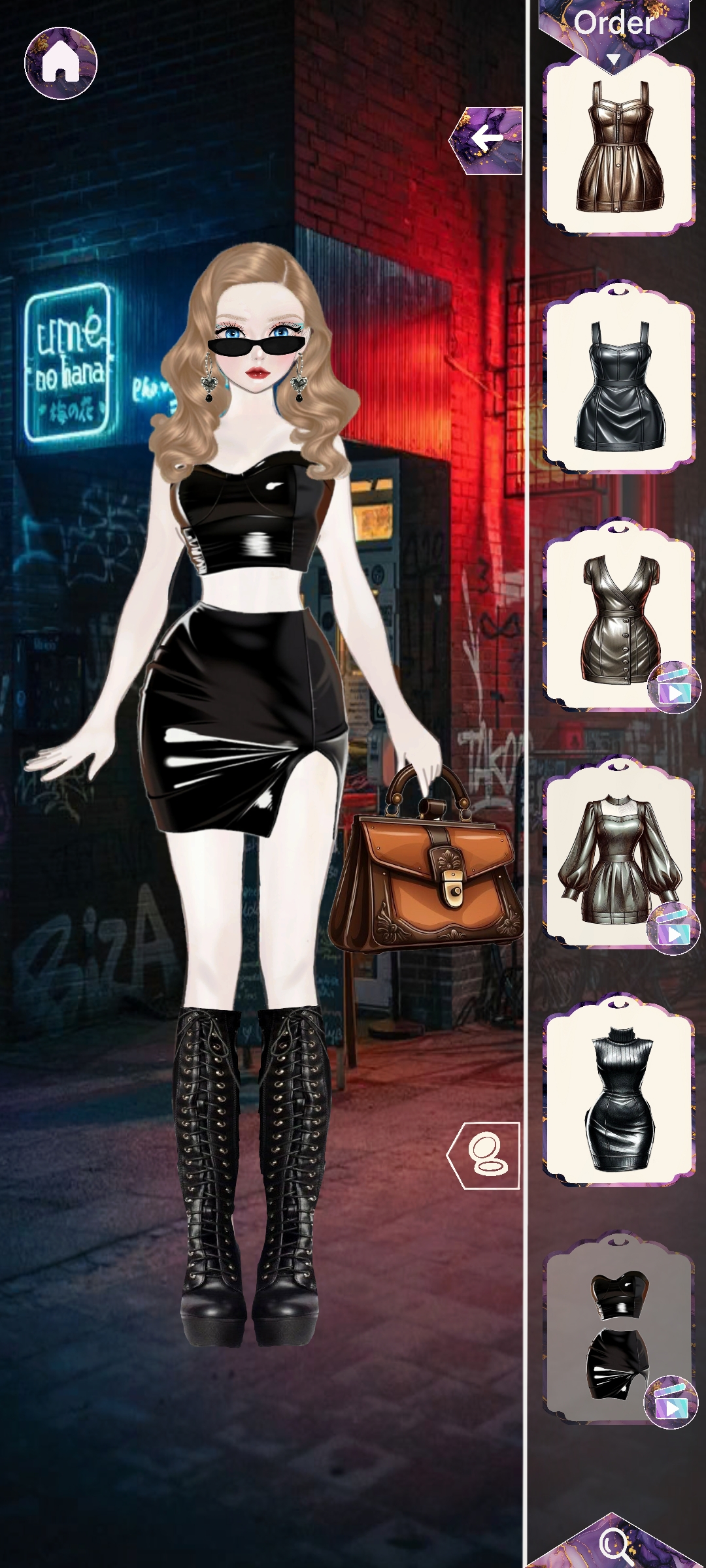
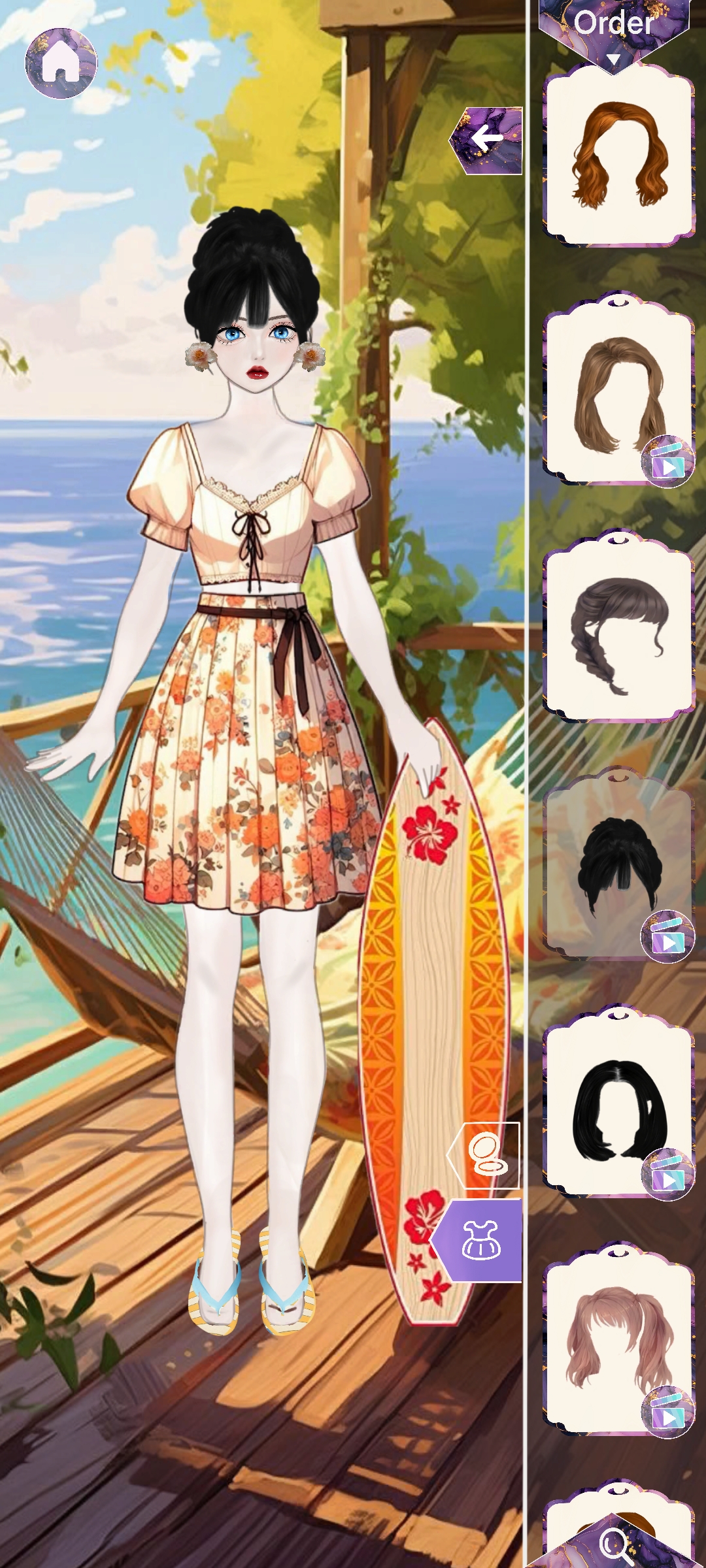
🌟 Step into the fabulous world of Dress Up-Style Me 2! 🌟 This ultimate fashion makeover game lets you express your style and creativity like never before! With endless themes and looks to explore, dive into a dress-up dreamland with themes like 🏖️ beach, 🇯🇵 Japan, 🧭 adventure, 🏍️ biker, and more! Mix and match styles, experiment with accessories, and become the ultimate fashion queen! 👑✨ Game Features ✨
Vibrant Fashion Themes: Dress up in a variety of themes like beach, Japan, adventure, and biker! Discover new styles with every theme and mix and match to find your signature look.
Endless Wardrobe Choices: Choose from hundreds of outfits, shoes, hairstyles, and accessories to create unique looks.
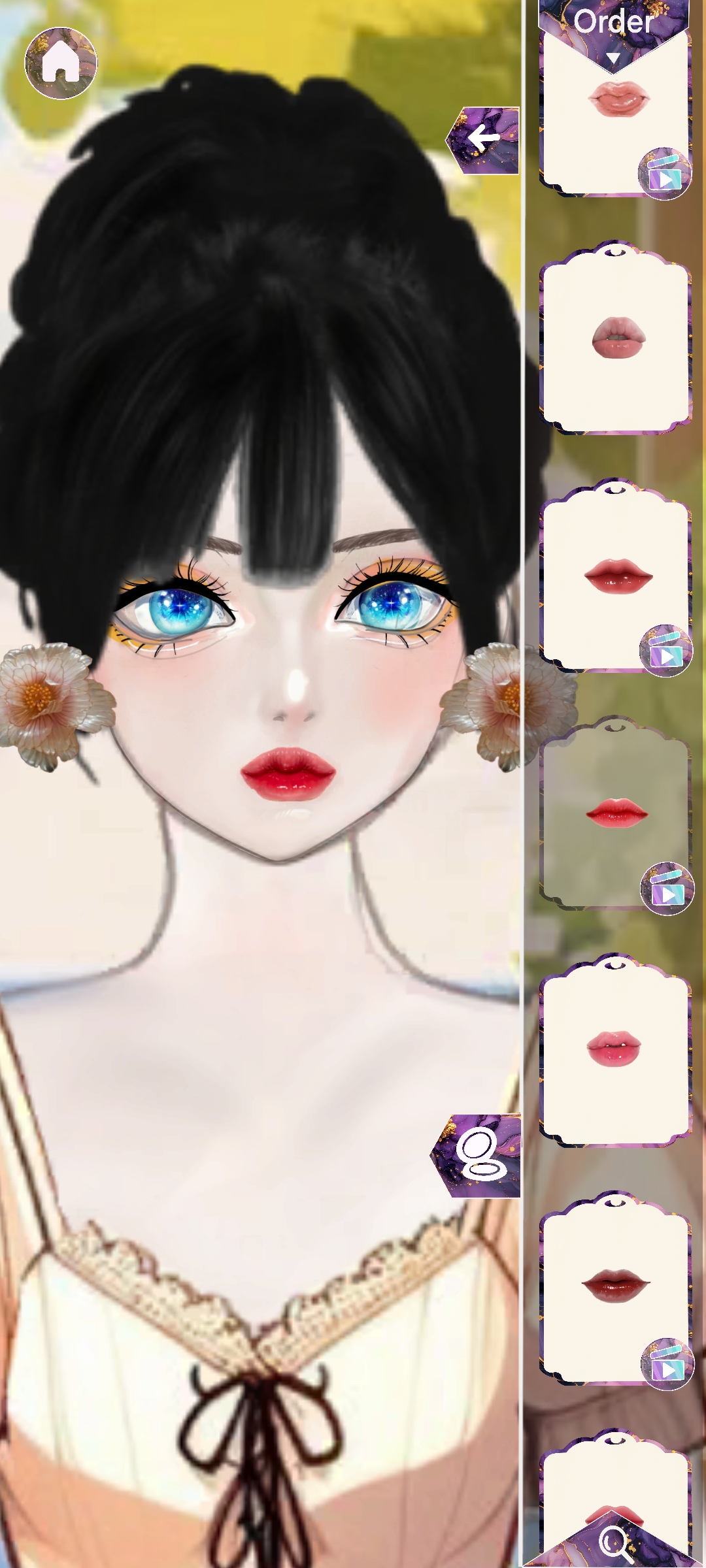
Creative Makeup Options: Complete your outfit with a perfect makeup look! From bold eyeshadows to natural blush, unleash your creativity.
New Items Added Regularly: Fresh styles are added frequently to keep your fashion journey exciting and new.
Dress Up Dreamland: Dive into a dress-up wonderland where you can explore every style and trend imaginable.
🎨 How to Play Dress Up-Style Me 2 🎨
🌍 Explore Themes: Choose from a wide variety of unique themes like 🏖️ beach, 🇯🇵 Japan, 🧭 adventure, 🏍️ biker, and more! Each theme offers its own look and vibe, so you can express your creativity in every setting.
👗 Dress Up Your Character: Scroll through a huge wardrobe filled with trendy outfits, 👠 shoes, 💇 hairstyles, and 👒 accessories. Each theme offers exclusive items to match the style and mood of your adventure.
💄 Create Stunning Makeup Looks: Add the finishing touch with beautiful makeup! From eyeshadow and blush to lipstick, experiment with colors and shades to find the perfect look 💋.
Whether you love glamorous evening wear, casual chic, or daring adventure looks, Dress Up-Style Me 2 has it all! Perfect for all ages, this 2D dress-up and makeup game will keep you entertained for hours. With new items added regularly, there's always something fresh and exciting to discover.
Dress Up-Style Me 2 is the perfect dress-up and makeup game for girls, teens, and anyone who loves fashion games. Unleash your inner stylist, express your creativity, and enjoy a fun, fashion-filled adventure that’s perfect for all ages. With Dress Up-Style Me 2, you can live your dream of becoming a top stylist and fashion icon!
Download now and start your fashion journey! Be the stylist, the artist, and the fashion queen you’ve always dreamed of.