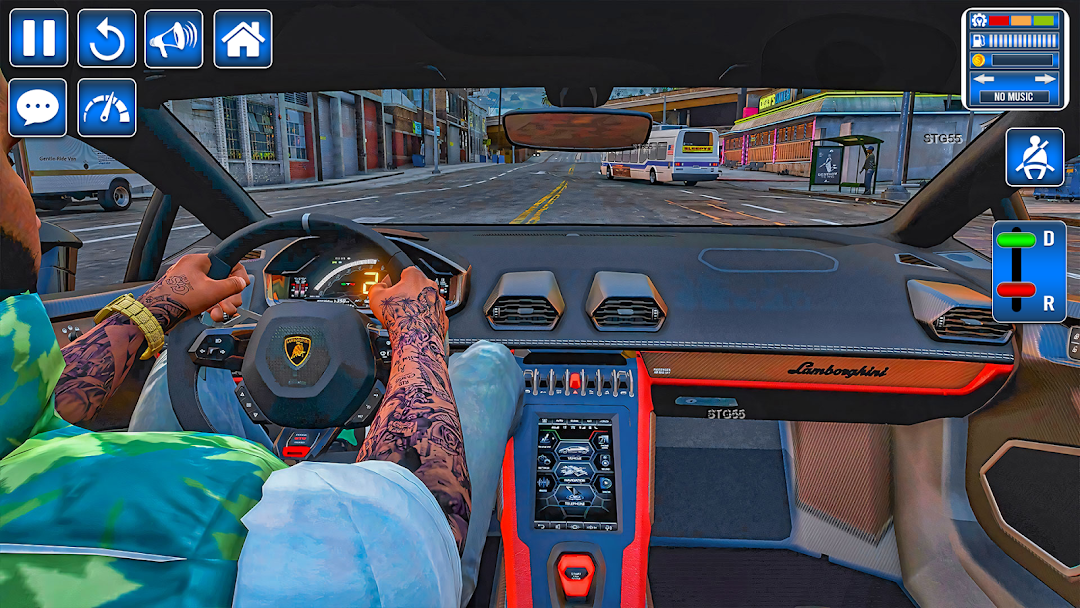
Drive Luxury Car Prado Parking is a Strategy game developed by Verx Labs, and LDPlayer is the best platform for playing Drive Luxury Car Prado Parking on Windows PC, offering powerful features for an immersive experience.
When playing Drive Luxury Car Prado Parking on your computer, you can enjoy long game sessions using the operation recording feature to record repetitive operations to complete the same tasks automatically. It allows you to level up faster and makes resource grinding much more efficient.
In addition, if you want to execute combo moves or the game requires repeated skill actions, the macro feature is your best helper. It enables you to complete kills with just one click!
If you want to manage multiple accounts, LDMultiplayer and Synchronizer will assist you. You can run multiple alternative accounts at the same time to assist the leveling of your main account. Download and play Drive Luxury Car Prado Parking on PC with LDPlayer now!
Get ready to test your driving skills in the ultimate Luxury Car Prado Parking. A realistic car driving school simulator designed for both beginners and pro player.Enter the world of luxury car parking school and become a true car parking master! This car game 3D combines the thrill of realistic driving with the challenge of advanced car parking missions. Drive stylish luxury cars and SUVs in a realistic school driving simulator, where every level teaches you precision, control, and pro driving skills.
Prado parking Master accept challenges in busy streets, tight spaces, and multistory car parking lots. From classic car parking to advance car parking missions, this car simulator offers a complete driving journey for both beginners and pro players. Whether you love multistory car parking, multilevel car parking, or challenging street parking games, this car simulator has it all. smooth controls, detailed environments, and exciting missions in a realistic car game 3D environment.
Explore different modes including:
Car Driving School Mode – Learn city rules in the city car driving school and train like a real driver.
Multilevel Car Parking Mode – Park in complex multistory car parking areas with realistic traffic.
Car Parking Multiplayer – Compete with friends and show your skills in exciting city parking games.
Street Parking Game – Take on the ultimate Dr. Parking challenges and prove your expertise.
Experience with smooth controls, realistic physics of modern car gameplay, this modern car parking game is the perfect blend of learning and fun. Become a professional driver, conquer the toughest car parking school levels, and enjoy the most addictive car games on mobile.
Are you ready to become the ultimate pro player of the luxury car parking school? Start your journey now!