Home/

Games/

Role Playing/

Duet Night Abyss

Duet Night Abyss
4.0100+

Duet Night Abyss

A Thrilling Hybrid Action RPG, featuring a Dual Narrative

Play on PC with LDPlayer
recommend
Hong Kong Spiral Rising Technology Co., Limited
How to Download&Play Duet Night Abyss on PC?
Last Updated: 2025-12-24
com.panstudio.gplay.duetnightabyss.arpg.global
Share:
  • Overview

  • FAQ

  • Game Guides

Use LDPlayer to Play Duet Night Abyss on PC

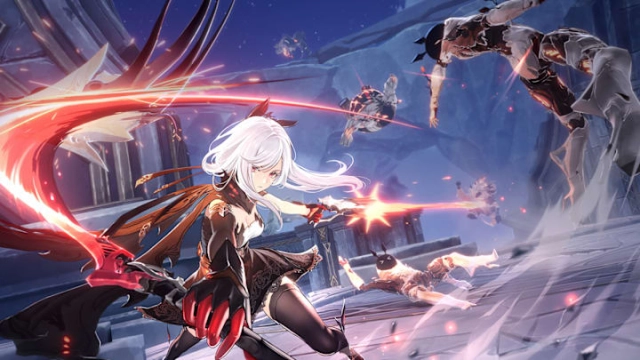
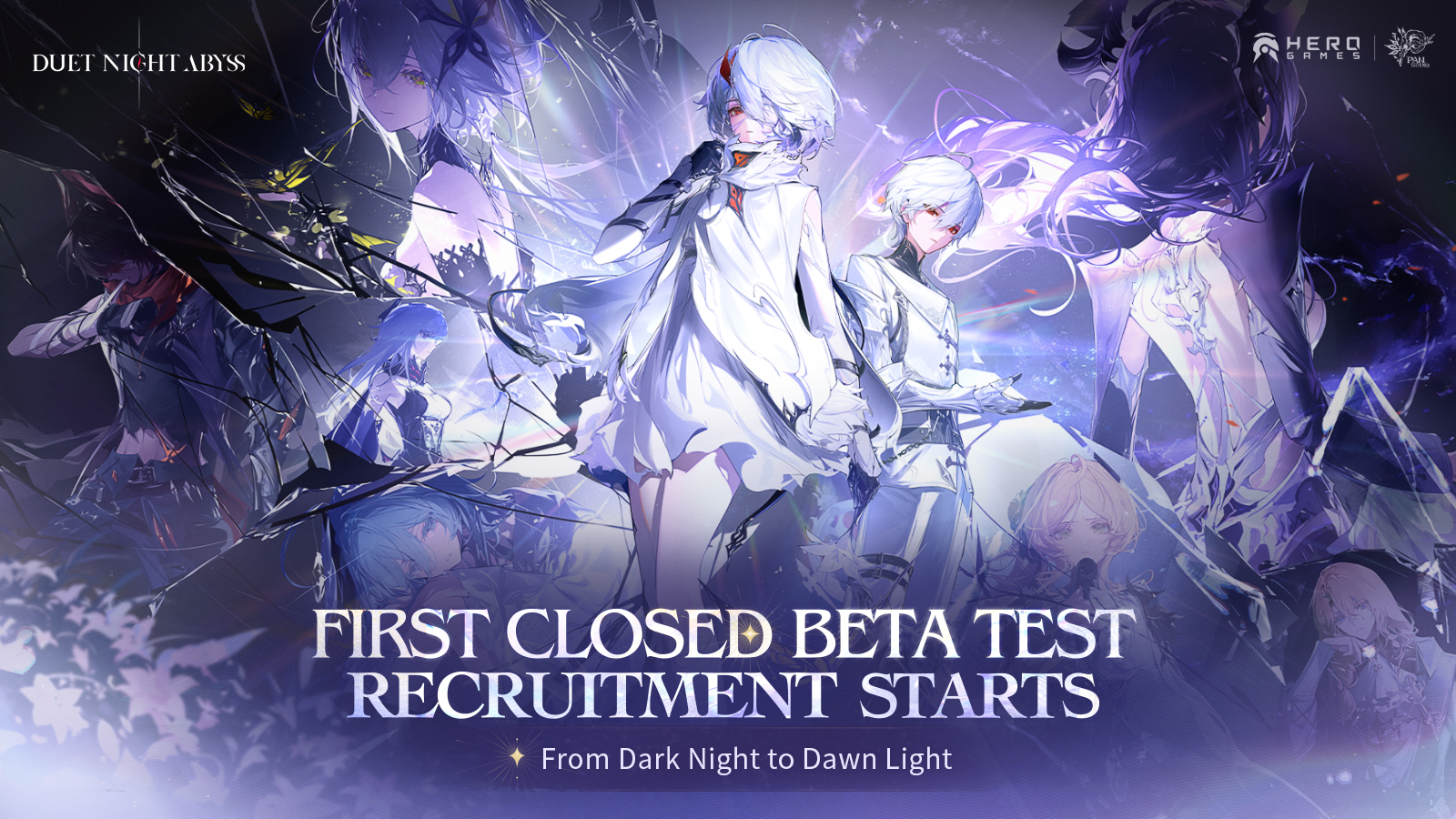
Duet Night Abyss is an open-world RPG game developed by Pan Studio. The global release date is October 28. It is a game that depicts a turbulent world with charming characters venturing for survival who use amazing weapons and have powerful abilities. You will meet Berenica gain and fabricate a intertwined destiny with more partners.

Game Features

[Discover Original Storyline]

You awake from endless dream and step into broken land where fills with Filthoid and enemies. To survive in this cruel world, you trek through different places and encounter destined partners. One day you will unravel the mystery of the Atlasia and restore this separated continent from intractable conflicts.

[Unlock Diverse Characters]

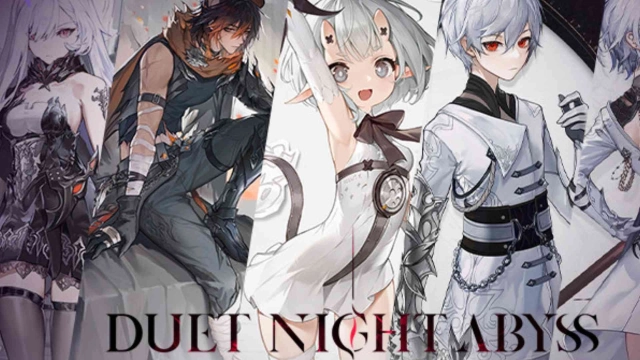
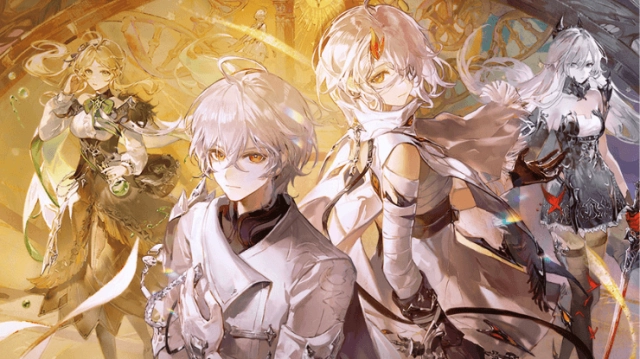
Duet Night Abyss provides scores of characters with exclusive skills. All characters are free and keep updates. Diverse characters with easy skills operation enable you to enjoy destructive combos.

[Maximize exclusive weapons]

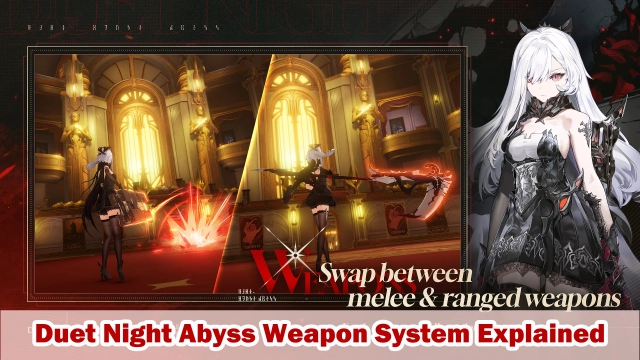
All characters have unique ranged & melee weapons. Equip with bow, snipher rifle and grenade launcher to hunt monster in distance. Use scythe, katana and greatsword to coordinate with ultimate and skill.

[Customize Dazzling Accessories]

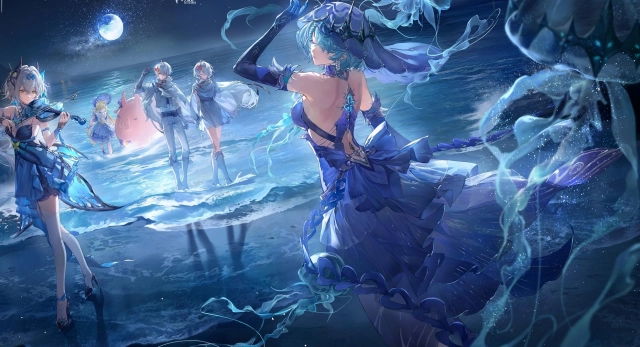
Customizable appearance enriches you gameplay experience and brings your visual feast. Dye your accesories from head to toe.

Why Play Chaos Zero Nightmare on PC with LDPlayer

Enjoy Chaos Zero Nightmare on PC with LDPlayer, it helps you dominate Duet Night Abyss with the wonderful functions such as Multi-instance & Sync, one-click macro, keyboard mapping and etc. Download LDPlayer now for the smoothest gaming experience.

Multi-instance & Sync: Create multiple instance and execute the same operation simultaneously, save your time to gather massive rare characters, equipment and accessories.

One-click Macro: Record your operations and replay as a script. Automate your gaming.

Keyboard Mapping: Skip the combat, place combat units and release skills more conveniently and accurately.

Open up

Screenshots and Videos of Duet Night Abyss PC

Experience a wider field of view, exquisite game graphics, and cooler combat skills and effects by downloading and playing Duet Night Abyss on PC with LDPlayer. Enjoy the ultimate gaming experience with LDPlayer.

Why Play Duet Night Abyss on PC with LDPlayer?

LDPlayer offers unique emulator features including multi-instance support, macros, operation recorder, and other functions not available on mobile devices.

Multi-Instance & Sync

Remote Control

Operation Recorder

Multi-Instance & SyncRemote ControlOperation Recorder

Effortlessly clone multiple instances and initiate synchronization until you draw the desired hero before binding your account, enhancing efficiency in rerolls in Duet Night Abyss.

  • High FPS

    With support for high FPS, Duet Night Abyss's game graphics are smoother, and actions are more seamless, enhancing the visual experience and immersion of playing Duet Night Abyss.
  • Keyboard & Mouse

    In Duet Night Abyss, players frequently perform actions such as character movement, skill selection, and combat, where keyboard and mouse offer more convenient and responsive operation.

How to Download&Play Duet Night Abyss on PC?

  • 1

    Download and install LDPlayer on your computer

  • 2

    Locate the Play Store in LDPlayer's system apps, launch it, and sign in to your Google account

  • 3

    Enter "Duet Night Abyss" into the search bar and search for it

  • 4

    Choose and install Duet Night Abyss from the search results

  • 5

    Once the download and installation are complete, return to the LDPlayer home screen

  • 6

    Click on the game icon on the LDPlayer home screen to start enjoying the exciting game