Dungeon Defense is a Action game developed by GameCoaster, and LDPlayer is the best platform for playing Dungeon Defense on PC, offering powerful features to immerse you in the game.
When playing Dungeon Defense on computer, you can adjust frame rate settings for smooth gameplay and stunning visuals.
LDPlayer also provides pre-configured keyboard mapping for convenient control of the entire game. Continuous optimization of keyboard mapping enhances key sensitivity and skill accuracy. Additionally, LDPlayer offers special buttons like shoot, hide mouse, and continuous key press for an enhanced gaming experience.
If you prefer using a gamepad, the automatic gamepad detection allows you to customize controls with just a few clicks, enabling you to freely maneuver your hero. Start downloading and playing Dungeon Defense on your computer now!
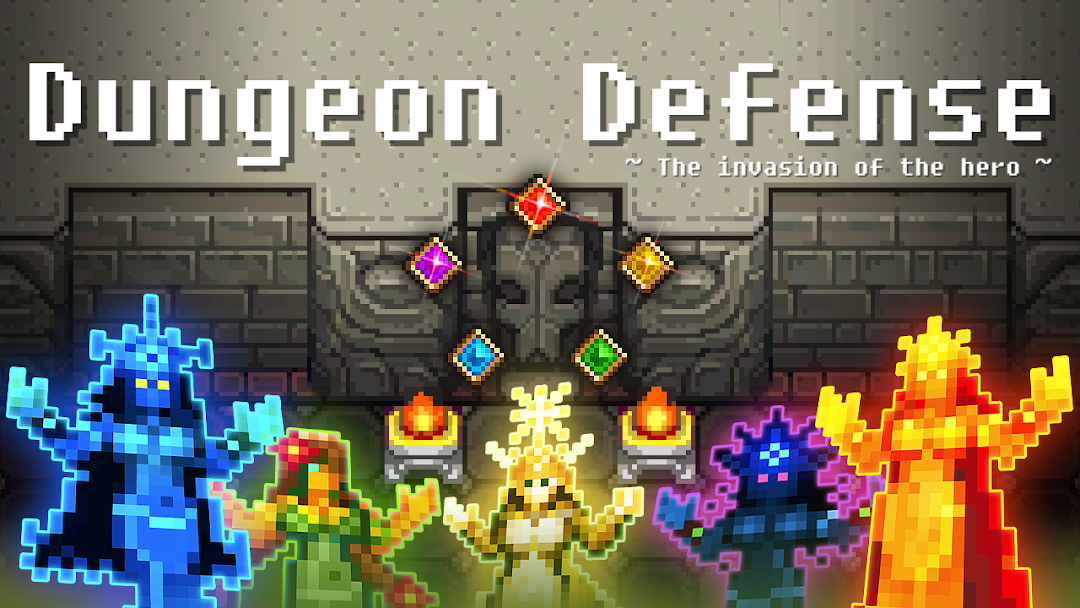
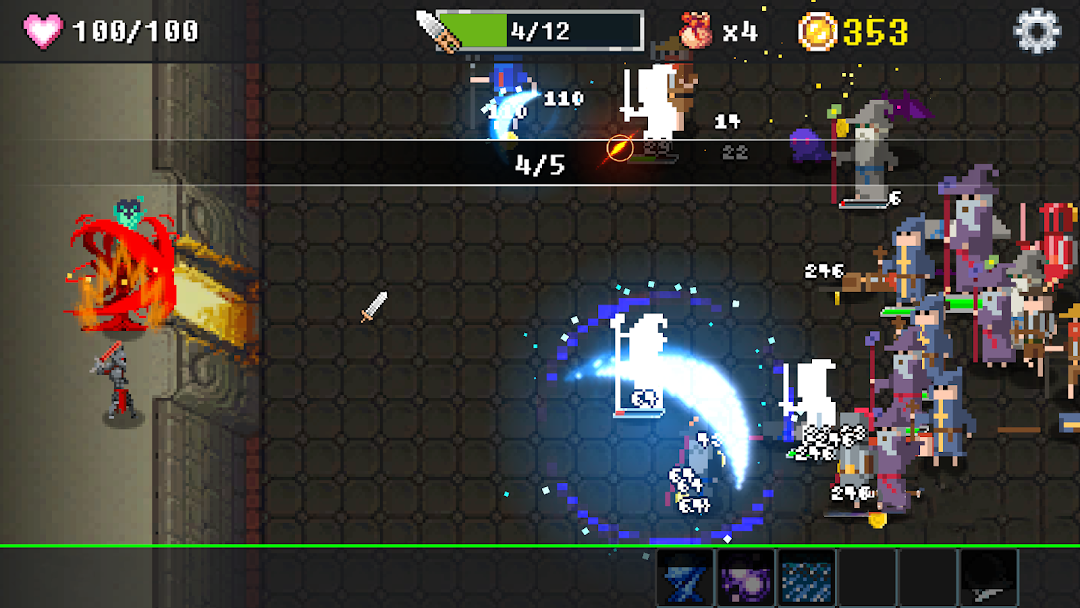
Defeat all invaders to defend your dungeon!Collect more weapons and monsters to make them stronger.
Enjoy various contents such as "dungeon building, collect various weapons, achievements"
In order to defend the last remaining dungeon of this world, you became a guardian.
Heroes from all over the world gather to conquer the dungeon.
Never be defeated, be the best dungeon!
◈ Enjoy "Retro graphics & Sounds".
◈ Easy to play, anyone can enjoy it easily.
◈ Please enjoy the pleasure by sweeping away enemies.
◈ Organize a variety of mercenaries and find synergies.
◈ Rewards are waiting for each achievement.
I am a solo developer.
Your download and feedback is so precious to me.
If you have fun, please recommend it to the people around you.
Android.permission.READ_EXTERNAL_STORAGE
Android.permission.WRITE_EXTERNAL_STORAGE
Two permissions are requested for the management of save data.
android.permission.INTERNET
com.android.vending.BILLING
com.sec.android.iap.permission.BILLING
Internet access is required for Google Play services (leaderboards, achievements)
You will also be asked for permission to make payments.
@ GameCoaster