EGT Pro Golf is a Sports game developed by European Golf Tech. LDPlayer is the best platform for playing EGT Pro Golf on Windows PC, offering powerful features to enhance your immersive experience in EGT Pro Golf.
When playing EGT Pro Golf on your computer, the larger screen and more powerful graphics performance enable you to enjoy clearer and smoother game visuals, enhancing the visual experience of the game.
The operation of peripherals such as gamepads is emulated to better mimic the feel of real sports, providing more precise control and richer operation options.
Furthermore, if you wish to execute a series of continuous key combinations, the one-click macro feature will be the functionality you've been dreaming of, allowing you to effortlessly stay one step ahead with one-touch operation. Start downloading and playing EGT Pro Golf on your computer now!
The multiplayer scoring app with accurate GPS distances, high quality 3D flyovers, pin positions and detailed hole & green images on golf courses across Europe.The EGT Pro Golf app has been designed and built by golfers allowing a seamless experience from booking your next round to scoring a game.
Features Include:
GPS Distances
Our accurate GPS distances allow you to track the front, middle and back of the greens. So, picking your next club is one less thing you need to worry about.
Round Scorecard
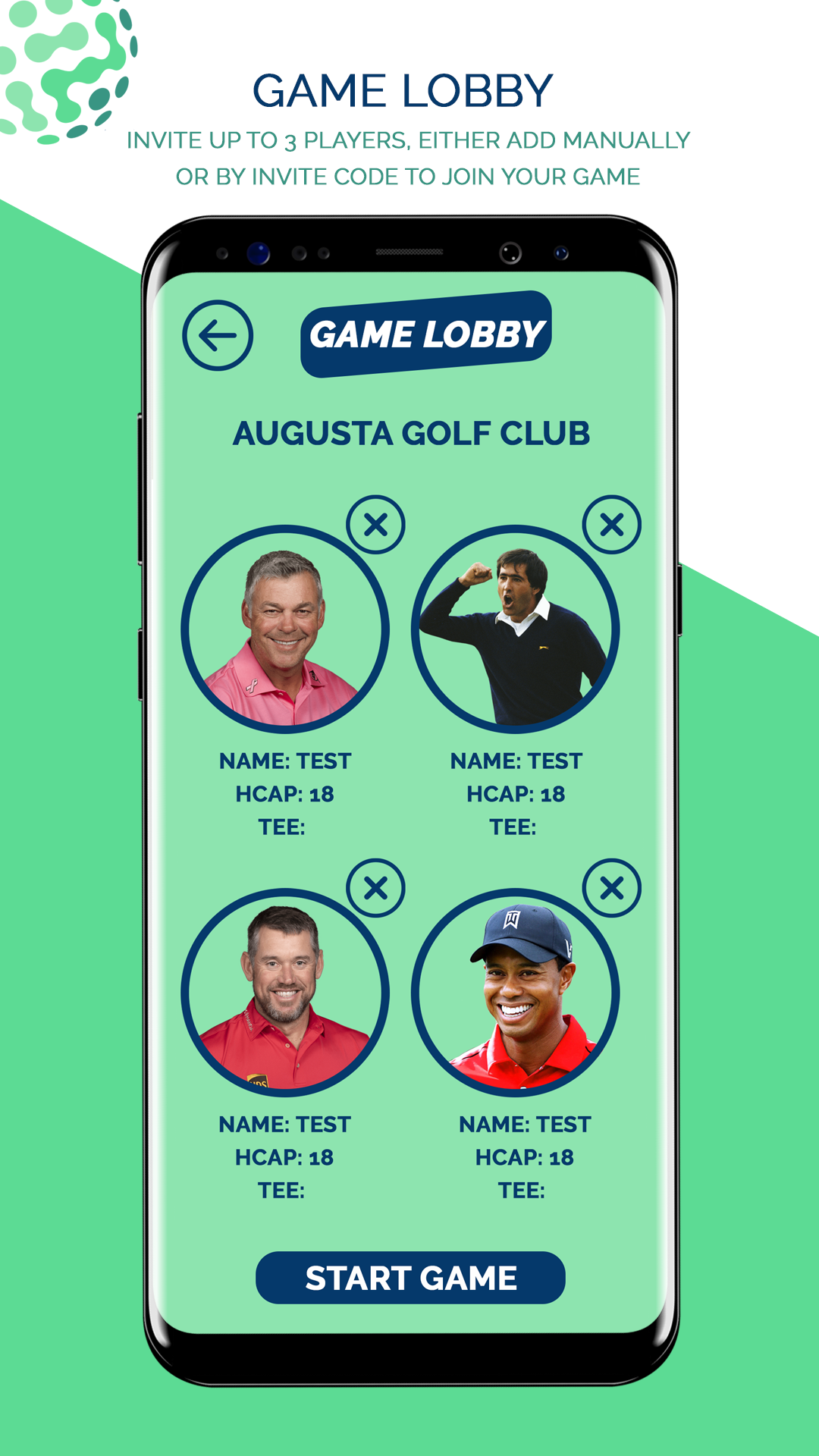
Score up to 4 players on your device, you can add manually or send a unique game code so they can score on their own device but track the leader board as the scores are entered.
Pin Positioning
Live pin positions showing the area of the green the pin has been placed. Giving you an advantage over your fellow players when it comes to club selection.
3D Flyovers
Arguably the best 3D visualisations that are currently being produced. Allowing you to see the course at its finest and all the hazards that lay waiting.
Round Tracking
All completed games are stored in the game history so you can look back to see how many wins and loses you have had over time. You can also make any changes if needed.
Venue Guide
From your venues latest offers to booking your next round in your local club’s homepage you can be kept up to date with what is going on and not miss out on their social events.
Please Note:
- For technical support email: support@europeangolftech.com
- Visit our website at https://www.europeangolftech.com/golf-app-support
- The GPS functionality requires a GPS enabled device
- Continued use of GPS running in the background can dramatically decrease battery life
- EGT Privacy Policy - https://europeangolftech.com/privacy-policy/
- Terms of Use - https://europeangolftech.com/terms-conditions/