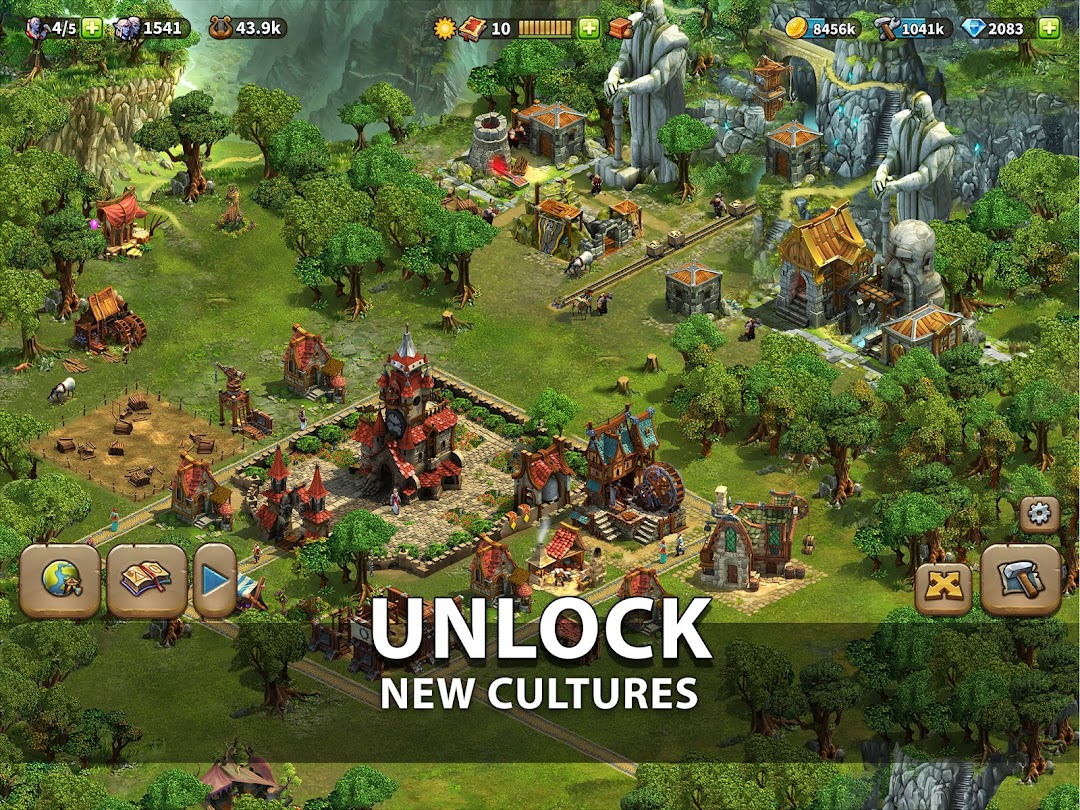
Elvenar - Fantasy Kingdom is a Strategy game developed by InnoGames GmbH, and LDPlayer is the best platform for playing Elvenar - Fantasy Kingdom on Windows PC, offering powerful features for an immersive experience.
When playing Elvenar - Fantasy Kingdom on your computer, you can enjoy long game sessions using the operation recording feature to record repetitive operations to complete the same tasks automatically. It allows you to level up faster and makes resource grinding much more efficient.
In addition, if you want to execute combo moves or the game requires repeated skill actions, the macro feature is your best helper. It enables you to complete kills with just one click!
If you want to manage multiple accounts, LDMultiplayer and Synchronizer will assist you. You can run multiple alternative accounts at the same time to assist the leveling of your main account. Download and play Elvenar - Fantasy Kingdom on PC with LDPlayer now!
BUILD THE CITY OF YOUR DREAMS IN THE MAGICAL ELVENARChoose between elves and humans to build a beautiful, fantasy city. Discover a world of magic and mystery as you constantly build, develop and expand your realm. You decide how to advance your city as you gather resources, trade with other players and research ancient technologies. Whether you want to build a whimsical paradise or a well-organized metropolis, it’s easy to create a home for fantasy creatures and enjoy the detailed beauty of Elvenar.
CHOOSE YOUR RACE
Play as powerful humans or magical elves to build as you see fit
START INSTANTLY
City building is quick and easy with a friendly introduction and active community
EXPLORE THE WORLD
Discover new provinces to expand your city
TRADE WITH FRIENDS
Trade goods and resources with fellow players and merchants in the marketplace
ADVANCE YOUR CIVILIZATION
Upgrade your buildings to supply your growing population
WELCOME NEW CREATURES
Create a home for dwarves, fairies, dragons and other charming fantasy races
Elvenar is based on the successful browser city-builder, published by InnoGames. Now players can enjoy the online fantasy fun on mobile, tablet and PC browser – all from the same account.
Elvenar is free to download and install. However, some game features can also be purchased for real money. If you don’t want to use this feature, you can disable in-app purchases in your device’s settings. A network connection is also required.
General Terms and Conditions: https://legal.innogames.com/portal/en/agb
Imprint: https://legal.innogames.com/portal/en/imprint