Farkle Dice DLX is a Board application developed by Smart Box Games, but with the best Android emulator-LDPlayer, you can download and play Farkle Dice DLX on your computer.
Running Farkle Dice DLX on your computer allows you to browse clearly on a large screen, and controlling the application with a mouse and keyboard is much faster than using touchscreen, all while never having to worry about device battery issues.
With multi-instance and synchronization features, you can even run multiple applications and accounts on your PC.
And file sharing makes sharing images, videos, and files incredibly easy.
Download Farkle Dice DLX and run it on your PC. Enjoy the large screen and high-definition quality on your PC!
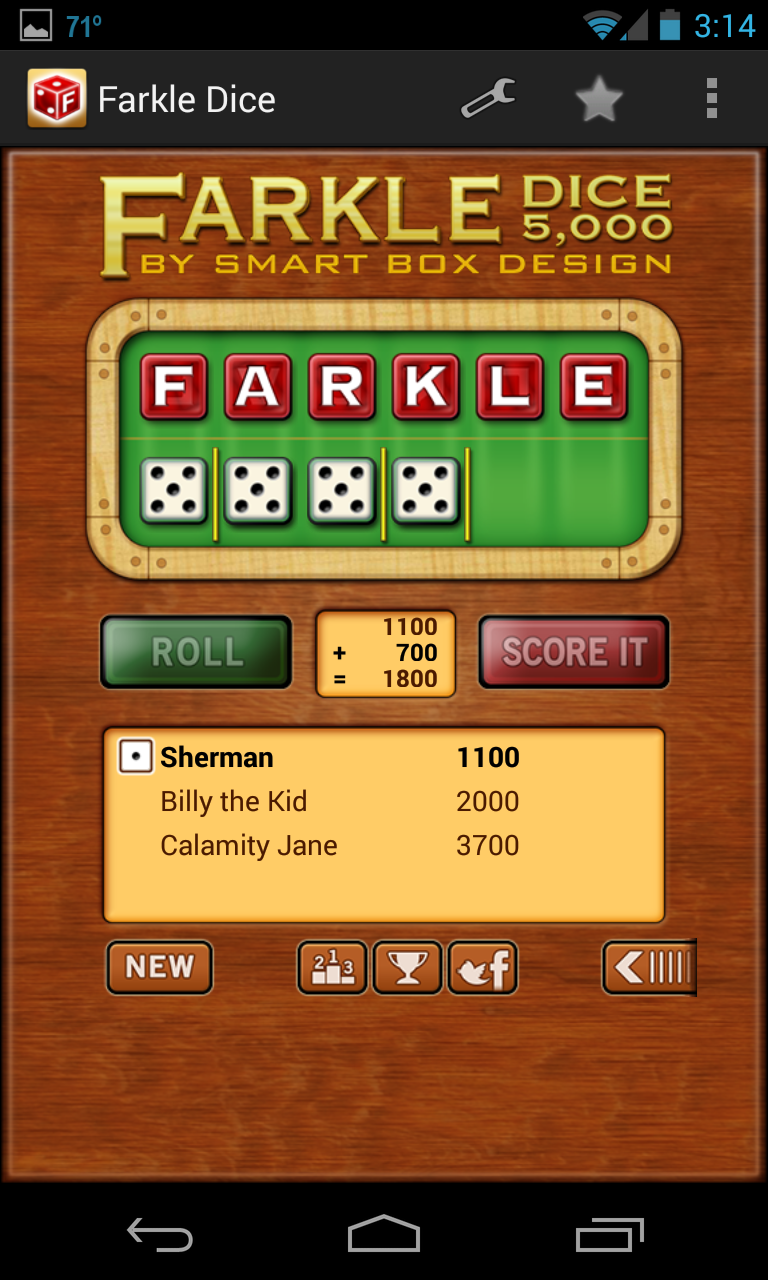
Farkle Dice is an exciting fast paced dice game for 2 – 4 players. Race to finish as you play against the computer or your friends. You'll have hours and hours of entertainment challenging the computer and your family. Roll the dice to earn big points! That one lucky combination could put you in the lead.*** SUPER OPTIMIZED FOR BOTH TABLETS & PHONES ***
**** Leaderboards and Achievements ****
The Deluxe version does not have ads. Not sure if you want to buy it. Try the free version first.
Farkle Dice has beautiful artwork, engaging sound, and is both fun to play and user friendly.
Both new and experienced players will love the clarity of the score board and how quickly you can jam out a game while in a meeting (before someone notices).
100% dice randomization to prevent cheating. Each roll uses a robust randomization algorithm implemented by our lead engineer. The computer player has the same chance you do. Sometimes, you have to take that extra risk and roll again!
• Optimized for Tablets and Phones
• Customize rules to how you play, such as break-in score or score 4, 5, 6 of a Kind
• Customize the penalty for getting three Farkles or turn this rule off if you don't like it.
• Score Three Pairs - Change the score value to the amount you like.
• Play against up to three of your friends
• Play against several different computer players, each one offering a unique challenge
• Fantastic graphics, professionally drawn
• Stats to track your best game, turn, wins, and more
• New player hints pointing out which dice can be scored (they can be turned off in settings for experienced players)
• Perfect for that five-minute break or long commute
** Frequently Asked Questions **
Q. How do you play Farkle Dice?
A. The rules can be found by tapping Menu then How to Play.
Q. When does the Pass button become active?
A. You need to select at least one scoring dice.
Q. Which dice can be scored?
A. The dice with the arrows above them can be used for scoring (you can turn this off in Settings).
Also known as Zonk, Zilch, 5,000, 10,000, Wimpout, Hot, and Farkel.
We are constantly updating the game. If you experience any problems, please email me and we will investigate the problem right away. We are especially interested in knowing what phone or tablet you have. There are so many!!!