FitMenCook - Healthy Recipes is a application developed by Nibble Apps, but with the best Android emulator-LDPlayer, you can download and play FitMenCook - Healthy Recipes on your computer.
Running FitMenCook - Healthy Recipes on your computer allows you to browse clearly on a large screen, and controlling the application with a mouse and keyboard is much faster than using touchscreen, all while never having to worry about device battery issues.
With multi-instance and synchronization features, you can even run multiple applications and accounts on your PC.
And file sharing makes sharing images, videos, and files incredibly easy.
Download FitMenCook - Healthy Recipes and run it on your PC. Enjoy the large screen and high-definition quality on your PC!
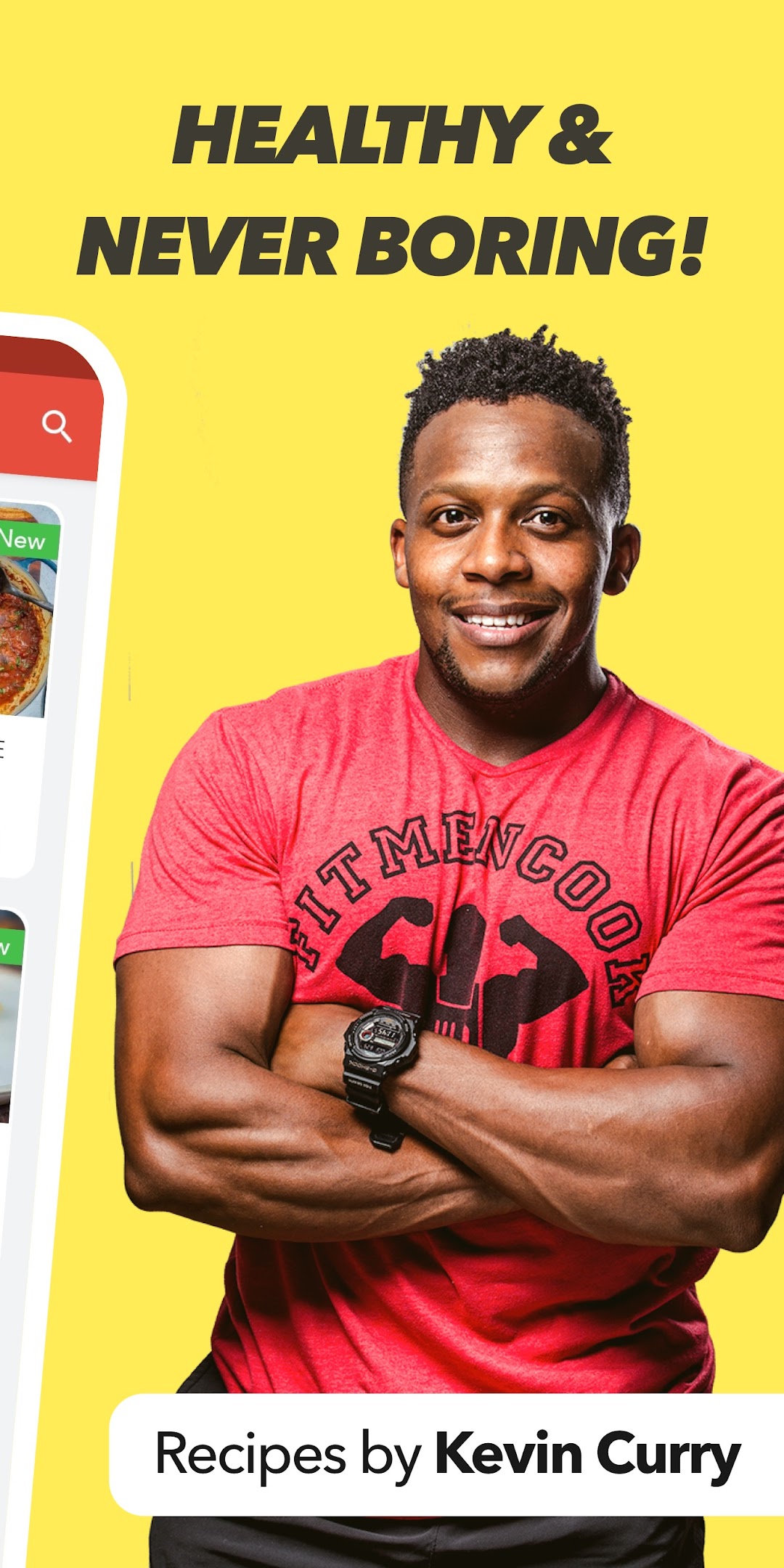
Struggle free, healthy and practical recipes that are easy on the wallet. It’s as simple as that, and it’s a message that’s seen over 1 million people join Kevin Curry across social media.Be honest, have you ever heard these complaints about healthy eating?
- “Eating healthy is too expensive!”
- “It takes too long! I don’t have hours to spend in the kitchen.”
- “Healthy food is too bland”
- “I always end up cheating and slipping back in to bad habits”
Kevin Curry, founder of Fit Men Cook, has been there. After spotting a picture of himself on a friend’s Facebook wall he knew it was time for a change.
He followed all the common advice, changed to a healthy diet and started hitting the gym.
For a few months, things were great, but after a while he found himself craving the old foods he was trying so hard to avoid.
He got his hands on every book he could find on nutrition and started experimenting in the kitchen.
His aims were simple:
A) Food should be easy to prepare and affordable
B) Food should be vibrant and tasty, never boring
C) Preparing food in advance is important
D) Following a, b, c helps you achieve your fitness goals
Kevin shares his journey with the FitMenCook community and inside this recipe app where you’ll find the best way to prepare 800+ of his most popular recipes.
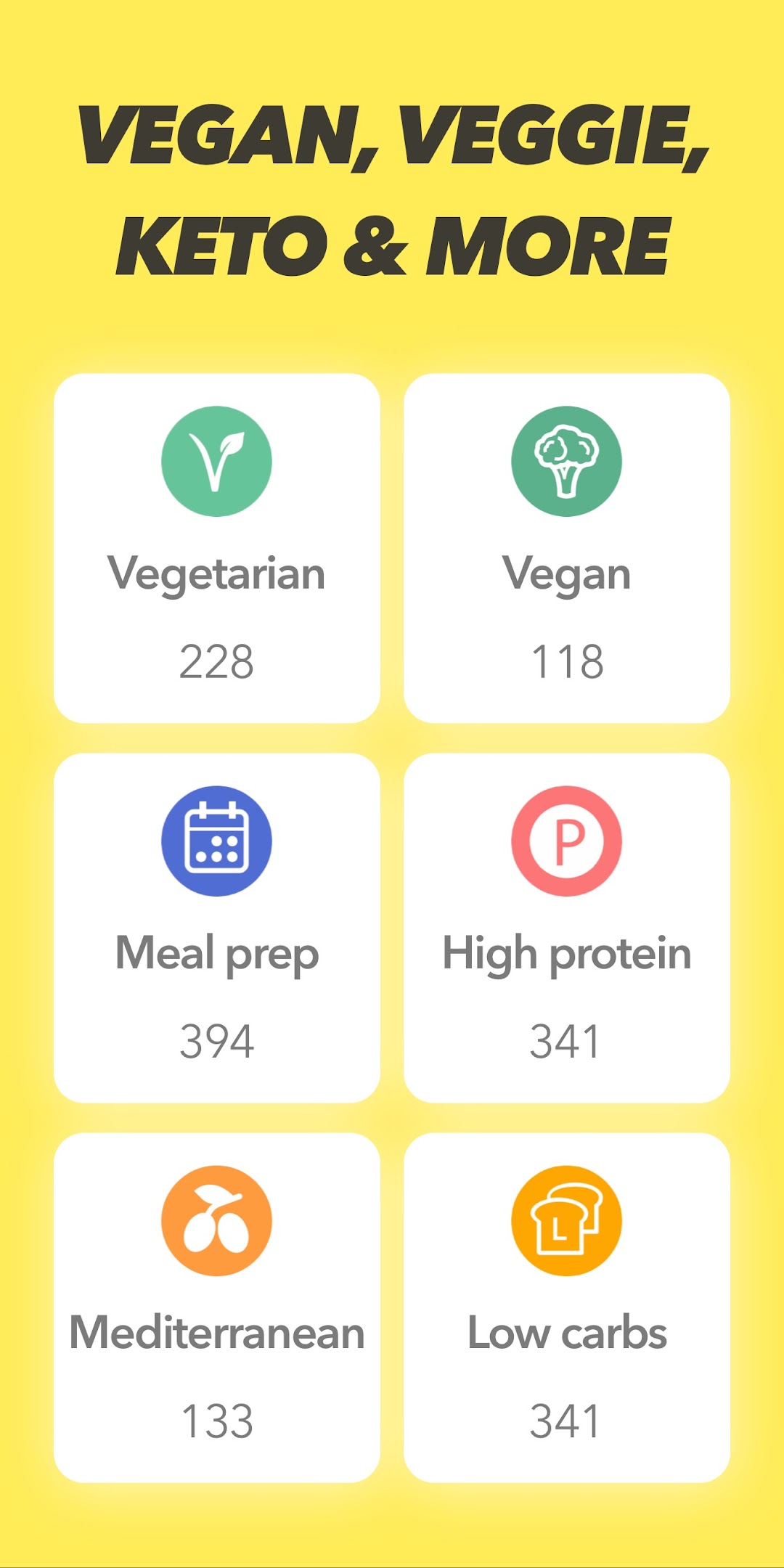
Built in the kitchen, sculpted in the gym With 800+ recipes included, you'll be spoilt for choice. Containing keto recipes, vegan recipes, vegetarian recipes or high-protein meals. You can also search by ingredient, by typing one or more ingredients you already have in your refrigerator.
Shopping list organized by aisle Add any recipes you want to your shopping list and see it organized by aisle.
Step by step video instructions Follow any recipe with ease, using the step by step video instructions.
Save time with meal prep Save time in the kitchen by prepping your meals in bulk. You'll find plenty of inspiration and guidance inside the Meal Prep tag.
Keep track of calories and macros Whether you are a bodybuilder or fat-loss superhero, you'll find all the nutritional information you'll need inside the FitMenCook app.
Scale a recipe up or down Cooking for more than one? Easily scale up a recipe and see the new ingredient list.
Switch between cups and grams Change the measurement units from U.S. Units, to metric and imperial.
For a tour of the app head to: http://fitmencook.com/app/
The FitMenCook app is a collaboration between FitMenCook and Nibble Apps.