Flying Dragon Simulator Games is a Strategy game developed by Five River Solutions (Pvt) Ltd, and LDPlayer is the best platform for playing Flying Dragon Simulator Games on Windows PC, offering powerful features for an immersive experience.
When playing Flying Dragon Simulator Games on your computer, you can enjoy long game sessions using the operation recording feature to record repetitive operations to complete the same tasks automatically. It allows you to level up faster and makes resource grinding much more efficient.
In addition, if you want to execute combo moves or the game requires repeated skill actions, the macro feature is your best helper. It enables you to complete kills with just one click!
If you want to manage multiple accounts, LDMultiplayer and Synchronizer will assist you. You can run multiple alternative accounts at the same time to assist the leveling of your main account. Download and play Flying Dragon Simulator Games on PC with LDPlayer now!
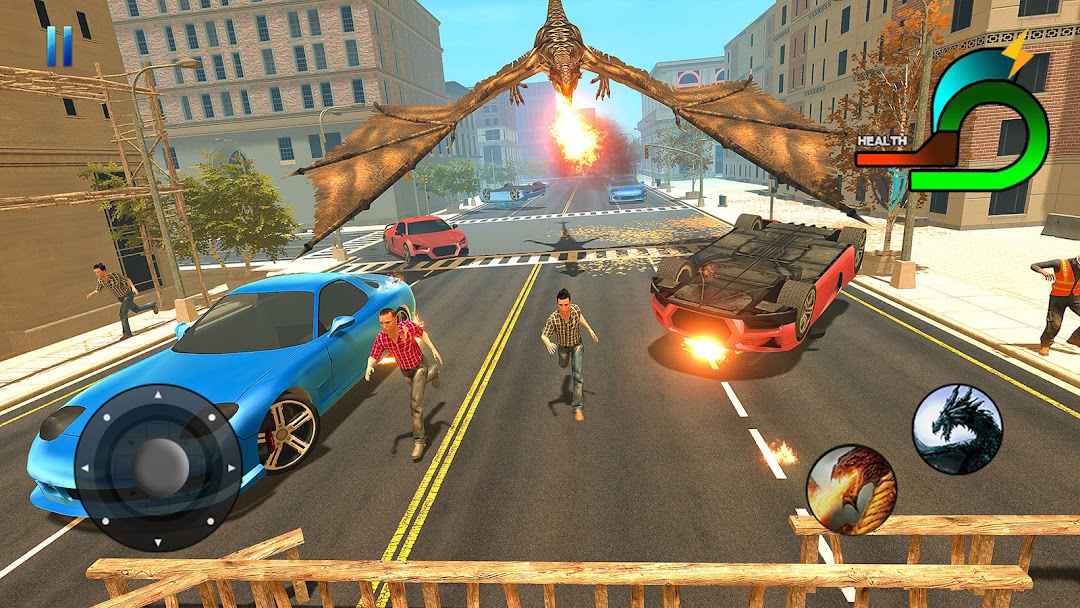
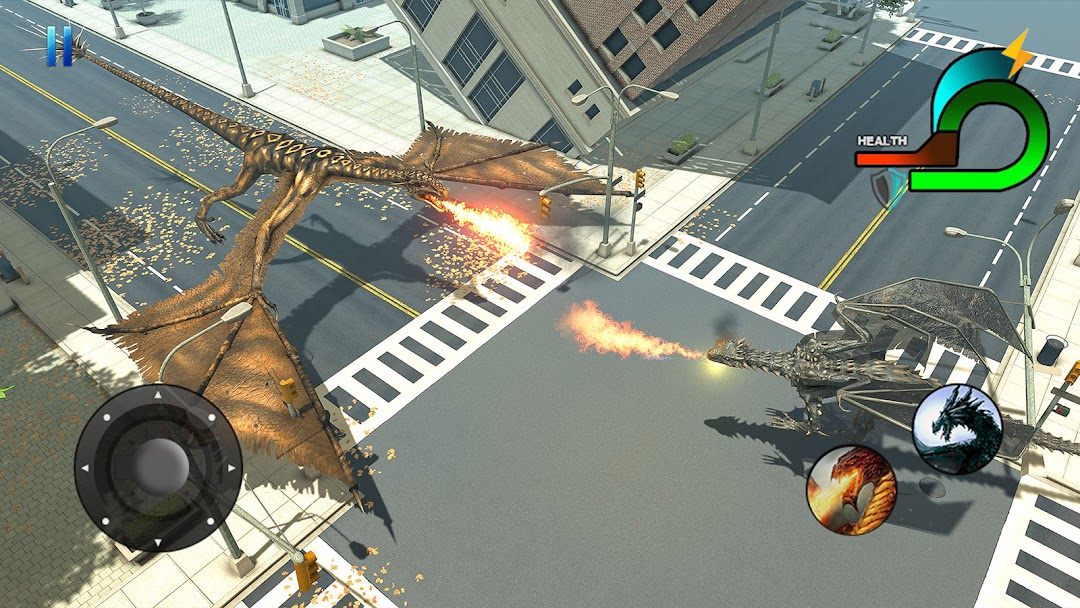
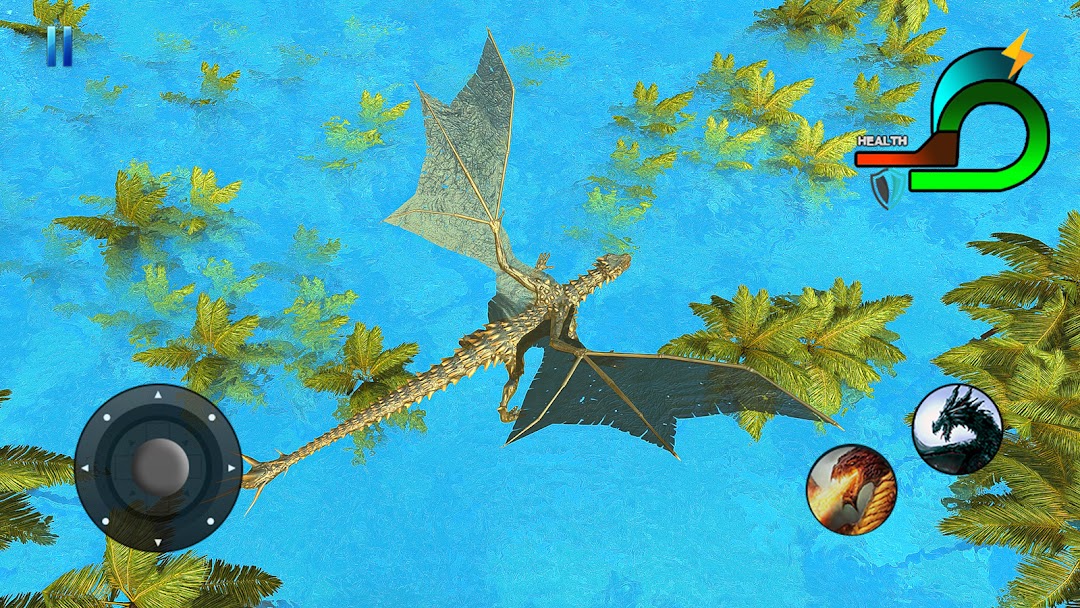
Flying Dragon Attack 2020 in Dragon Kingdom, new game 2020! The top & best Dragon simulator is here. Dragon Simulator is game for those how likes to play simulation games of superhero giant monster animals for real pleasure. In this flying dragon game you don’t have to dragon race like other free dragon games 2020. In this ultimate fire dragon game you enjoy many simulation experiences in one complete package. Control your destiny as you become a dragon master and live the life of an angry dragon as Flight dragon in castle simulator. Explore battle, conquer and rule the skies with your dragon in this epic dragon caves, new game 2020. This beautiful Super hero flying dragon game has combine power of strength and fire power. This flying dragon simulator 2019 is one of the best dragons attack games with advance dragon fly controls and ultimate dragon hunting missions. Now you can play the fire dragon games without internet at any place. So download this free dragon game 2019 and have fun while riding a real dragon simulator. Take your Mighty dragon up in the high skies, rain the fire from breathing fire dragon and destroy castles & villages. Take Control of the Jurassic monster and be a wild angry Dragon to attack other animals and humans. Just like animal simulator games, best dragon simulator game has all the unique and astonishing game features which you are willing to play. So enter the world of magic and fantasy and be the king of Dragon kingdom in this flight dragon 3d game. In this Jurassic Rampage monster strike game the wild Dragon has arrived in the Amazon Forest as well as in ancient city for destruction and rampage. In Rampage 2018 Simulator there are multiple dragons collection that Attack Wild animals like Wild Crocodile, Angry Wolf, Giant Rhino, Pig, Crazy Stag, Angry Monster and many others. Check your energy and a health indicator, if one of them drops, your chances to survive here would fell too. This new Dragon game gives you a chance to rage your anger in an easy way without making any Destruction in real world. This Deadly dragon 3D enter into the animal rampage and hunt animals, castle attack and city in Castle simulator. Being an ultimate dragon 3d warrior, you are the powerful beast and having strong hunting powers in Dragons’ kingdom. Feel the real thrill of Dragon attack and kill the wild animals, Save the beautiful queen in castle.. Download this Dragon 3D city Flying Simulator Game today and play for free!Game Features:
• 5 different types of 3D Monstrous Dragons for you to control and fly
• More than 20 thrilling dragon flight missions to master your dragon flying skills
• Different types of mode Selection
• Stunning HD Graphics • Realistic dragon animations
• Unlock more Dragons to fly in sky
Get it Now !