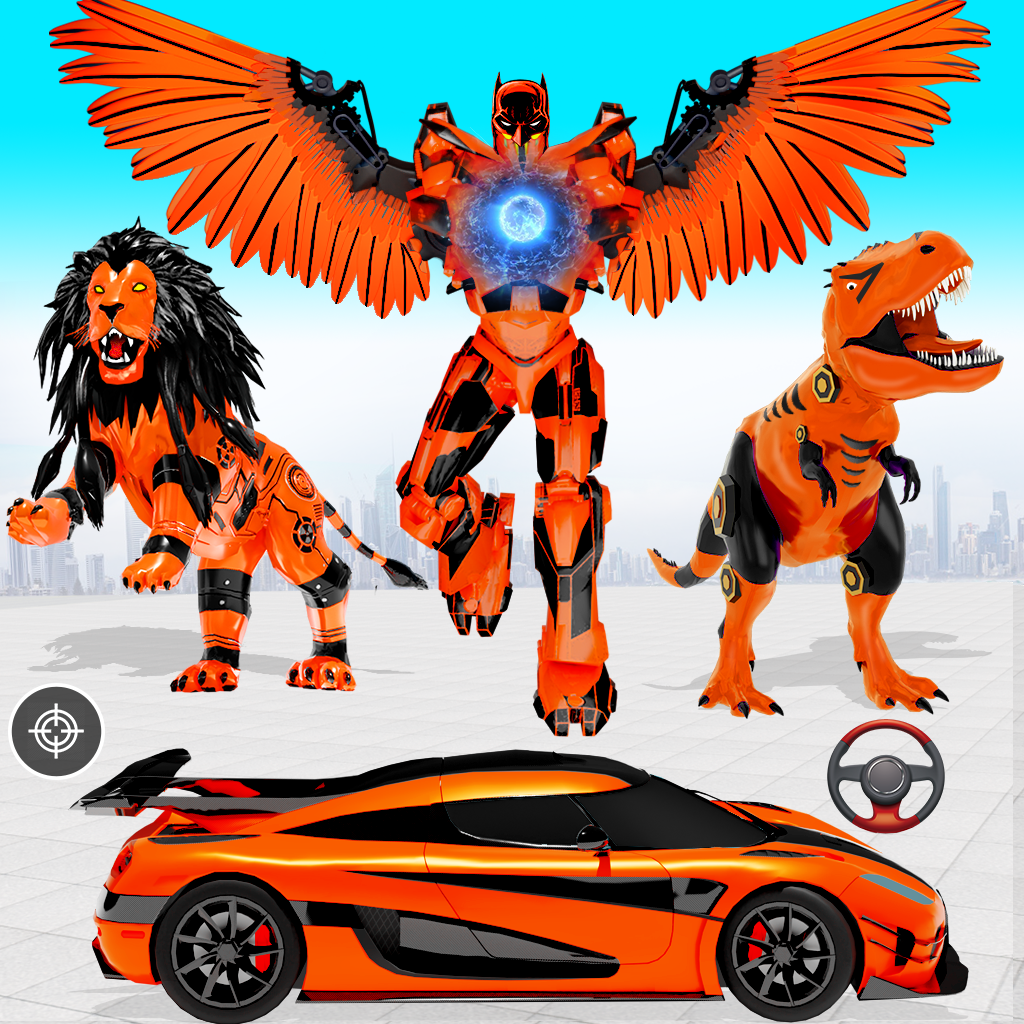
Flying Pigeon Robot Car Game is a Strategy game developed by Fun Games Studioz, and LDPlayer is the best platform for playing Flying Pigeon Robot Car Game on Windows PC, offering powerful features for an immersive experience.
When playing Flying Pigeon Robot Car Game on your computer, you can enjoy long game sessions using the operation recording feature to record repetitive operations to complete the same tasks automatically. It allows you to level up faster and makes resource grinding much more efficient.
In addition, if you want to execute combo moves or the game requires repeated skill actions, the macro feature is your best helper. It enables you to complete kills with just one click!
If you want to manage multiple accounts, LDMultiplayer and Synchronizer will assist you. You can run multiple alternative accounts at the same time to assist the leveling of your main account. Download and play Flying Pigeon Robot Car Game on PC with LDPlayer now!
New Free Game 2023For Car Transform Robot games lovers this game features: car racing, car simulator, car shooting and car driving experience.
Shoot, Fly, Transform, Fight, Destroy and Win! Play this ultimate pigeon robot game with Pigeon Transformations, unlock new features and play the future of robot fighting games. Enjoy this Pigeon Transform into robot game, Flying Car and fight epic battles?
Play as mech robot, crush and destroy the enemy town! To save and protect this city. You can beat the hell out of your robot enemies, now gear up for this long battle in a robot game. You can win this mech arena war with the huge selection of guns and weapons in this Robot Game.
Pigeon Transform Robot Game Main Features:
• Collect guns and coins from the robot transform universe: Your robot can be equipped with weapons and guns of your choice. Find your favorite weapons in this robot game and try the transformations you have. Unlock new powers and weapons to use in combat war by using your robot car transformations. Your robot can transform into flying pigeon during battle in this robot game and can also become flying car shooting from skies. Transforming your robot into a pigeon, tank, car and more during game is amazing and you should play this pigeon robot game.
• make your war strategy in this robot game:
Get ready for surprise attacks from evil autobot, mech robot and the tanks of the enemies. make your plan and use your weapons as a pigeon war robot in this robot game.
In this pigeon robot transform game, you have to plan the war, what your robot needs to equip, what guns to carry to destroy your mech robot and the enemy robots. This will increase your chances of winning this pigeon robot game.
This robot game is fun for players of all ages. This robot game will teach you war skills and strategy to combat enemies.
This robot game is waiting for you to play!"