FS Mevo Golf is a Sports game developed by FlightScope. LDPlayer is the best platform for playing FS Mevo Golf on Windows PC, offering powerful features to enhance your immersive experience in FS Mevo Golf.
When playing FS Mevo Golf on your computer, the larger screen and more powerful graphics performance enable you to enjoy clearer and smoother game visuals, enhancing the visual experience of the game.
The operation of peripherals such as gamepads is emulated to better mimic the feel of real sports, providing more precise control and richer operation options.
Furthermore, if you wish to execute a series of continuous key combinations, the one-click macro feature will be the functionality you've been dreaming of, allowing you to effortlessly stay one step ahead with one-touch operation. Start downloading and playing FS Mevo Golf on your computer now!
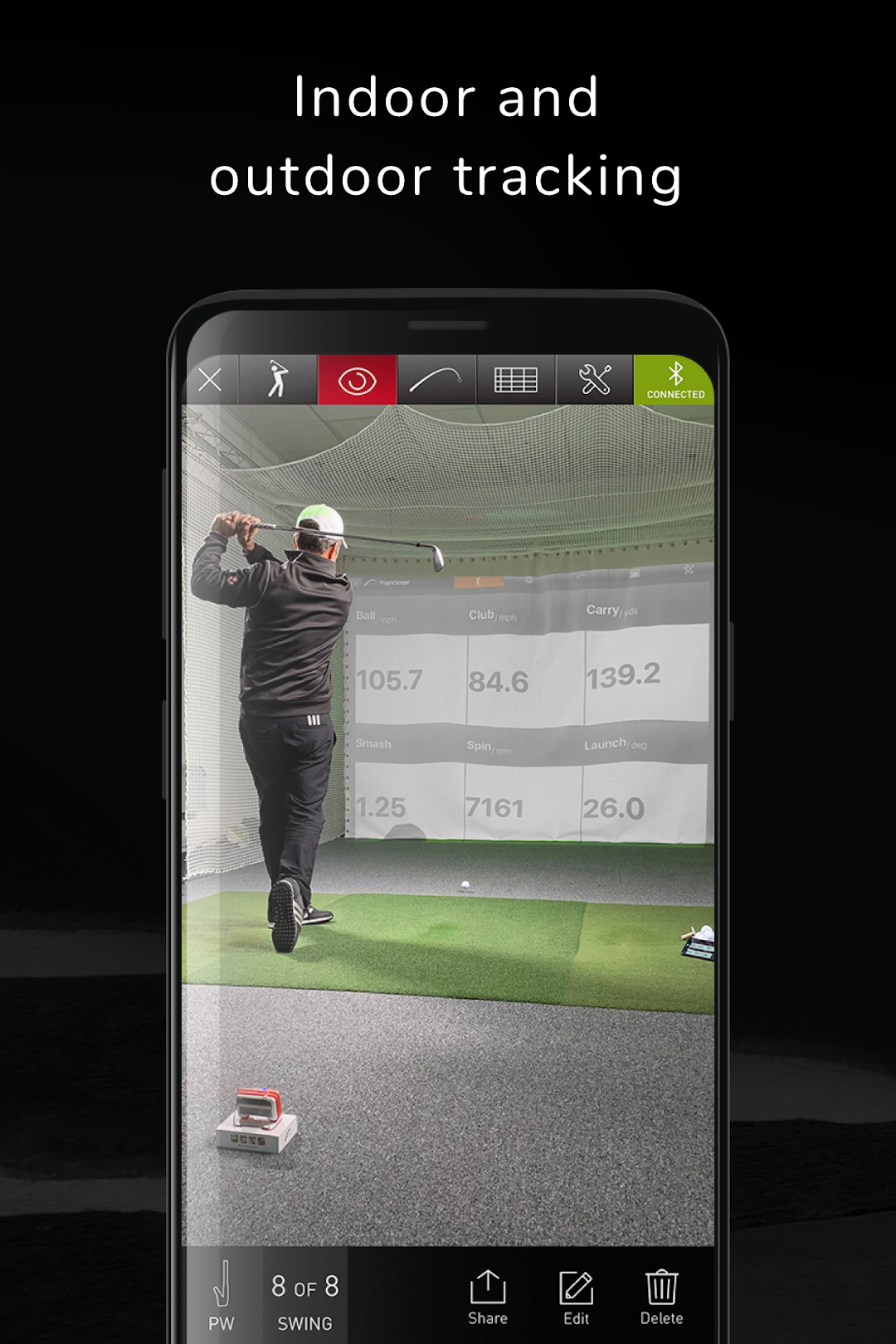
FlightScope Mevo Golf gives you the ability to take your golf game to the next level when paired with a FlightScope Mevo® radar. This app features the ability to capture automated video on your phone or tablet, and provides real-time performance data overlay with the video. Whether you want to view only video or just data, Mevo Golf allows you to fully customize your display.Mevo Golf is ideal for the everyday golfer practicing on their own terms. Providing instant video and data feedback, this app allows you to practice with a purpose and track performance over time. Captured video and data will automatically be stored for easy sharing.
Important: This app requires the use of a FlightScope Mevo.
Highlights include:
- Real-time data provided by a FlightScope Mevo® radar
- Automated video recording on your phone/tablet with data overlay
- Automatic and customizable video clipping triggered by impact
- Fully customizable data display
- 2D trajectory shown from a side view will provide height and time of flight
- Equipment selection for precise performance analysis
- Data will automatically be uploaded to MyFlightScope.com
- Data available:Ball speed, club speed, smash, vertical launch angle, carry distance, spin rate