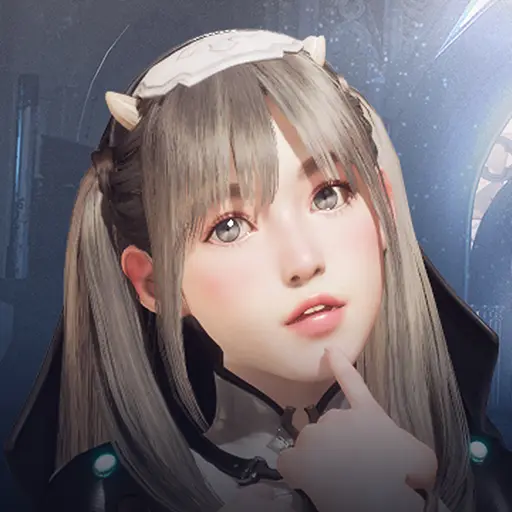
Fuga: Melodies of Steel is a Role Playing game developed by CyberConnect2, and LDPlayer is the best platform for playing Fuga: Melodies of Steel on Windows PC, offering powerful features for an immersive experience.
When playing Fuga: Melodies of Steel on PC, as a new player looking to start with a fresh account, the multi-instance and sync features are extremely useful for rerolls. You can use them to run multiple instances and begin the synchronization process. Bind your account until you draw the desired heroes.
In addition, operation recorder is great for games that require you to level up and complete tasks! Run the sync and record your actions, then repeat the main instance's actions in real-time. By doing so, you can run 2 or more accounts simultaneously. You can always get the heroes you want before others by faster rerolls and more efficient summoning! Start downloading and playing Fuga: Melodies of Steel on your computer now!
IMPORTANT NOTICE! Please read before buying.All purchases are final. Refunds are not available under any circumstances, nor will it be possible to request exchanges for other products or services.
Please check the list of compatible devices on the official website for this title (see URL below) before purchasing.
https://www.cc2.co.jp/fuga/en/#spec
■About Fuga: Melodies of Steel
"We have to fight! If we don't, everyone we love will be taken away!"
One fateful night, a peaceful village is thrown into the flames of war. Determined to save their families, a group of children boards a giant tank and begins an offensive charge!
Fuga: Melodies of Steel is an RPG where you place children, each with their own unique characteristics and skills, at different gun turrets in a tank to fight against the enemy.
Living inside the tank, the children show emotion and gain affinity amongst each other. Manage these both to change the outcome of their journey!
-A mysterious ancient weapon: The Taranis
Taranis, the giant tank sheltering the children, conceals many mysteries and somehow seems to have its own will. In situations of crisis, it can release a forbidden weapon, the dreadful Soul Cannon.
-Your adventure. Your choices.
Will you make sacrifices for victory? Or will you seek another path?
In this RPG, many choices have to be made in order to progress... but taking the safest road may not always be the best option.
Faced with a desperate situation, what course of action will you choose?