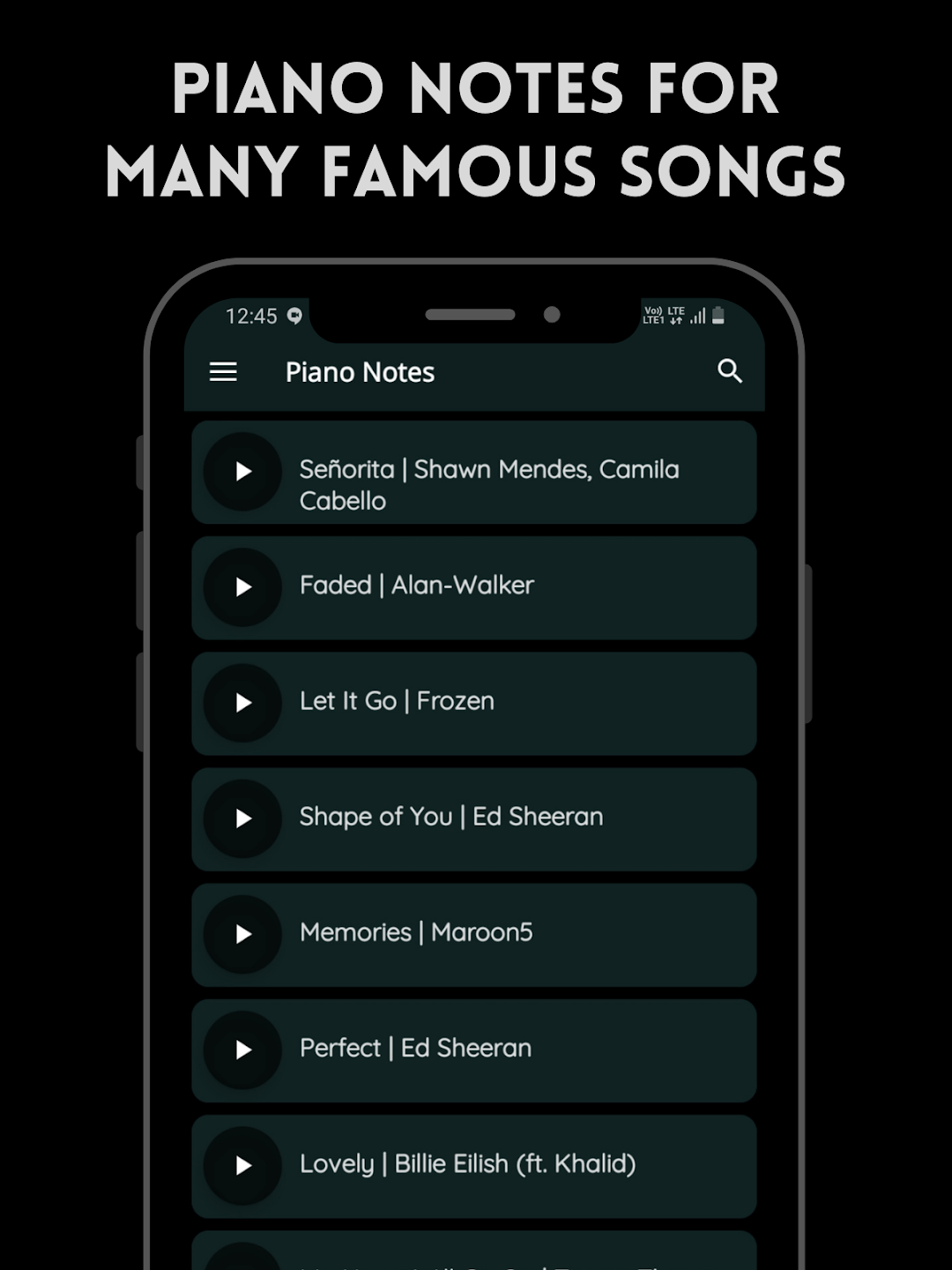
Play Piano: Melodies | Notes is a Music application developed by AtomTech Studio, but with the best Android emulator-LDPlayer, you can download and play Play Piano: Melodies | Notes on your computer.
Running Play Piano: Melodies | Notes on your computer allows you to browse clearly on a large screen, and controlling the application with a mouse and keyboard is much faster than using touchscreen, all while never having to worry about device battery issues.
With multi-instance and synchronization features, you can even run multiple applications and accounts on your PC.
And file sharing makes sharing images, videos, and files incredibly easy.
Download Play Piano: Melodies | Notes and run it on your PC. Enjoy the large screen and high-definition quality on your PC!
Anyone can Play Piano melodies with the help of simultaneous piano notes and keyboard view.Play | Practice | Save | Share
Why Play Piano?
You can play soothing melodies by yourself with the help of provided notes and the one touch piano keyboard and experience playing like a real piano. Even if you don't know that how to play piano, you can play it with the help of provided piano notes and by adjusting autoscroll speed of notes view according to your pace.
Play the melodies, practice them, save them and share to your friends.
Procedure:
First listen the song carefully and then try to play that song on Play Piano with the help of provided notes and adjust the scrolling speed of notes view according to your pace.
Highlights
⦿ simultaneous notes and piano view
⦿ autoscrolling notes with adjustable speed
⦿ record your melodies and share with your friends
⦿ detailed lyrics of many songs
⦿ no-ads subscription
⦿ request your favourite song
⦿ offline accessible (for subscribed users)
》Drop us a line or share your feedback at fingrtipsapps@gmail.com
》🌐 https://fingrtips.in