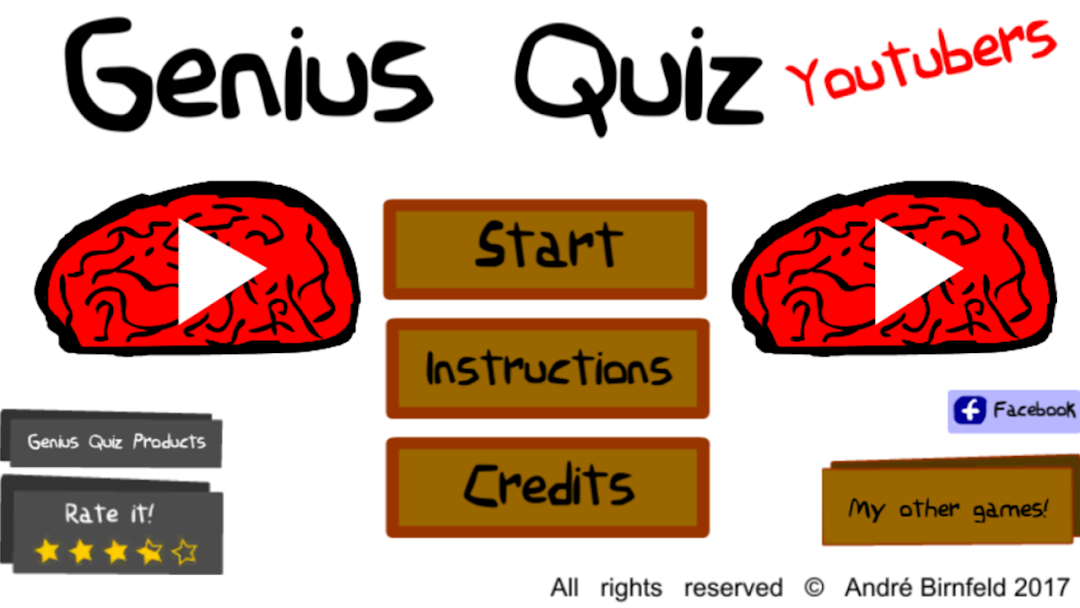
Gênio Quiz Youtubers is a Trivia application developed by André Birnfeld, but with the best Android emulator-LDPlayer, you can download and play Gênio Quiz Youtubers on your computer.
Running Gênio Quiz Youtubers on your computer allows you to browse clearly on a large screen, and controlling the application with a mouse and keyboard is much faster than using touchscreen, all while never having to worry about device battery issues.
With multi-instance and synchronization features, you can even run multiple applications and accounts on your PC.
And file sharing makes sharing images, videos, and files incredibly easy.
Download Gênio Quiz Youtubers and run it on your PC. Enjoy the large screen and high-definition quality on your PC!
Are you smart enough for a GENIUS-level quiz game inspired by the universe of youtubers?Challenge your brain with the hardest questions ever posed in a quiz game! Use all your knowledge about the greatest youtubers and your reasoning power to go as far as you can in a 100 question quiz created for geniuses!
Think very carefully about the answers and make each choice count! Prove you're a genius by beating the most challenging youtuber trivia game ever created using just 3 lives!
Show your friends that you can beat this genius quiz and challenge them to reach the end faster than you! Learn to answer every question quickly and make everyone bow to the brightest mind in the game!
HIGHLIGHTS OF GENIUS
🧠 ANSWER a genius-level 100-question quiz in a trivia game designed to challenge and surprise even the greatest experts! Think outside the box and avoid making mistakes at all costs if you want to get to the mysterious and legendary final question!
🧠CHALLENGE your brain and train your mind with every new quiz question! A question that, at first glance, seems easy can turn into a seven-headed animal in the blink of an eye! Can you make it to the end of the game?
🧠TEST your knowledge about youtubers and boost your brain power in a free quiz game that you can play whenever and wherever you want! Get smarter and learn from your mistakes to beat the hardest trivia game in the world!
🧠 CALL your friends to see who can answer the most questions in the shortest time!
Are you sure the right answer is in the alternatives? Really? To pass all the questions in this genius quiz, you'll have to question your own reasoning at every turn and learn to see everything from another angle!
Remember: this is not just any question and answer game. If you're looking for a challenge that will really test your brain skills, look no further! Apply for the title of quiz genius and prove your intelligence by answering all 100 questions inspired by the greatest youtubers!
Discover a trivia game unlike anything else and challenge your friends to score higher than you! Play multiple times to get the hang of the quiz and become invincible by learning to answer all the questions in record time!
Become a quiz genius now!