RIVALS Esports MOBA Manager is a Strategy game developed by Legendary Play GmbH, and LDPlayer is the best platform for playing RIVALS Esports MOBA Manager on Windows PC, offering powerful features for an immersive experience.
When playing RIVALS Esports MOBA Manager on your computer, you can enjoy long game sessions using the operation recording feature to record repetitive operations to complete the same tasks automatically. It allows you to level up faster and makes resource grinding much more efficient.
In addition, if you want to execute combo moves or the game requires repeated skill actions, the macro feature is your best helper. It enables you to complete kills with just one click!
If you want to manage multiple accounts, LDMultiplayer and Synchronizer will assist you. You can run multiple alternative accounts at the same time to assist the leveling of your main account. Download and play RIVALS Esports MOBA Manager on PC with LDPlayer now!
Live your Esports passion! Create the team of your dreams and compete with other players to rise up in an authentic esports world. Take part in virtual editions of the most prestigious ESL events and win your own major! RIVALS is the og esports manager game for MOBA fans that lets you take over a promising team and make it into a lasting esports empire.- BE THE MANAGER AND STRATEGY MASTERMIND OF YOUR PRO TEAM
Manage your team, prepare your draft strategy, study your opponents and find their weak point to achieve victory! Watch your team compete in exciting MOBA match simulations and discover how your gameplan unfolds!
- SIGN THE BEST PLAYERS AND STAFF
Unleash the full potential of your dream team by signing star players on the transfer market and training promising talent. Hire the best coaching staff for your team and players and build a brag-worthy gaming house.
- BATTLE YOUR WAY TO THE TOP
Start out as promising esports team and make your way to the top leagues and tournaments to match against the best players in the world. Compete for fame and rewards and build your esports legacy!
- CUSTOMIZE YOUR TEAM AND PLAYERS
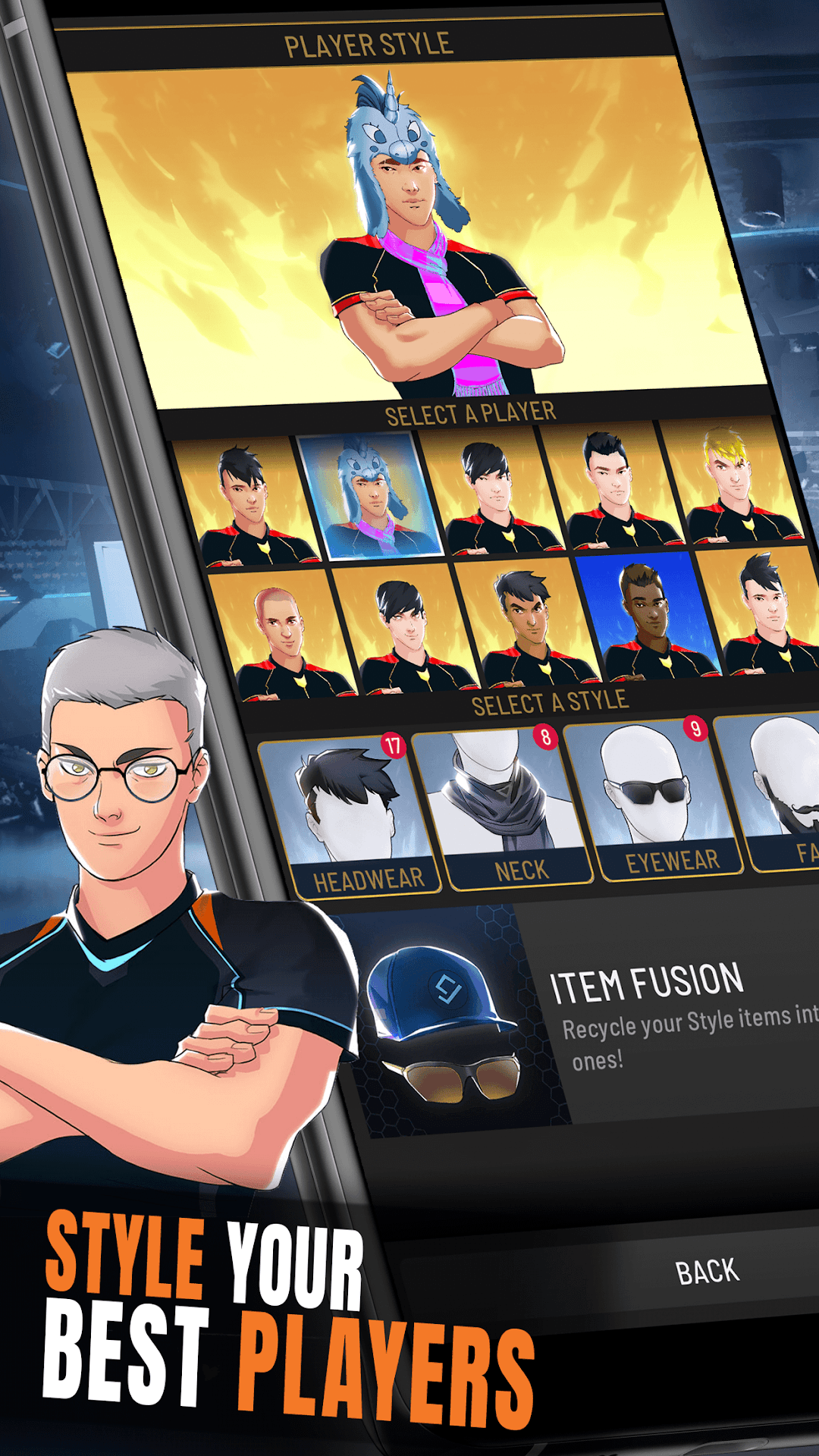
Be yourself! Multiple options to customize your players and make them feel unique! Get them the best gaming gear to push their performance to the max! Engage with your favorite teams, streamers and shoutcasters.
- JOIN A COMMUNITY OF ESPORTS ENTHUSIASTS
Over a million downloads, featuring daily events and a lively community on Discord. Come and join with your friends and live your Esports passion!
Good Luck & Have Fun!
PLEASE NOTE! RIVALS - Esports MOBA Manager is free to download and play, however, some game items can also be purchased for real money. If you don't want to use this feature, please disable in-app purchases in your device's settings. Also, under our Terms of Service and Privacy Policy, you must be at least 13 years of age to play or download RIVALS - Esports MOBA Manager.
A network connection is also required.
Support
Are you having problems? We are here for you, come on Discord or write a ticket at support@legendaryplay.com
Privacy Policy:
https://legendaryplay.gg/privacy
Terms of Service:
https://legendaryplay.gg/tos