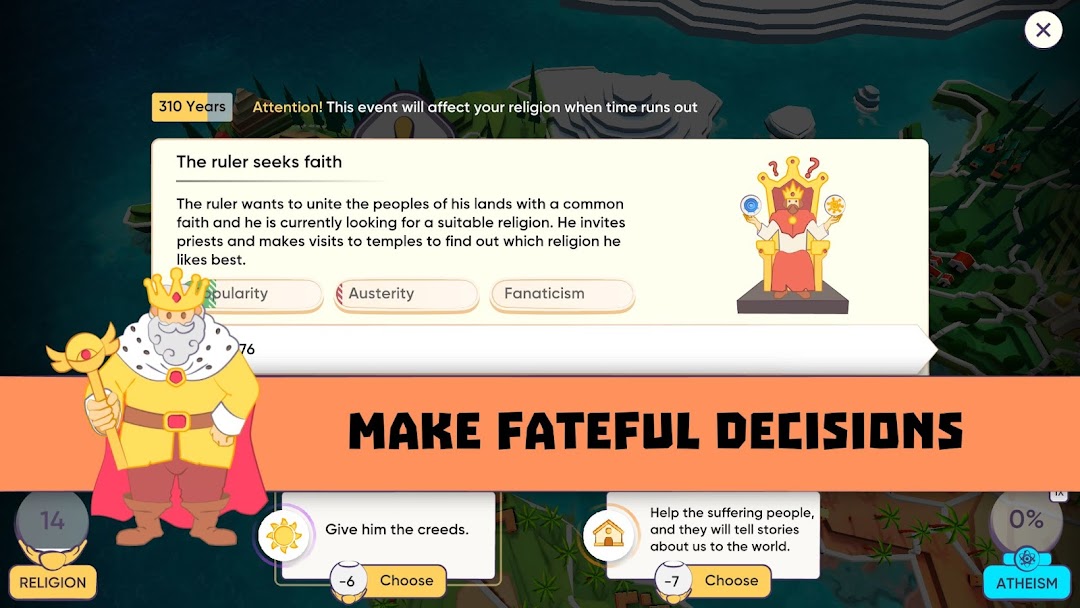
Religion Inc. God Simulator is a Simulation application developed by GameFirst, but with the best Android emulator-LDPlayer, you can download and play Religion Inc. God Simulator on your computer.
Running Religion Inc. God Simulator on your computer allows you to browse clearly on a large screen, and controlling the application with a mouse and keyboard is much faster than using touchscreen, all while never having to worry about device battery issues.
With multi-instance and synchronization features, you can even run multiple applications and accounts on your PC.
And file sharing makes sharing images, videos, and files incredibly easy.
Download Religion Inc. God Simulator and run it on your PC. Enjoy the large screen and high-definition quality on your PC!
Sandbox Casual Strategy about Gods, Civilisations and Religions!😇 Ready to become a source of faith?
Install Religion Inc. — a strategic religion creation simulator where your choices shape history! 🙏
📖 You're not reading this by accident! Are you searching for a game — or has the game found you?
Religion Inc. is more than just a strategy game. It’s a simulator for creating a new reality. Build your unique religion by choosing an archetype: monotheism, shamanism, pantheon, spiritualism, paganism, and many more.
✨ Humanity has always sought light in the darkness, and now that light is in your hands.
Build faith from scratch, unlock cultural values, unite followers, discover unique aspects and abilities, and change the world! 🕊️
Features of the premium version:
• All archetypes and religious traditions unlocked for you!
• Unique active abilities for each archetype — create miracles!
• Hundreds of real and combined religious aspects and traditions!
• Regular updates with new archetypes, events, and achievements!
• Deep yet relaxing gameplay — play at your own pace! ✨
• Optimised ad-free experience with exclusive bonuses!
• Your religion — your path. Define the development of faith and inspire humanity! 🗺️
You are the Creator. You are the source and inspiration. If you’re reading this — you’re already in the game. Just install and dive into the process of creating your religion!
Become the source of faith in the strategic simulator Religion Inc. — your journey is just beginning! 🤲