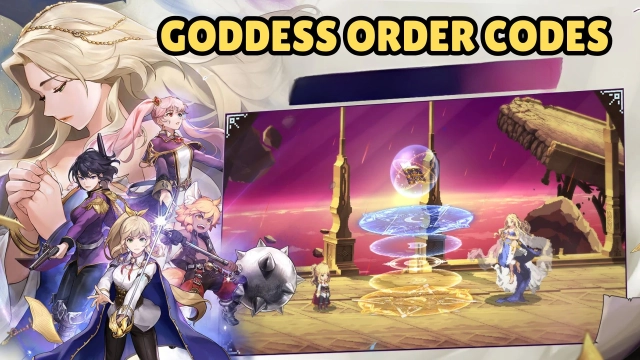
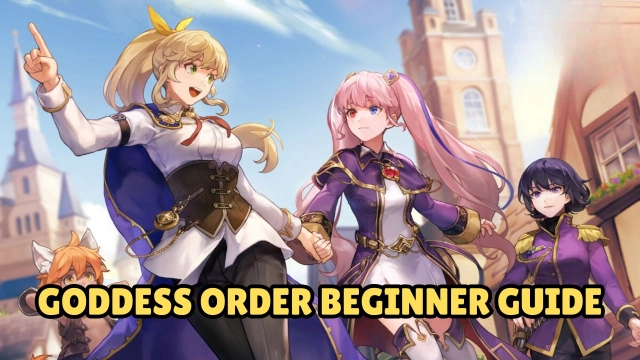
Goddess Order is a mobile 2D action RPG game developed by Kakao Games Corp. It will be launched on 24 September, pre-register is available now. A stunning pixelated world is heading toward its end, as the goddess brings last hope to past. You are the chosen one with heroes from the past, embarking on a journey to save the world.
Pre-register now for free rewards:
-
SR Knight Tia
-
Exclusive Profile Frame
-
10 Mana- Imbued Pages (Summon Tickets)
-
100,000 Gold
-
2,500 Mana Ink
Game Features
[Delicate Pixelated World]
Charming pixelated world and cute characters impress you. Enjoy the smooth battle, experience the overwhelming masterpiece by the Artist!
[Horrible Dungeon&Monsters]
Defend, counter, unleash your skills - explore awesome dungeons and advance your grand storyline. Beware! massive dangerous monsters lurks and waits your coming. Get ready, my hero!
[Massive knights&Voice]
Goddess Orders offers various knights with exclusive jobs and elemental, who features a cast of well-known Japanese voice actors. Conside your unique lineups and use stunning combos.
[Diverse Jobs&Elemental]
Choose your favorite jobs, including Trickster, Fighter, Breaker, Slayer, Supporter. Diverse elemental casts such as Wind, Fire, Water and Electric. Optimize your team with balanced jobs and elemental!
[Multiple Gameplay]
Immerse yourself into funny gameplay. PVP for competitiveness, mini-games for leisure and epic dungeons for challenge, every player is able to find his place.
Why Play Goddess Order on PC with LDPlayer
Enjoy Goddess on PC with LDPlayer, it helps you dominate Goddess Order with the wonderful functions such as ultra-wide screen, one-click macro, keyboard mapping and etc. Download LDPlayer now for the smoothest gaming experience.
Ultra-Wide Screen: Get a full view of the battlefield and seize the strategic opportunities.
One-click Macro: Record your operations and replay as a script. Automate your gaming.
Keyboard Mapping: Place combat units, release skills and unleash combos more conveniently and accurately.