Golf Daddy Simulator is a Sports game developed by Golf Daddy. LDPlayer is the best platform for playing Golf Daddy Simulator on Windows PC, offering powerful features to enhance your immersive experience in Golf Daddy Simulator.
When playing Golf Daddy Simulator on your computer, the larger screen and more powerful graphics performance enable you to enjoy clearer and smoother game visuals, enhancing the visual experience of the game.
The operation of peripherals such as gamepads is emulated to better mimic the feel of real sports, providing more precise control and richer operation options.
Furthermore, if you wish to execute a series of continuous key combinations, the one-click macro feature will be the functionality you've been dreaming of, allowing you to effortlessly stay one step ahead with one-touch operation. Start downloading and playing Golf Daddy Simulator on your computer now!
PRACTICE & PLAY GOLF AT HOMEPractice & Play Simulated Golf at-home to hit more pure shots. Using the latest, patented AI-technology, the Golf Daddy app is supercharged with accuracy comparable to simulators worth thousands of dollars.
ANWHERE OR ANYTIME
- Hit the range, practice our scenarios and play 18 holes on a real course
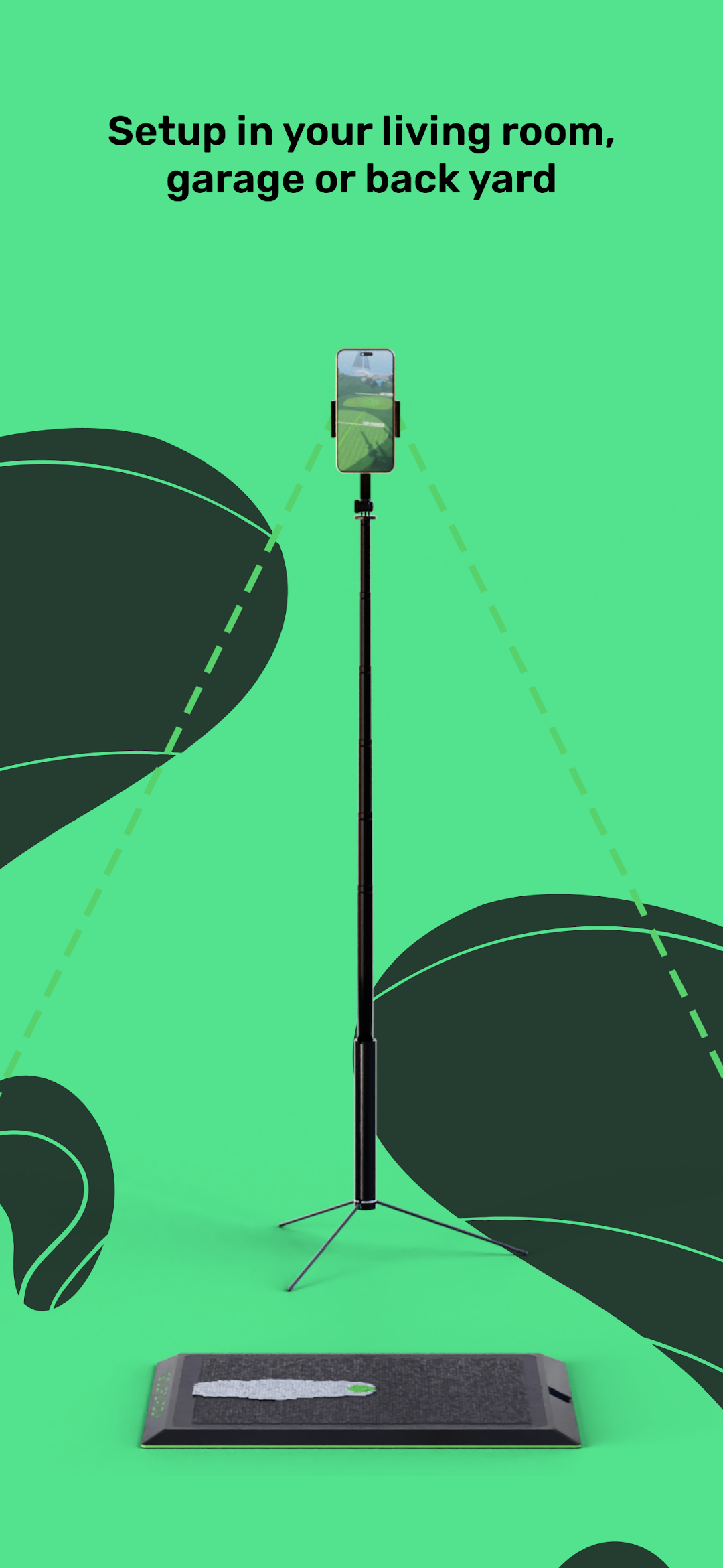
- No-ball needed - take a swing with real clubs on our Golf Daddy mat, without hitting a ball
- Compact - requires minimal space and can be stowed away in seconds
GET BETTER AT GOLF
- Gain consistency and hit pure shots with the app’s instant feedback
- Use our training scenarios to build muscle memory for any occasion on the course
- Never miss out on golf - regardless of weather, tee time availability or your friends bailing on you
AS SEEN ON
Dick's Sporting Goods, Scheels, Roger Dunn & tons of social media posts.
DOWNLOAD NOW AND HIT PURE SHOTS
------
Requirements:
Own an official Golf Daddy Simulator Mat or Divot Daddy PRO, either Golf Daddy or unbranded phone stand to assist in recording you, and golf clubs.
For support:
Contact us at https://golfdaddy.com/pages/contact, or use the in-app portal.
Note:
App may include optional in-app purchases/subscriptions for unlimited swings, more game modes & additional golf course maps.