GrandQuiz - Play, Win Rewards is a Trivia application developed by Chellobee Technologies LLP, but with the best Android emulator-LDPlayer, you can download and play GrandQuiz - Play, Win Rewards on your computer.
Running GrandQuiz - Play, Win Rewards on your computer allows you to browse clearly on a large screen, and controlling the application with a mouse and keyboard is much faster than using touchscreen, all while never having to worry about device battery issues.
With multi-instance and synchronization features, you can even run multiple applications and accounts on your PC.
And file sharing makes sharing images, videos, and files incredibly easy.
Download GrandQuiz - Play, Win Rewards and run it on your PC. Enjoy the large screen and high-definition quality on your PC!
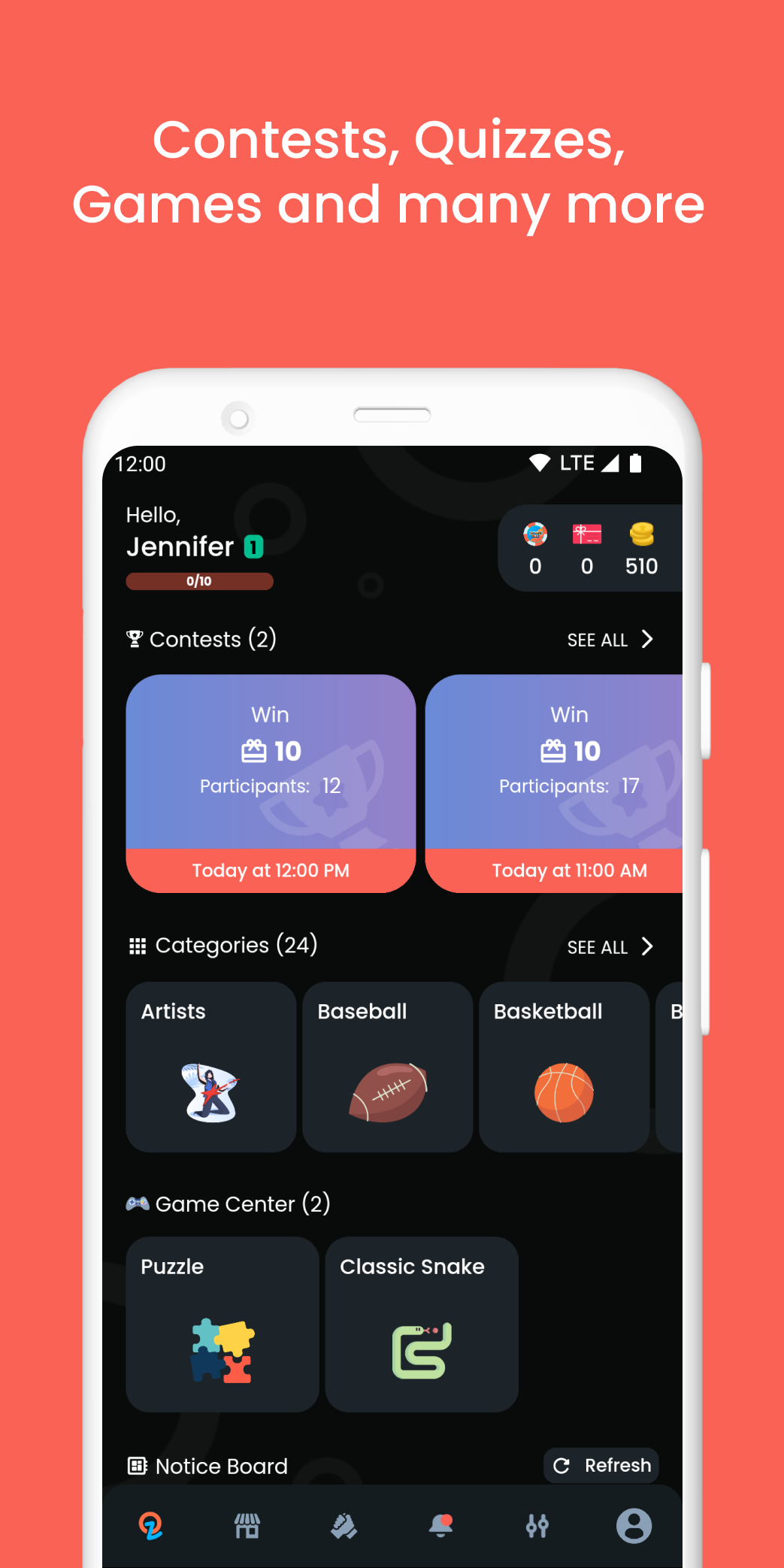
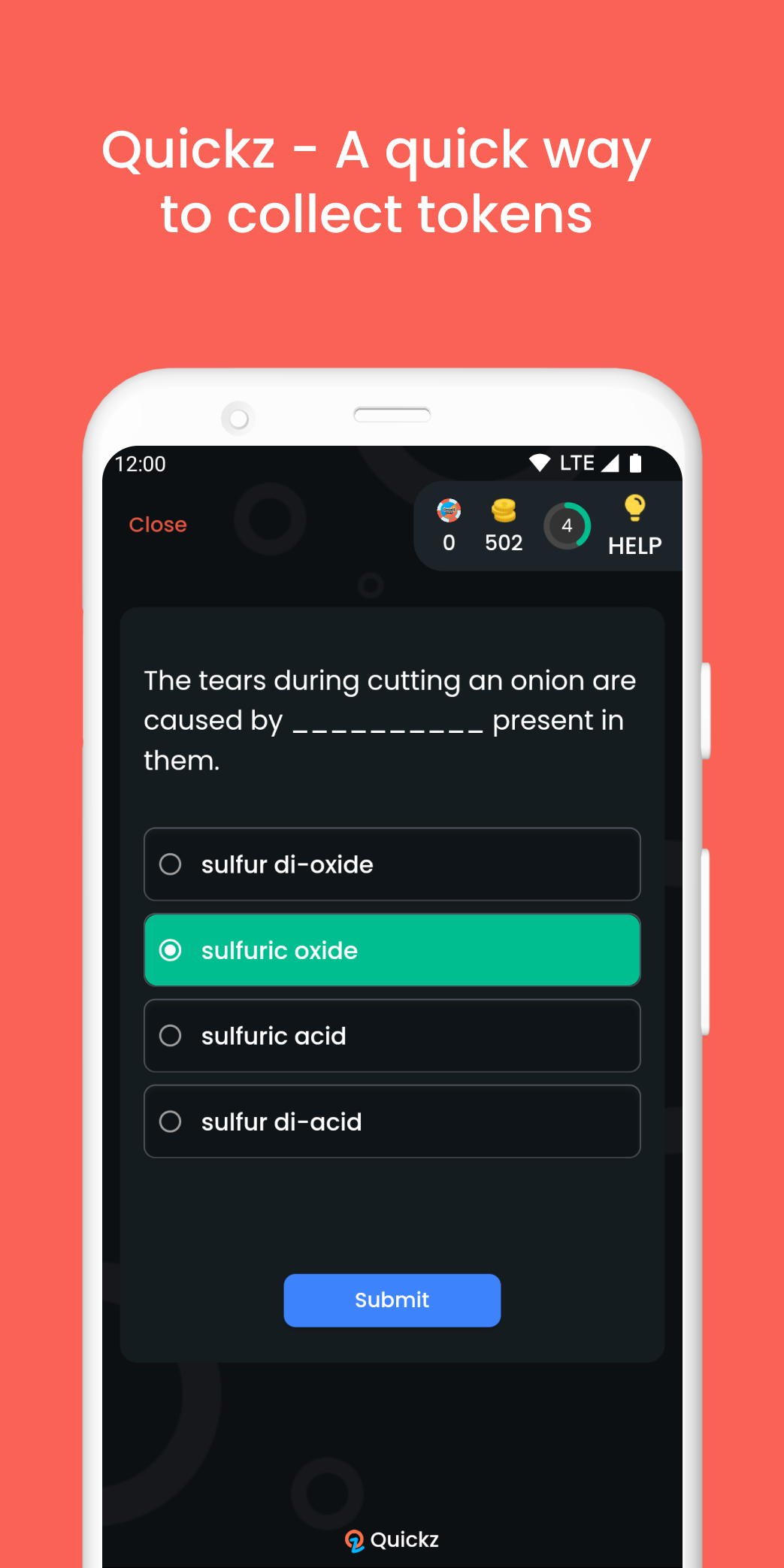
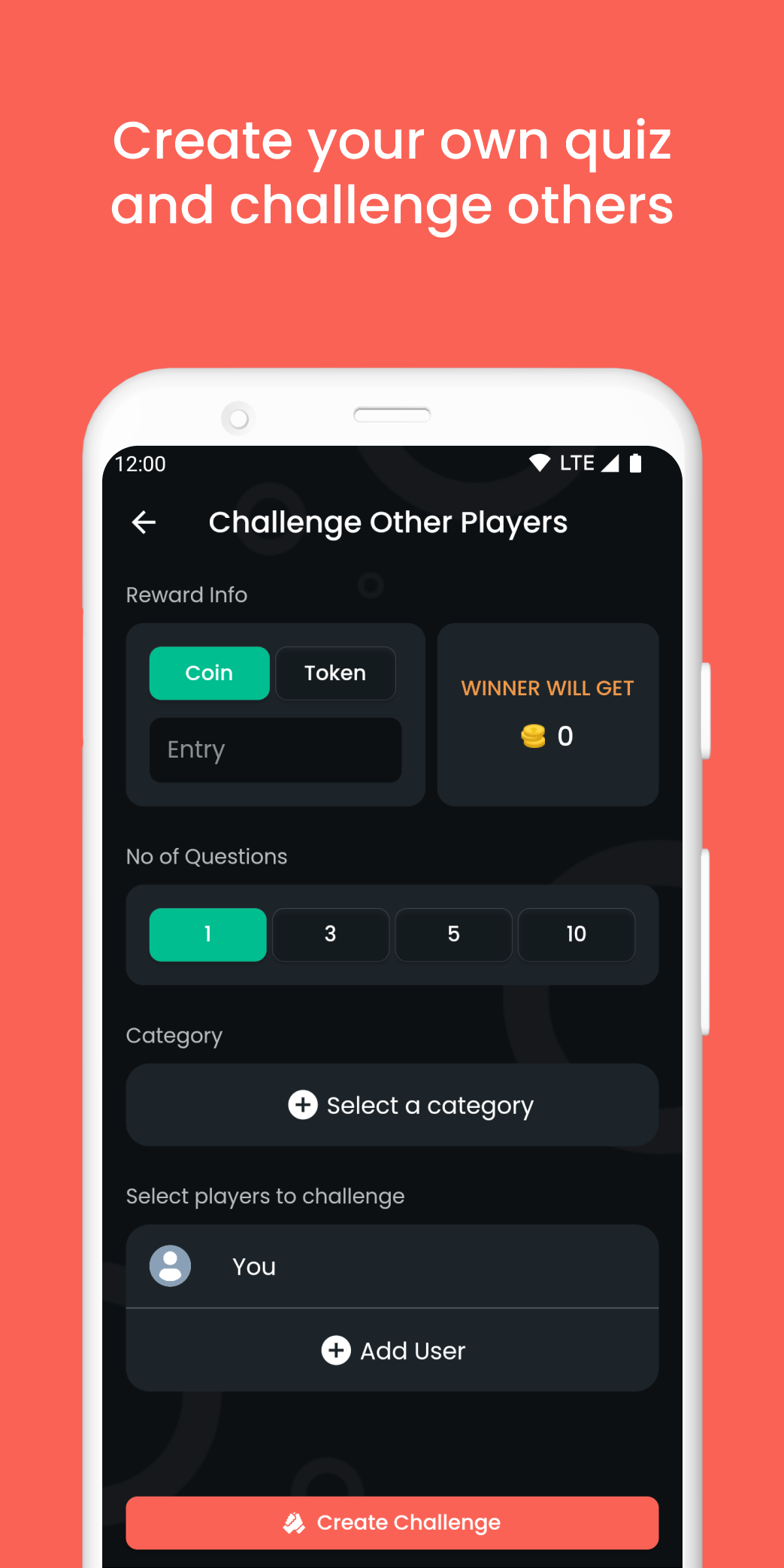
GrandQuiz — a free quiz game for trivia addicts and quiz fans of all ages! By answering questions about certain or various categories in the game, players can easily improve their knowledge, abilities, and skills. At the end of each quiz, players can see the correct answers for all the questions which will help in self-assessment. There is even the classic Snake game to have fun and earn bees at the same time!If you really like to have a simple yet pretty interesting and effective way to improve your knowledge and train your brain, GrandQuiz could be a nice one to start with! Also, players can now challenge other players at the end of the quiz. The same questions will be asked the other player. Whoever wins takes the reward of coins or bees.
Challenging Trivia Gameplay
• Pick your favorite category and train your brain by answering different questions.
• In case if you run out of time, use the get help option.
• Answer correctly to win coins and bees.
• Challenge other players, whoever wins will take the prizes.
• View your correct answers at the end of the quiz.
• Play classic Snake game to earn more coins and bees.
• Try to stay on top of the Snake game leaderboard.
GrandQuiz Features
• Free to download.
• Easy to use UI with eye-catching design.
• Multiplayer live quiz - create a quiz room, invite your friends and win rewards together.
• Lots of quizzes in various categories such as Artists, Baseball, Basketball, Books, Biology, Botany, Cricket, Festivals, English, Food, Music, Movies, Personality, and more!
• Answer quizzes, earn coins and bees by correct answering.
• View your score at the end of each quiz and share it with friends.
• Play classic Snake game for more coins and bees, and try dominating the leaderboard.
• Even challenge other players online, whoever wins will take the reward – coins and bees.
• Play as a guest or create a free account to save your progress.
• View your current level, the total number of quizzes taken, quizzes won, correct answers, coins, and bees in your profile.