Staryha is a Adventure application developed by Sinitsyn Dev, but with the best Android emulator-LDPlayer, you can download and play Staryha on your computer.
Running Staryha on your computer allows you to browse clearly on a large screen, and controlling the application with a mouse and keyboard is much faster than using touchscreen, all while never having to worry about device battery issues.
With multi-instance and synchronization features, you can even run multiple applications and accounts on your PC.
And file sharing makes sharing images, videos, and files incredibly easy.
Download Staryha and run it on your PC. Enjoy the large screen and high-definition quality on your PC!
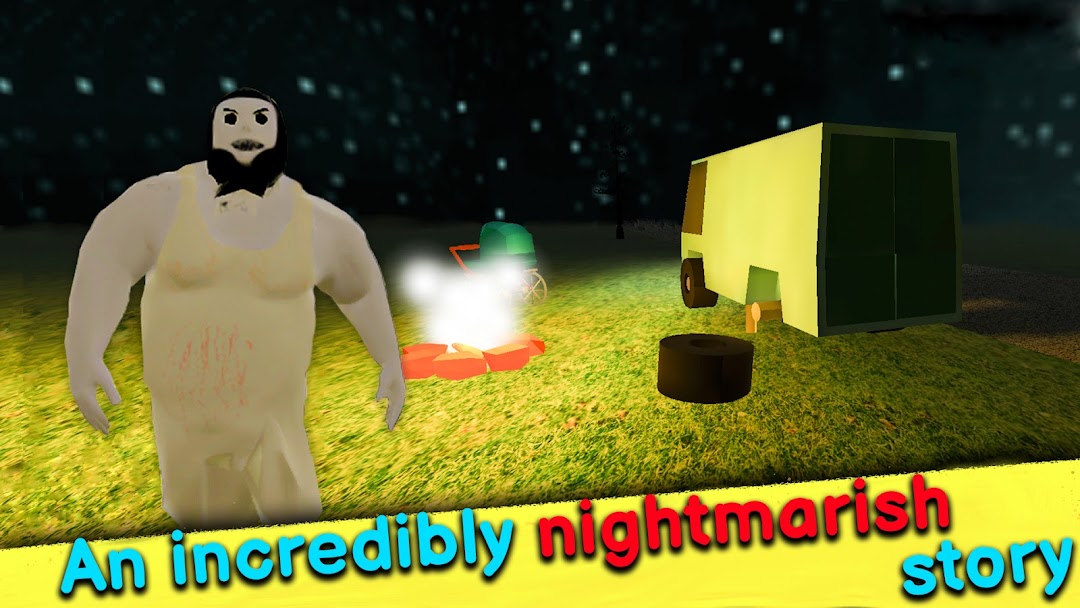
Granny Nightmare tour is a horror game from the first person. Here you have to do tasks and run away from the granny to escape room.Your car broke down on the road near the house of the evil granny. To fix the car and save the baby from the terrible grandmother, you need to complete all the tasks. Go to the house and find the necessary items to fix the car.
Move carefully the evil granny hears everything in her! She protects her household from unexpected guests.
It's hard to imagine what will happen to you and the baby if she catches you...
Grandma is very scary!
So, follow the simple tips and you will succeed in this horror game:
- escape from the rooms very quickly!
show agility in running and jumping
- don't hit the granny! If the Grandma catches up with you, she will grab you!
run and look for places where the grandmother will not get you
- carefully read the tasks to complete the level
the current task is displayed in the upper right corner, and the goal is highlighted with a yellow diamond
- find the necessary items and quickly collect them
in the house, the evil granny has the necessary things to escape room
- listen to the sounds, granny hears them too!
grandma doesn't like it when her animals are disturbed
- run away as fast as you can if you hear grandma's footsteps and grumbling!
grandma has a heavy gait and bad breath
- don't let the baby cry
on a nightmare trip, you have a baby, take care of him
- you have to strong nerves to pass the horror game
it's hard to escape from the granny
Attention! Small children can be scared by loud sudden sounds!
Only chapter One has been made in the horror game so far. Please leave any feedback to help make the game better.
The more reviews, the faster a new chapter will be made.
Support the developer and give 5 stars.