Grow Animals is a Simulation application developed by Lion Studios, but with the best Android emulator-LDPlayer, you can download and play Grow Animals on your computer.
Running Grow Animals on your computer allows you to browse clearly on a large screen, and controlling the application with a mouse and keyboard is much faster than using touchscreen, all while never having to worry about device battery issues.
With multi-instance and synchronization features, you can even run multiple applications and accounts on your PC.
And file sharing makes sharing images, videos, and files incredibly easy.
Download Grow Animals and run it on your PC. Enjoy the large screen and high-definition quality on your PC!
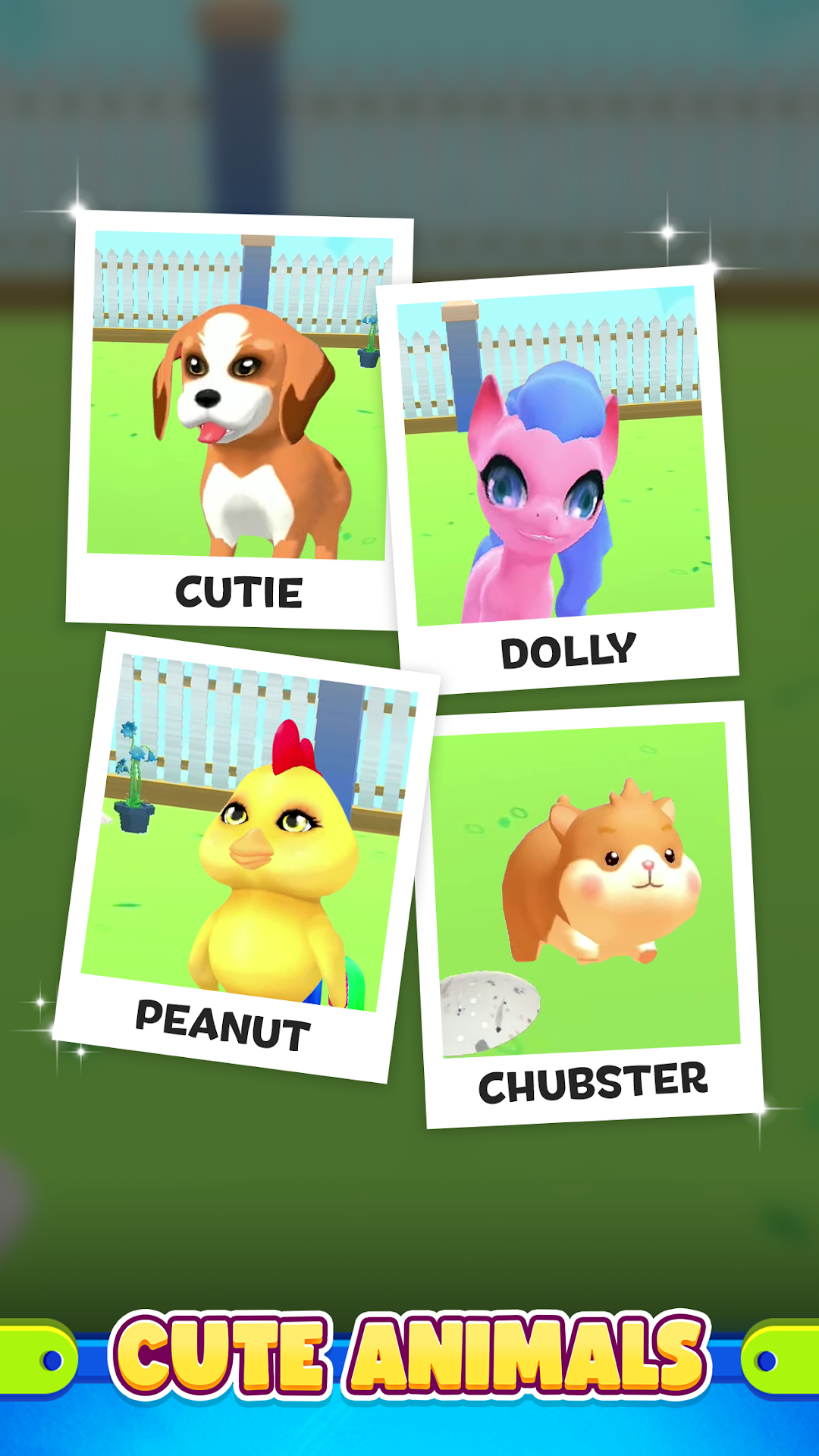
Create your ideal pet! Make any pet animal you’ve ever dreamed of, there are dozens to collect! House them in your personal zoo, decorate it to your liking to keep your lovable fur babies happy.What is your ideal pet? Is it Cute? Smart? Strong? Lovable? Some combination of the four, or maybe just two of those traits? Experiment to find out! Science has produced concentrated potions of cute, smart, strong, and love, mix these traits together to create your favorite animal! What kind of animal is all Love but no Cute? What’s the strongest animal? The Smartest? Only you can find out.
Start raising new animals starting with a single cell. Whatever mixture of traits you choose will produce a cell of your new animal, clone and merge cells together to slowly grow your pet. Witness the amazing evolution! What will your pet look like in its earliest stages of development? How adorable will it be as a baby? See the greatest miracle of life play out before your very eyes!
Bring mythical creatures to life with your wondrous scientific abilities! Create dragons and unicorns. Bring dinosaurs back to life. Raise every breed of dog and cat! Combine fully grown animals together to create new and wonderful new pets. What does merging two kittens together create? You’ll have to try it yourself to know.
Main Features:
Create Dozens of Adorable Animals!
Experiment to Discover New Animals to Add to Your Collection!
Decorate Your Pets’ New Home, Create Your Dream Garden!
Pamper, Feed, Bath, and Play with Your New Pets!
Your journey of life, discovery, and creation starts now!
Visit https://lionstudios.cc/contact-us/ if have any feedback, need help on beating a level or have any awesome ideas you would like to see in the game!
From the Studio that brought you Mr. Bullet, Happy Glass, Ink Inc and Love Balls!
Follow us to get news and updates on our other Award Winning titles;
https://lionstudios.cc/
Facebook.com/LionStudios.cc
Instagram.com/LionStudioscc
Twitter.com/LionStudiosCC
Youtube.com/c/LionStudiosCC