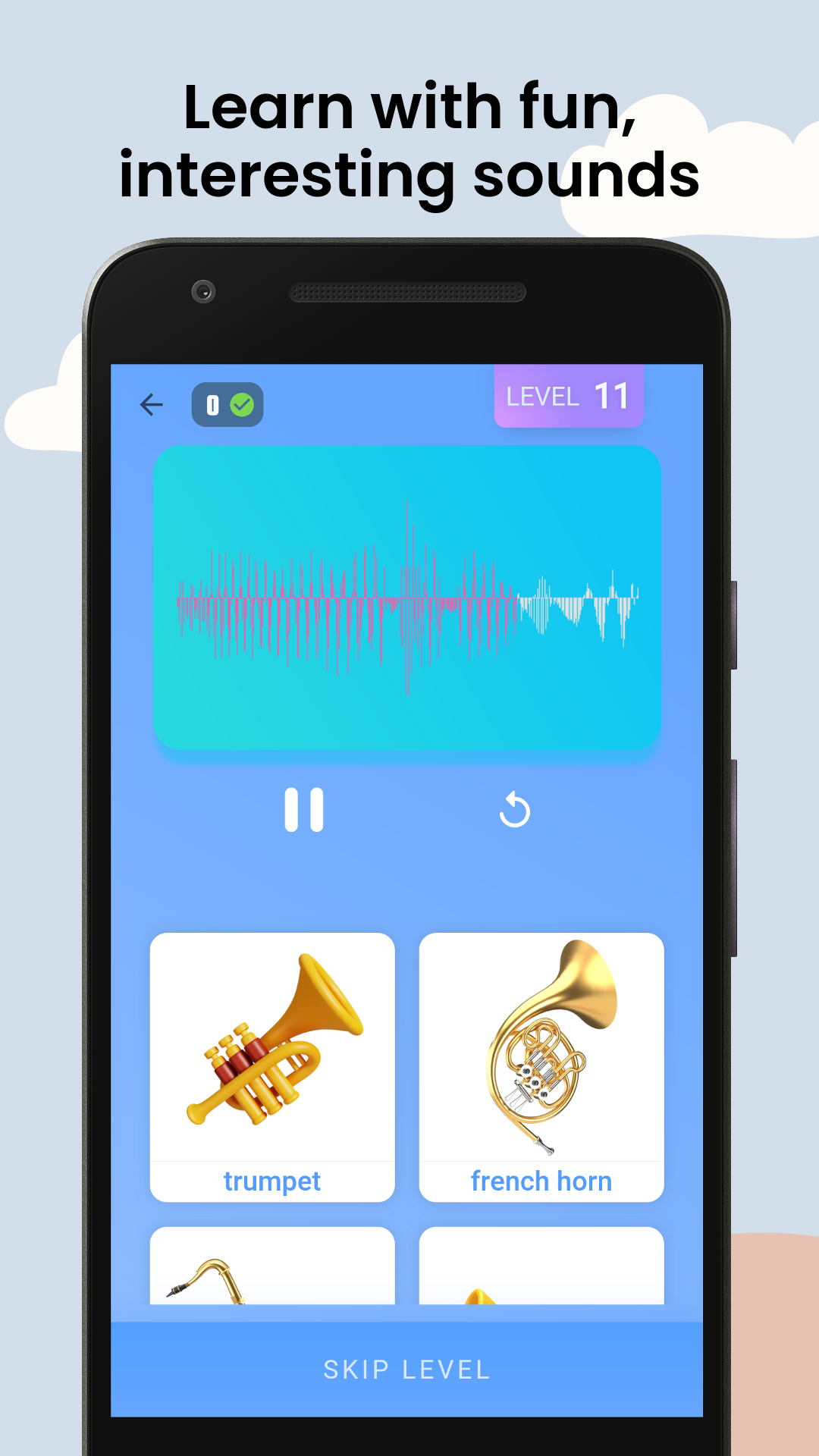
Guess The Sound - Kids Quiz is a Trivia application developed by DeepKlarity, but with the best Android emulator-LDPlayer, you can download and play Guess The Sound - Kids Quiz on your computer.
Running Guess The Sound - Kids Quiz on your computer allows you to browse clearly on a large screen, and controlling the application with a mouse and keyboard is much faster than using touchscreen, all while never having to worry about device battery issues.
With multi-instance and synchronization features, you can even run multiple applications and accounts on your PC.
And file sharing makes sharing images, videos, and files incredibly easy.
Download Guess The Sound - Kids Quiz and run it on your PC. Enjoy the large screen and high-definition quality on your PC!
Guess the sound - kids quiz app knows what your kids need the most: knowledge and fun. We'll help your kids learn the sounds of various objects while they have a blast answering our quiz questions.The kids quiz app will help your kids learn about everyday objects and their noises, while they have fun playing a quiz game. It's an educational game that stimulates intelligence and improves the ability to recognize and guess sounds as you pass hundreds of carefully crafted, exciting levels. It helps establish a connection in the brain between everyday objects and the noises that they produce.
It's never too early to teach your children about the world around them. The great thing about this app is that it doesn't matter if they're young or old; everyone can enjoy it!
This game is specially designed for kids, with colourful, easy, simple and intuitive UI and sounds, so everybody can play alone without instructions or parental guidance.
How to use:
You'll hear the sound of the object and have to guess the object.
Or the app shows you the name of the object and you have to choose from a choice of available sounds.
Choose the right answer from the options given below.
If you get stuck, use the hints!
Re-play levels as many times as you want!
Categories:
We have 4 different categories to choose from, and 20+ levels in each category.Our categories include -
Animals sounds - wild animals, farm animals, pet animals, insects, water animals birds, etc.
Musical instruments - pianos, drums, guitars, etc.
Cartoons - Shinchan, Doraemon,Chhota Bheem, Ben 10, etc.
Kids Youtube channels - Can your kid guess which youtube channel this sound belongs to. Choice range from Cocolemon, Chuchutv, Busy Beavers, CVS 3D Nursery Rhymes, and more.
Features:
- 100+ levels and exciting questions.
- Four Different Categories
- Learn while you play. 🙆♀️
- Clear and realistic sounds.
- No time limit to answer questions 🕑
- Play levels multiple times. 🔁
- Frequent app updates.🔜
Get this kids quiz game for kids today & give them an amazing learning experience. What are you waiting for? Download the app now 🧒
We've got lots of new levels to come, so don't miss out! and if you like what you see, please leave 5-star reviews! ⭐⭐⭐⭐⭐