Gun & Bomb Sounds Simulator is a Simulation application developed by Bravestars Publishing, but with the best Android emulator-LDPlayer, you can download and play Gun & Bomb Sounds Simulator on your computer.
Running Gun & Bomb Sounds Simulator on your computer allows you to browse clearly on a large screen, and controlling the application with a mouse and keyboard is much faster than using touchscreen, all while never having to worry about device battery issues.
With multi-instance and synchronization features, you can even run multiple applications and accounts on your PC.
And file sharing makes sharing images, videos, and files incredibly easy.
Download Gun & Bomb Sounds Simulator and run it on your PC. Enjoy the large screen and high-definition quality on your PC!
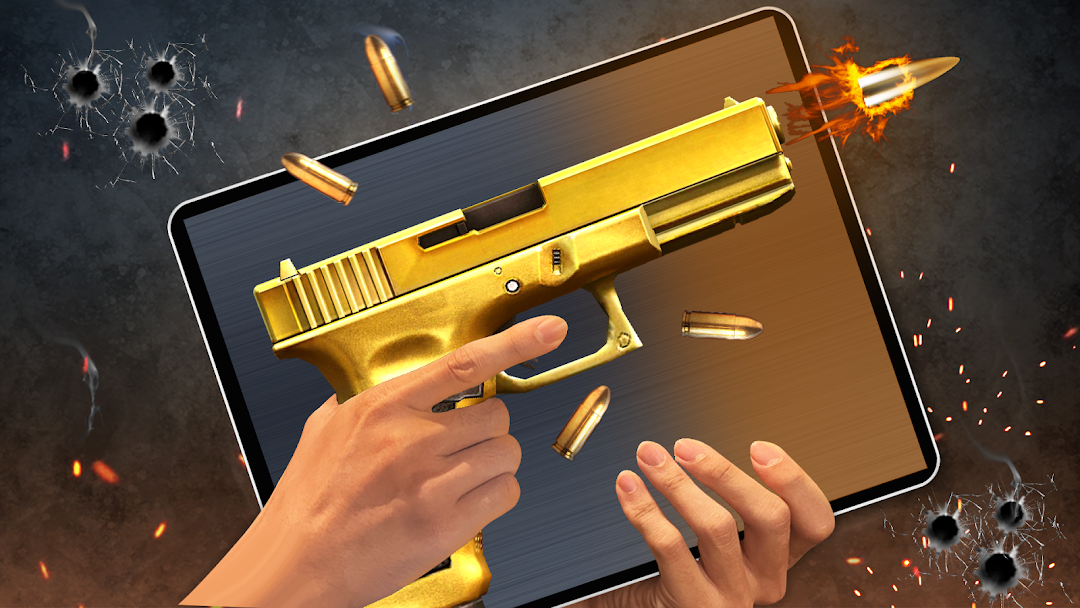
Ready to drown in the sounds of a shotgun and play jokes on your friends with gun sounds and lightsabers? Gun & Bomb Sounds Simulator is the original version of the 2023 Lightsaber app.🔥🔥🔥"Gun & Bomb Sounds Simulator" has all the grips and gun types a science fiction fan could want. You can experience modern and realistic 3D lightsaber and sci-fi gun effects in sci-fi gun, shotgun, and lightsaber mode. The stunning colors, vivid visuals, and different shocking sound effects will blow your mind. In particular, you can change the background, change the colors, turn on and off the flashlight and sound, change the weather when you shoot, and shake or tap to fire to make your own realistic 3D gun saber. This app gives you different asmr gunshot sounds and a fun way to mess with your friends and family. Gun & Bomb Sounds Simulator sword is also a great app for self-defense because it can make you feel like you're holding a real sword or gun.
💥FEATURE💥
🔫 There are a lot of shock tasers, machine guns, and skins, and the tasers buzz, and the gun sounds are real.
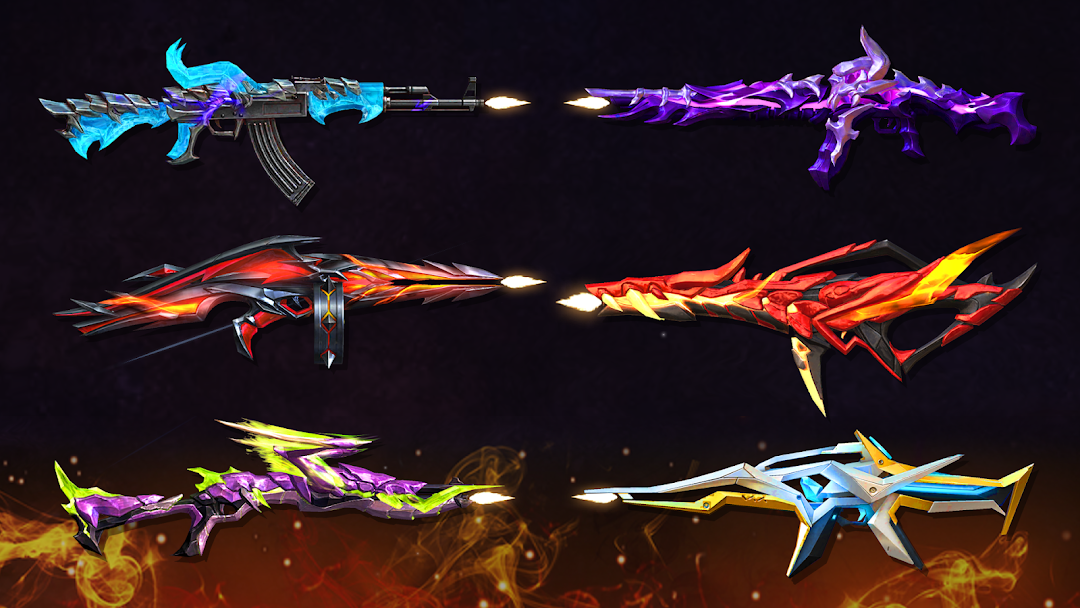
🔫 A realistic light saber with more than a thousand cool skins in epic, cartoon, and sci-fi styles.
🔫Beautiful 3D images and high-quality effects in a gun simulator.
🔫Handshake Single and Automatic Gunshots Gun Simulator.
🔫You can have as many sword gun Weaphones and different weapon sounds as you want, and you can shoot in different places.
🔫Vibration on contact - to make the game feel more real
🔫Awesome skins in the styles of epic, anime, and science fiction. A great way to prank people.
⚠️"Take note!" Gun & Bomb Sounds Simulator sounds and looks like real weapons, but it's just a game/prank app and not a real dangerous weapon. The Gun & Bomb Sounds Simulator app is only for fun, and it won't hurt anyone.
Download and play the laser fight and gunshot simulation to feel like a real space soldier.