

GyroSphere Evolution 3D is a Action game developed by GAME STOP, and LDPlayer is the best platform for playing GyroSphere Evolution 3D on PC, offering powerful features to immerse you in the game.
When playing GyroSphere Evolution 3D on computer, you can adjust frame rate settings for smooth gameplay and stunning visuals.
LDPlayer also provides pre-configured keyboard mapping for convenient control of the entire game. Continuous optimization of keyboard mapping enhances key sensitivity and skill accuracy. Additionally, LDPlayer offers special buttons like shoot, hide mouse, and continuous key press for an enhanced gaming experience.
If you prefer using a gamepad, the automatic gamepad detection allows you to customize controls with just a few clicks, enabling you to freely maneuver your hero. Start downloading and playing GyroSphere Evolution 3D on your computer now!
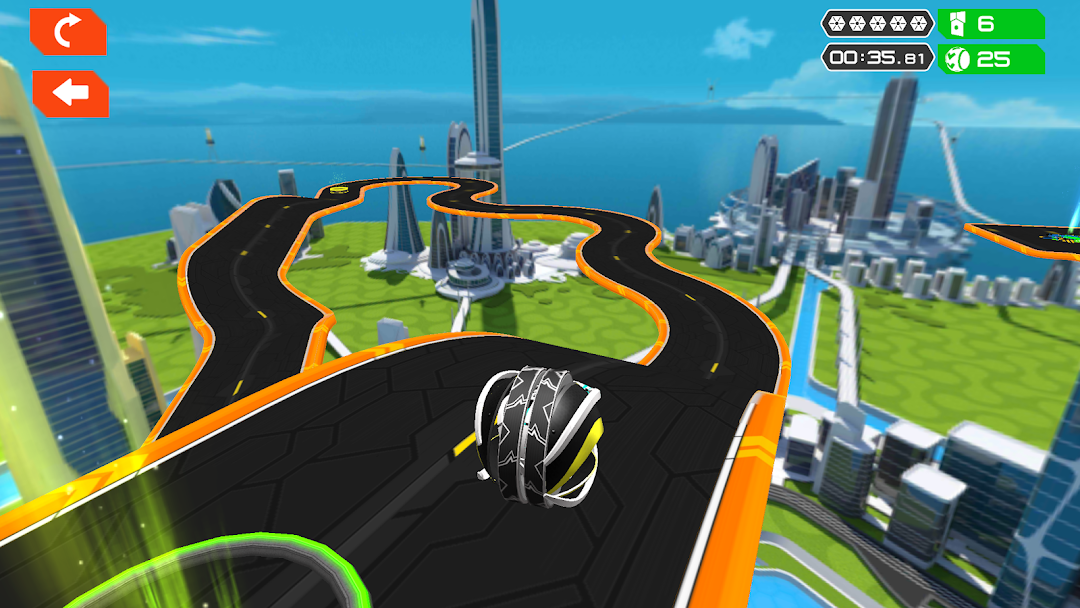
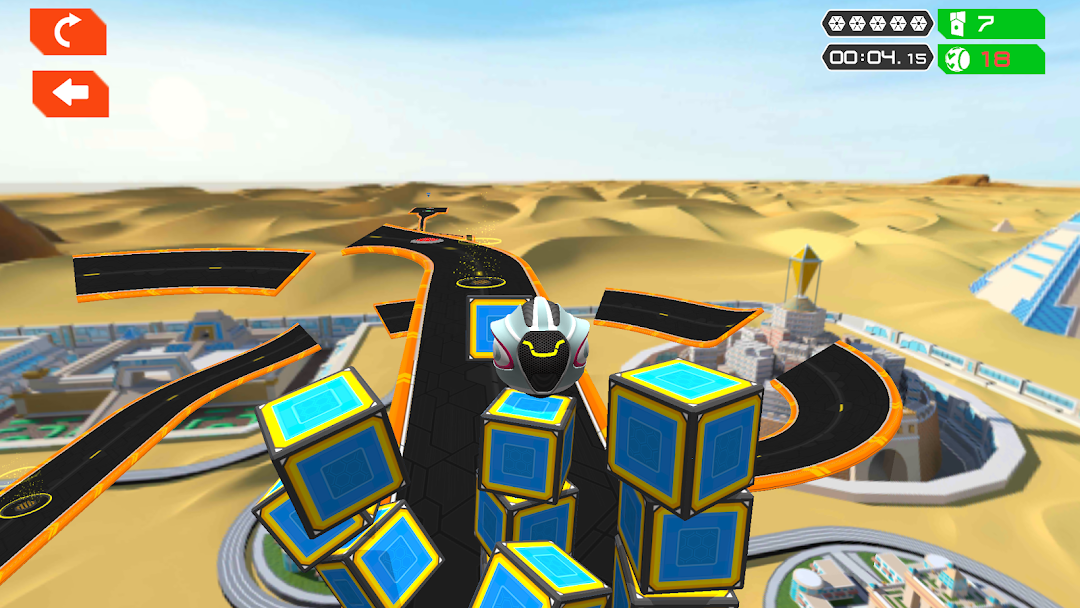
GyroSphere Evolution 3D Ball Game is an adventure, challenging and multi level extreme balancer speed ball game, where you have to balance the going balls and overcome various obstacles to reach the winning gate. Racing Gyrosphere different balancer ball over tricky traps makes the 3d ball game more adventurous.If you’re in for a very challenging physics-based race against time in eye-catching environments, you’re looking at the right game.
In this 3d ball race physics balancer game, you can see realistic graphics with amazing movement controls. Balancing the ball and complete all extreme levels.
Speed and focus are essential. And some good control of your temper would be advisable. Because mastering the Action and Rolling game is no easy task in best Going ball game. You must get past all those ill-intentioned obstacles meant to throw you off the floating racetracks and finish the levels in the best possible time to get the rewards.
Many types of Ball game available in app store like bowling , baseball, going balls, gyrosphere, all games main player is ball.
Not an easy road ahead, the racetracks feature lots of narrow passages, sudden drops, tight loops, dizzying downward spirals, slippery slopes and, of course, the ever-present obstacles. You’ll be very busy and… pissed off, but where’s the fun in playing easy games?
GyroSphere Evolution 3D - Features:
- Easy, one finger swipe ball control
- Earn points to unlock new arenas
- Super-realistic physics based tracks
- 30 tracks, 5 spheres, 4 environments.
- Wildcards let you play a level without losing spheres / lives
- creative and challenging physics-based levels
- addictive gameplay
- amazing graphics
- swipe control
- different spheres to unlock and play.