Hangman: Guess or Swing is a Puzzle application developed by Quest Games Lab, but with the best Android emulator-LDPlayer, you can download and play Hangman: Guess or Swing on your computer.
Running Hangman: Guess or Swing on your computer allows you to browse clearly on a large screen, and controlling the application with a mouse and keyboard is much faster than using touchscreen, all while never having to worry about device battery issues.
With multi-instance and synchronization features, you can even run multiple applications and accounts on your PC.
And file sharing makes sharing images, videos, and files incredibly easy.
Download Hangman: Guess or Swing and run it on your PC. Enjoy the large screen and high-definition quality on your PC!
Unleash your inner word sleuth with Hangman: Guess or Swing!Get ready for a thrilling game of wit where every letter is a clue and every guess could tip the scales! Hangman: Guess or Swing is the FREE app that brings the classic word-guessing game to life with a vibrant twist.
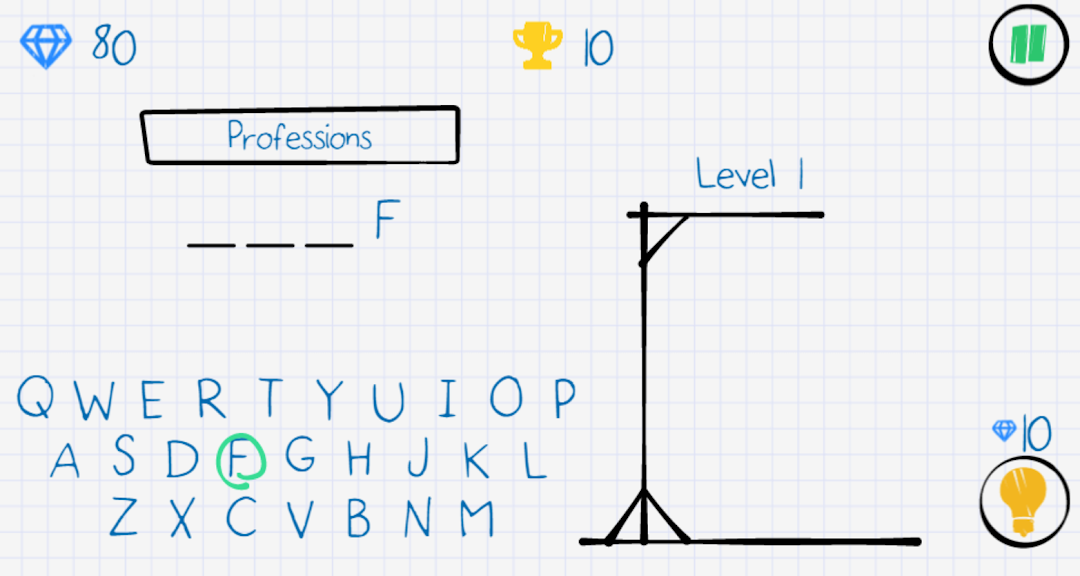
Test your vocabulary and sharpen your reflexes! Can you decipher the hidden word before the hangman swings? Each round presents a mysterious string of underscores, hinting at the letters lurking beneath. With each guess, you'll unravel the puzzle, one letter at a time. But beware, wrong guesses inch the hangman closer to his fateful swing!
The stakes are high, but the rewards are endless! Every correct guess brings you closer to victory, while every wrong one adds a touch of suspense. The tension builds with each round, keeping you on the edge of your seat. Will you be the hero who saves the word, or will you witness its demise?
Hangman: Guess or Swing is more than just a game, it's an adventure! Immerse yourself in a world of endless wordplay and exhilarating challenges. Whether you're a seasoned wordsmith or a curious beginner, this app has something for everyone. As you progress, you'll encounter an ever-growing pool of words, keeping the game fresh and exciting.
But the real fun lies in the competition! Challenge your friends and family to see who reigns supreme in the word-guessing arena. Brag about your perfect scores and watch them squirm as the hangman nears his swing. Hangman: Guess or Swing is the perfect way to spend quality time with loved ones, sparking laughter, friendly competition, and a healthy dose of word-brain exercise!
Download Hangman: Guess or Swing today, absolutely FREE! Dive into a world of words, suspense, and endless fun. With its intuitive gameplay, engaging design, and ever-expanding word list, this app is guaranteed to keep you entertained for hours on end. So what are you waiting for? Unleash your inner sleuth and see if you can hang on to victory!