

Haystack is a Business application developed by Haystack App, but with the best Android emulator-LDPlayer, you can download and play Haystack on your computer.
Running Haystack on your computer allows you to browse clearly on a large screen, and controlling the application with a mouse and keyboard is much faster than using touchscreen, all while never having to worry about device battery issues.
With multi-instance and synchronization features, you can even run multiple applications and accounts on your PC.
And file sharing makes sharing images, videos, and files incredibly easy.
Download Haystack and run it on your PC. Enjoy the large screen and high-definition quality on your PC!
Find jobs in software development, data and design on Haystack.Haystack offers free access to thousands of jobs from top tech employers across the UK.
Join over 20,000 developers to discover your next opportunity.
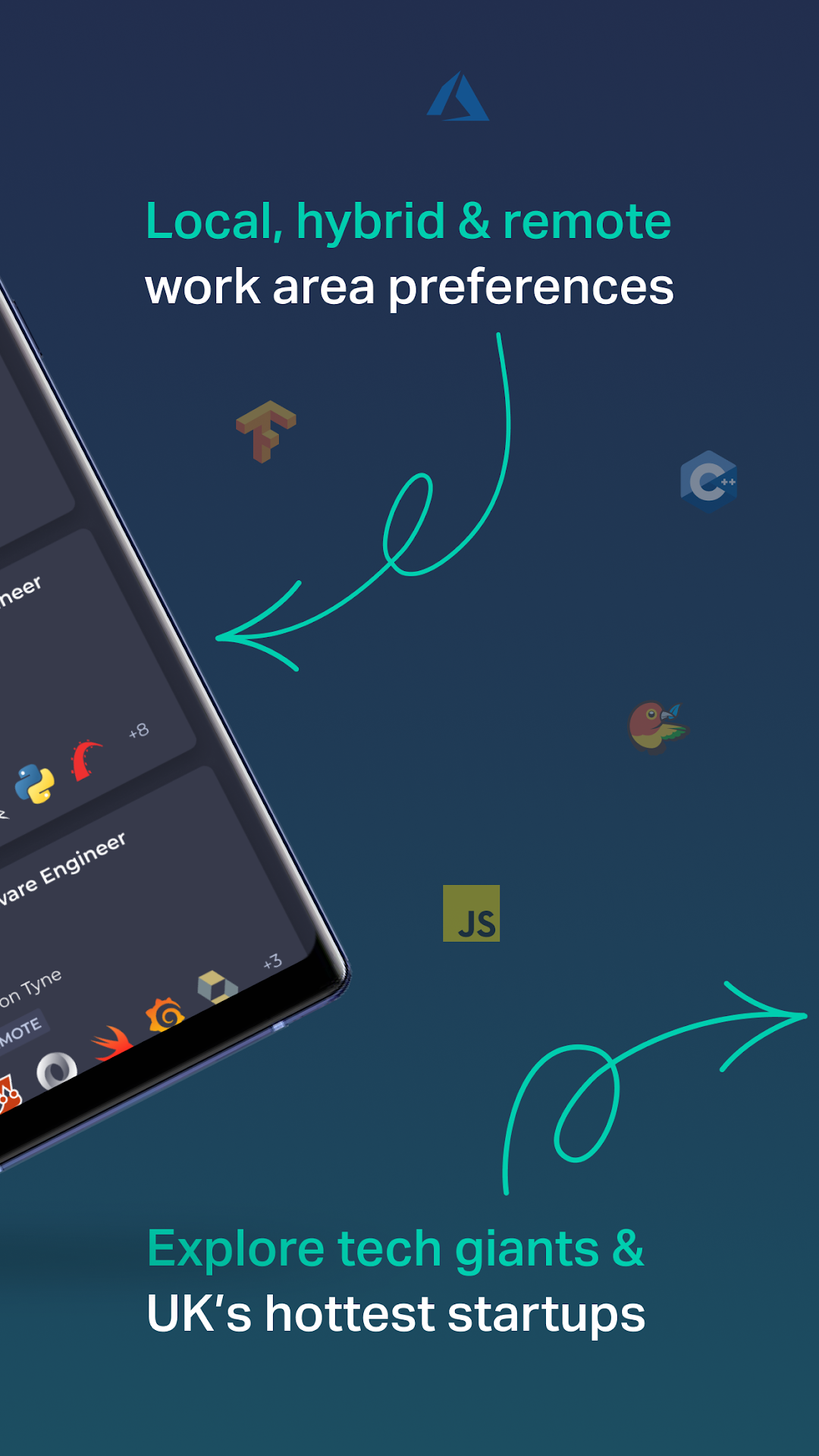
Haystack matches jobs to you based on your interests, values and tech stack - so you only see the most relevant jobs to you. Whether you’re looking for local or remote tech jobs, Haystack’s got you covered.
Remain completely anonymous to companies until you register your interest or apply for a role.
Discover & Research:
Anonymous browsing - no recruiters
Find jobs from over 2,000 companies across the UK
Browse 5,000+ jobs in software development, data and design
Smart matching to your skills and interests
Explore company profiles, culture and engineering practices
Apply:
Add jobs to your haystack to save them for later
Upload your CV and quick apply through Haystack
Not ready to apply just yet? Add it to your Haystack to save it for later
Got a question? Our team can help! Just ask us in the app.
Currently only available in the UK.