Hello Kitty: Kids Hospital is a Educational application developed by Hippo Kids Games, but with the best Android emulator-LDPlayer, you can download and play Hello Kitty: Kids Hospital on your computer.
Running Hello Kitty: Kids Hospital on your computer allows you to browse clearly on a large screen, and controlling the application with a mouse and keyboard is much faster than using touchscreen, all while never having to worry about device battery issues.
With multi-instance and synchronization features, you can even run multiple applications and accounts on your PC.
And file sharing makes sharing images, videos, and files incredibly easy.
Download Hello Kitty: Kids Hospital and run it on your PC. Enjoy the large screen and high-definition quality on your PC!
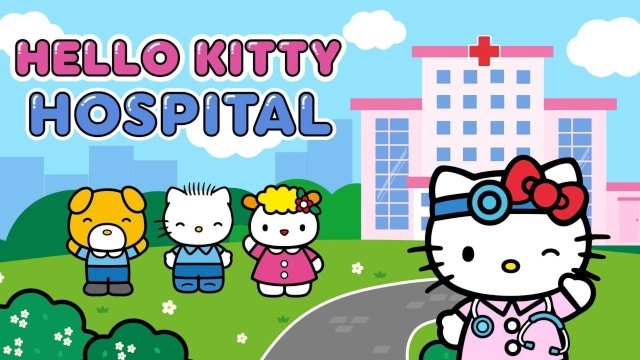
Your toddler can become a real doctor in this new educational game about Hello Kitty’s adventures. It is a very important mission to treat kids. There are a lot of various tasks including kids games about doctors. Help patients in the kids hospital and become the best doctor in this funny medical game for toddlers with Hello Kitty.This game is about a kids hospital. It teaches kids about the important profession of doctor. Play and cure patients with different diseases. Every sick child needs urgent help. Educational games about treatment in this hospital show us how important all doctors are, such as general physicians, surgeons, pediatricians, radiologists, traumatologists and many others. Every floor in our hospital is a special department where doctors specialize in different diseases.
Concentration and attention to details are very important for doctors. Toddlers will learn how to be diligent and attentive so as to save the lives of small patients. We need to make a diagnosis and help all patients to be healthy. It is very important to take care of your health from the very childhood.
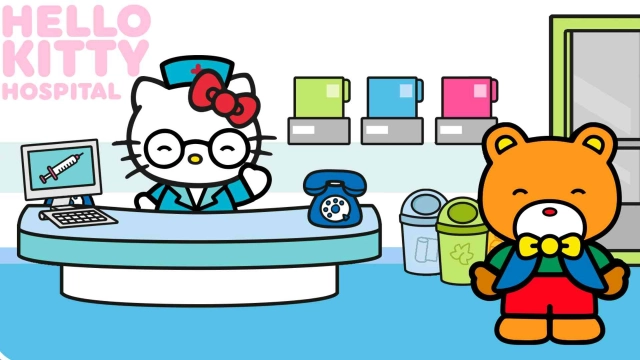
This educational game for boys and girls about the kids hospital will show how a busy hospital works, starting from reception and to the offices of various doctors with the atmosphere of funny cartoons with Hello Kitty.
Features of the game:
- famous graphics of Hello Kitty;
- easy management, created for kids from 3 to 5 years;
- collection of exciting mini games;
- funny characters and pleasant music;
- useful information about a toddler's health.
Face real problems, which happen every day in vet clinics. Play kids educational games about doctors with Hello Kitty and have fun!