Hello Kitty: Kids Supermarket is a Educational application developed by Hippo Kids Games, but with the best Android emulator-LDPlayer, you can download and play Hello Kitty: Kids Supermarket on your computer.
Running Hello Kitty: Kids Supermarket on your computer allows you to browse clearly on a large screen, and controlling the application with a mouse and keyboard is much faster than using touchscreen, all while never having to worry about device battery issues.
With multi-instance and synchronization features, you can even run multiple applications and accounts on your PC.
And file sharing makes sharing images, videos, and files incredibly easy.
Download Hello Kitty: Kids Supermarket and run it on your PC. Enjoy the large screen and high-definition quality on your PC!
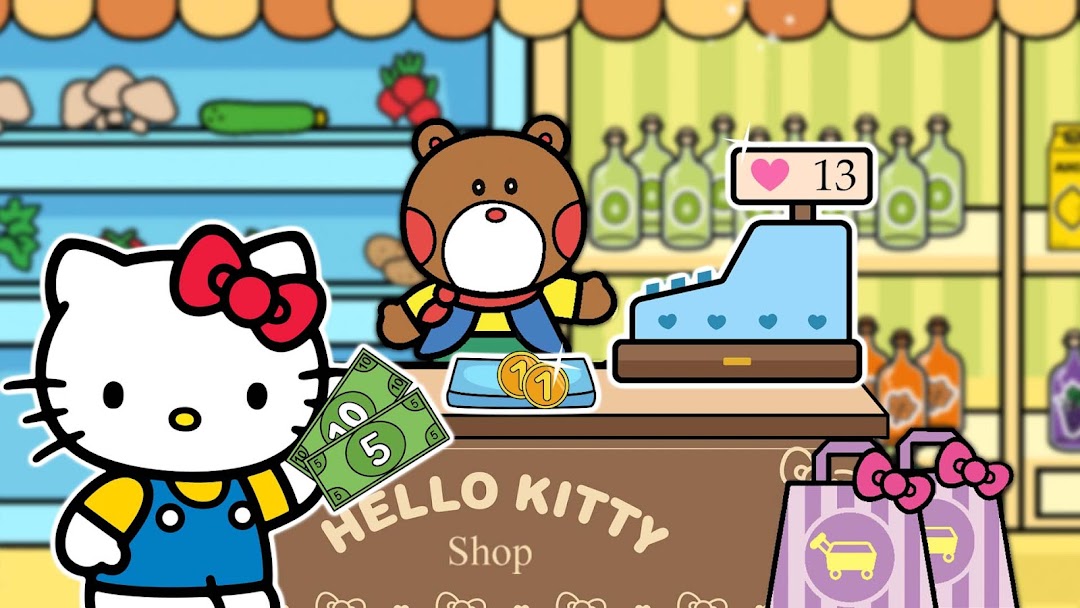
🛒 Hello boys and girls! New Hello Kitty free game is already available for all kids. Go shopping to the real supermarket like Mom and Dad do. Our educational process is conducted in the playing form and future skills will be useful for toddlers in the real life. Let’s start our educational game! Time means money!🍬 Hello Kitty likes to help her favorite adults, such as parents, grandma, grandpa and school teachers. And she also adores shopping. But who doesn’t like it? Boys and girls like to visit different shops. There are a lot of interesting things there, such as toys, sweets, clothes, books. Shopping is an exciting adventure. Choose a trolley and let’s start!
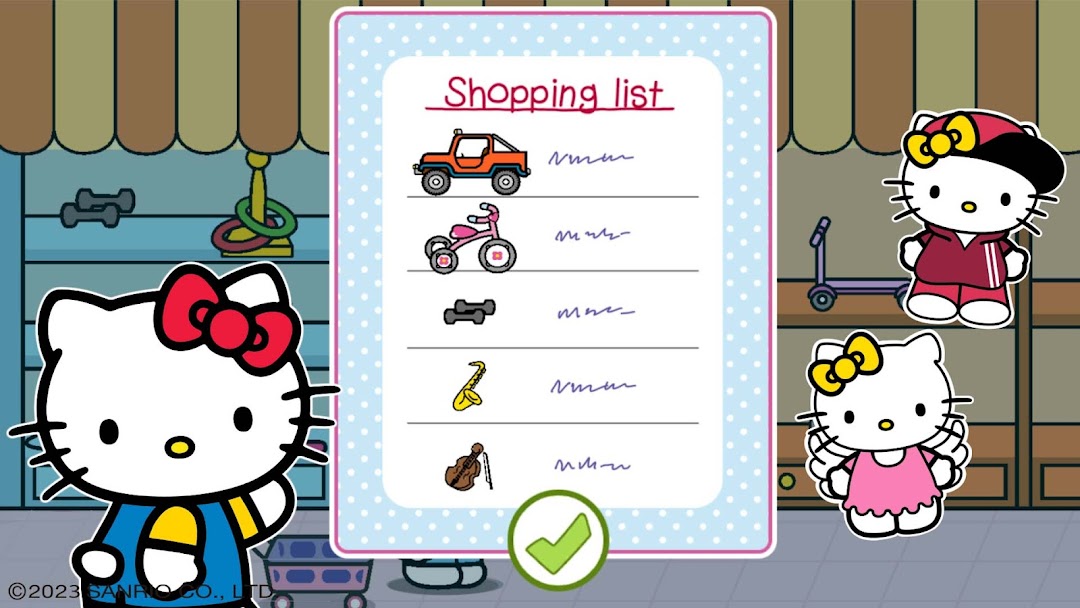
📑 There are a lot of interesting tasks for kids. Mom has created a shopping list and we will find all the items from supermarket shelves. Let’s play Search Items. Grandpa is preparing for the art exhibition for his paintings, so we need to go to the DIY store. There are items, which will help Grandpa to perform a perfect exhibition. Let’s help Grandma as well and buy some goods for her from the shop with Home items. And toddlers will visit the toy shop as well.
💸 Hello Kitty creates the shopping list because she doesn’t want to forget anything. This is a real test to train attention skills and we won’t miss anything. There are a lot of different things on the shelves of a kid’s supermarket. And Mimmy is always trying to put something wrong to the trolley. Kids should learn to do everything correctly from the very beginning, so they could help adults in the future. But choosing things is just a small part of the game. Payment process is an important element for educational kids game. Let’s learn numbers, so we could spend money wisely.
🎡 After completing tasks we will have good rest. Hello Kitty will get tickets to different attractions after every shopping. What do kids need more? Swings, roller coasters and carousels! Boys and girls will understand that it is very funny to help parents! Hello Kitty games teach kids important things in a simple form. Download an exciting shopping game absolutely for free! Play together with us!