Hiker: Heropack Creed is a Strategy game developed by Easy & Fun Casual Games, and LDPlayer is the best platform for playing Hiker: Heropack Creed on Windows PC, offering powerful features for an immersive experience.
When playing Hiker: Heropack Creed on your computer, you can enjoy long game sessions using the operation recording feature to record repetitive operations to complete the same tasks automatically. It allows you to level up faster and makes resource grinding much more efficient.
In addition, if you want to execute combo moves or the game requires repeated skill actions, the macro feature is your best helper. It enables you to complete kills with just one click!
If you want to manage multiple accounts, LDMultiplayer and Synchronizer will assist you. You can run multiple alternative accounts at the same time to assist the leveling of your main account. Download and play Hiker: Heropack Creed on PC with LDPlayer now!
Hiker: Heropack Creed is a hot adventure & strategy game on many platforms. You are the hero and need to use your strategy through jungles, volcanoes, lakes by defeatey all kinds of monsters to find belief and be the king of the adventure.All you need to do in Hiker: Heropack Creed is to constantly update the items in the backpack, organize the weapon, match equipments reasonably, and start battles with your heropack with various monsters to survive as much long time as possible in dungeon!
As a brave hiker and wise packhero, you must explore mysterious cave without fear. The partners you meet on the road will help you repair your scarred body and strengthen your props and improve your backpack. Hero monsters appear, you need courage to use your heropack to fight them!
On the way of adventure, you will get a lot of props from monsters and partners - if you make a mistake in matching, you may be in trouble immediately! Using the strategy, reasonable collocation is the key to victory!
Features:
-Challenge 40+ monsters lurking in every corner, the content is rich and not repetitive!
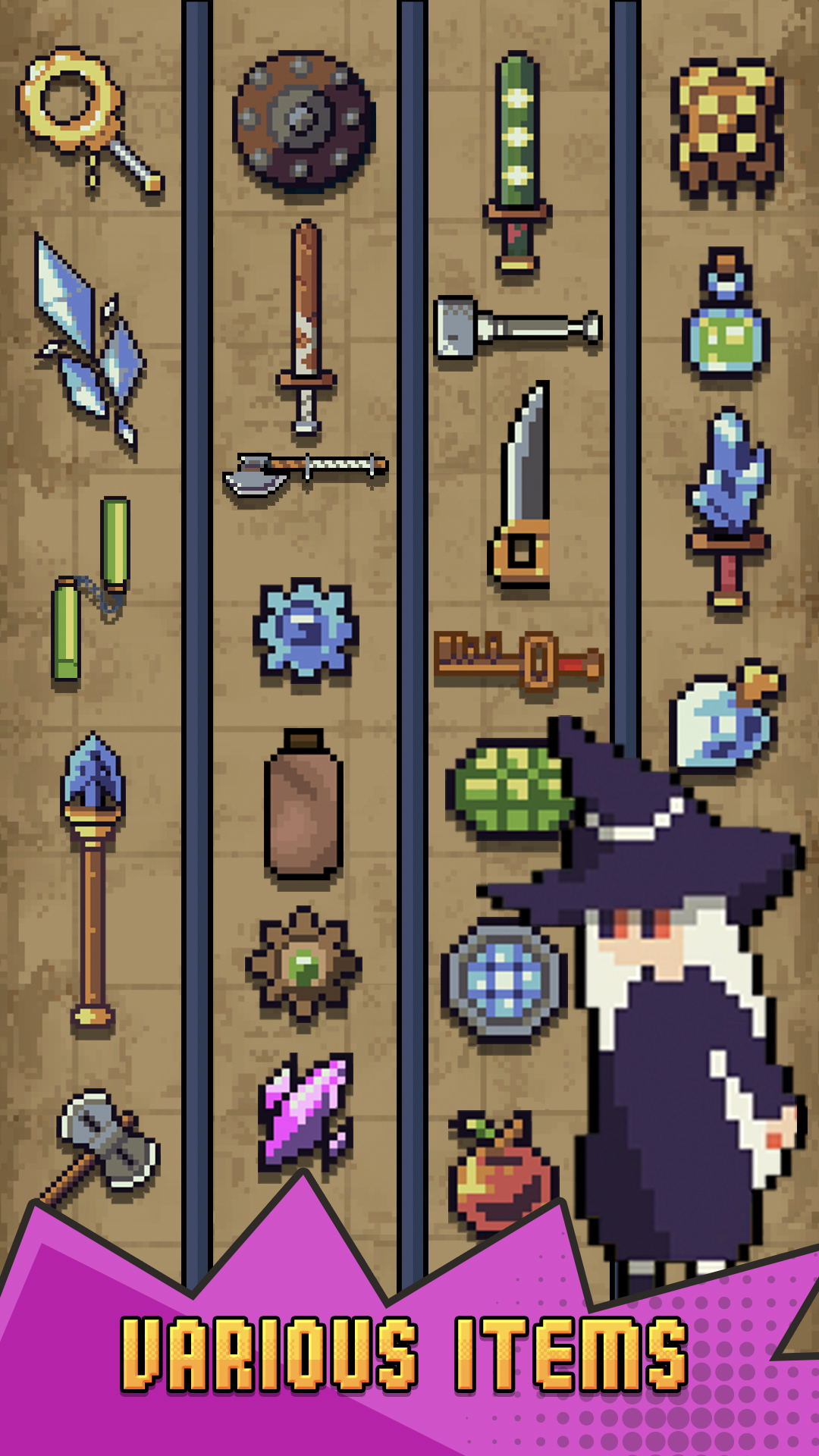
-There are 200+ different items&weapon&equipment in the game, and the freshness is uninterrupted!
-Roguelike gameplay, relax and fast battle!
-Lighting up your talents can guarantee you a perfect victory in the next battle!
Hiker, pick up your heropack, immediately enter the game and start your adventure right now!