Hundred Days is a Simulation application developed by Broken Arms Games srl, but with the best Android emulator-LDPlayer, you can download and play Hundred Days on your computer.
Running Hundred Days on your computer allows you to browse clearly on a large screen, and controlling the application with a mouse and keyboard is much faster than using touchscreen, all while never having to worry about device battery issues.
With multi-instance and synchronization features, you can even run multiple applications and accounts on your PC.
And file sharing makes sharing images, videos, and files incredibly easy.
Download Hundred Days and run it on your PC. Enjoy the large screen and high-definition quality on your PC!
Escape into the countryside and smell the fields of Piemonte!Become the master of your own fate working hands on with grapes, barrels and mostly your own bottle label!
In Hundred Days you will have complete control of a new business. By choosing your starting point carefully, you will embark on a journey of your business and become a mogul of industry by deciding which product to produce. By keeping a pulse on market demand, you may also expand your business through sales and growth.
Just like in the real world, every choice you make, from working in the yard to concrete sales, can affect the quantity and quality of the product you produce. Higher quality product improves your industry reputation, despite higher operational cost, it will benefit your growth in the short run.
Hundred Days is a tycoon game with a narrative twist, offering three different game modes to suit most palates. From beginner to expert, this simulation game will entertain you while improving your general understanding of this millenary tradition and its cultural relevance.
Main features
- “Learn” the entire grape cultivation process and understand the importance of different factors and elements that go into making a highly rated bottle, through hosting a tasting!
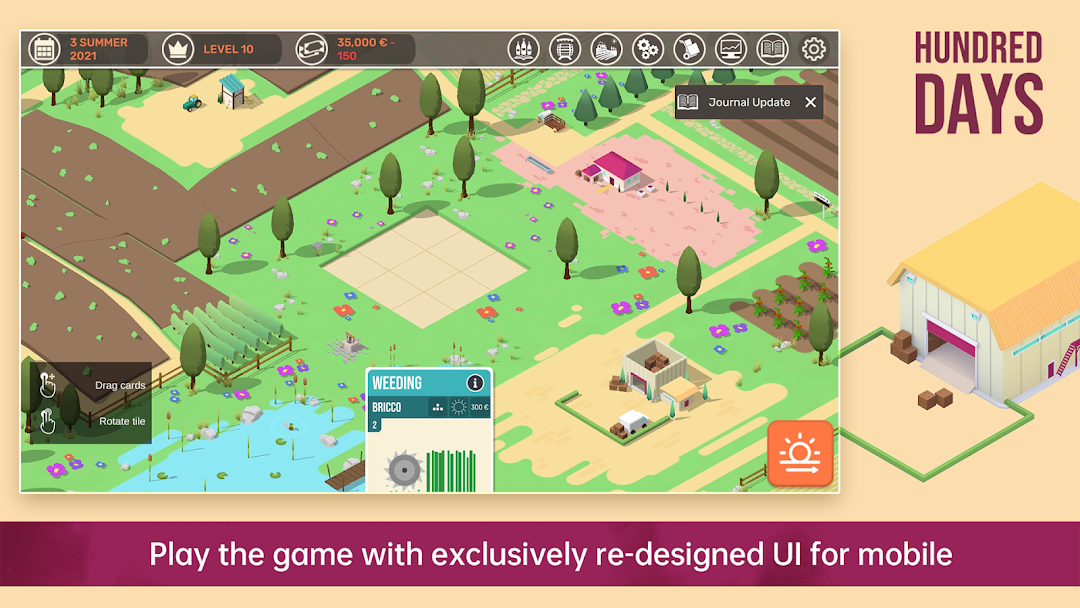
- “Care” for your vineyard by cultivating different types of vine and learning about soil quality and weather patterns that go into the stages such as pruning, fertilization, and harvest.
- “Hands-on” experimentation with cutting-edge techniques and tools, balance between skill and art.
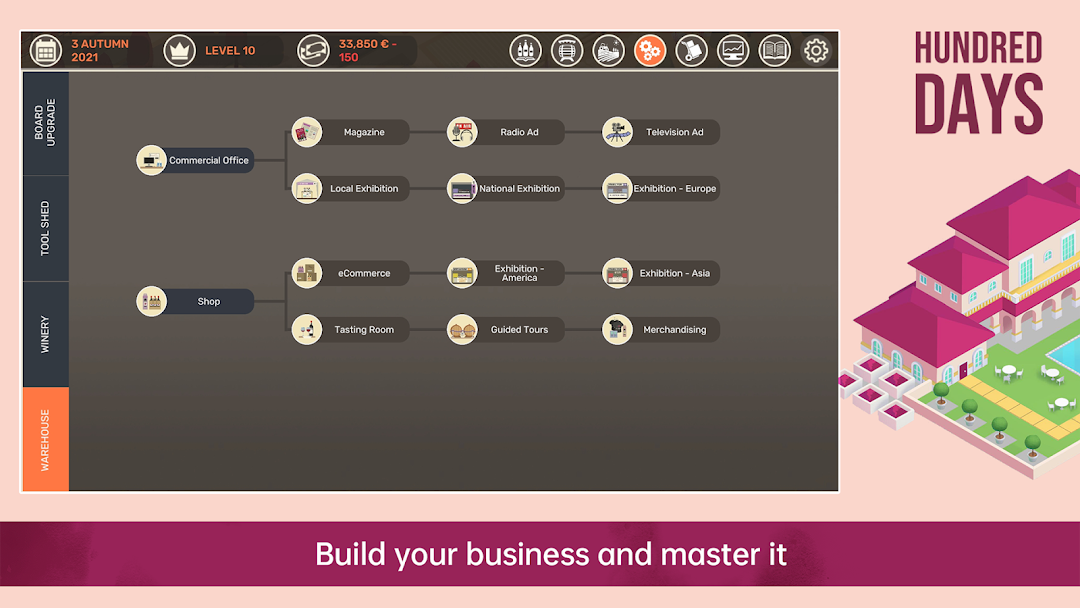
- “Manage” and grow your business, shape your own sales strategy and apply marketing know-hows to build your reputation in the industry.
- “Adventure” and various modes that allow for long or shorter gameplay sessions, find out if you can successfully run an empire on the side!
Join our Discord: https://discord.gg/kUhvSFNA6Z