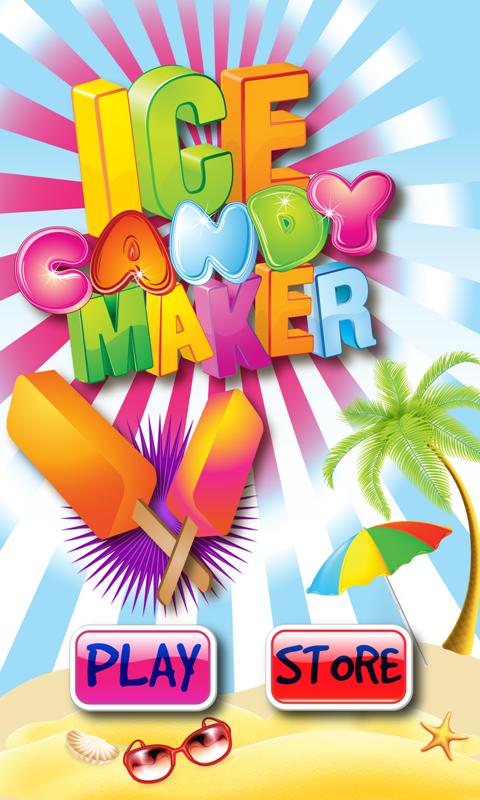
Ice Candy Maker is a Casual game developed by Happy Bonbon Studios. LDPlayer is the best platform for playing Ice Candy Maker on Windows PC, offering powerful features to enhance your immersive experience in Ice Candy Maker.
When playing Ice Candy Maker on your computer, if you find repetitive actions or tasks tedious and time-consuming, fret not! Macro can alleviate your concerns. Simply record your actions with a click of the screen recording feature and let macros take care of the rest. Macros automate your operations, allowing you to effortlessly conquer the game with minimal effort! Start downloading and playing Ice Candy Maker on your computer now!
*** 100% FREE APP NO LOCKED ITEMS OR IN-APP PURCHASES!A game for all Ice Candy, Popsicle and Ice Pop lovers is here! Join us in making icee candy treats.
Don't you just love a nice cold juicy yummy ice pop candy. And so simple to make! Let us show you how in this fun ice cream sundae decorating game for kids of all ages.
The star of among the best ice cream maker and sundae maker games on Android. Nothing is locked in this free ice cream maker app.
Make someone smile today - Create an ice candy pop and share with them for their Happy Birthday or other occasion. This ice pop candy maker includes: 6 types of flavors in different combinations- strawberry, cherry, lemon, orange, banana, kiwi, watermelon and blueberry with toppings, crumbs and sprinkles, candy canes and decorations.
This free cooking game is appropriate for growing babies, toddlers, children and even adults who like cooking, making and serving or just eating ice cream. Icee Candy Maker is the best ice pop making, ice cream sundae making game and cooking game available for your Android phone.
★HOW TO PLAY
=============
- Crush some fruit and ice
- Mix it, shake it, insert your favorite wood stick and freeze it in a custom mold shape
-Pour into a mold. Let it cool for a few minutes… and voila!
- Select different toppings, sprinkle it with crumbs, put on some candy, add some waffles, candy canes, decorate it with paper umbrellas and other little toys for your young ones to play with.
FEATURES
----------------------
Different ice candy fudge frostings
Unleash your creativity
infinite game play with unlimited combinations
lots of toppings