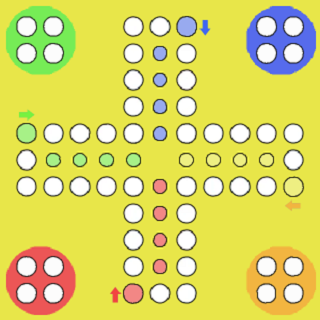
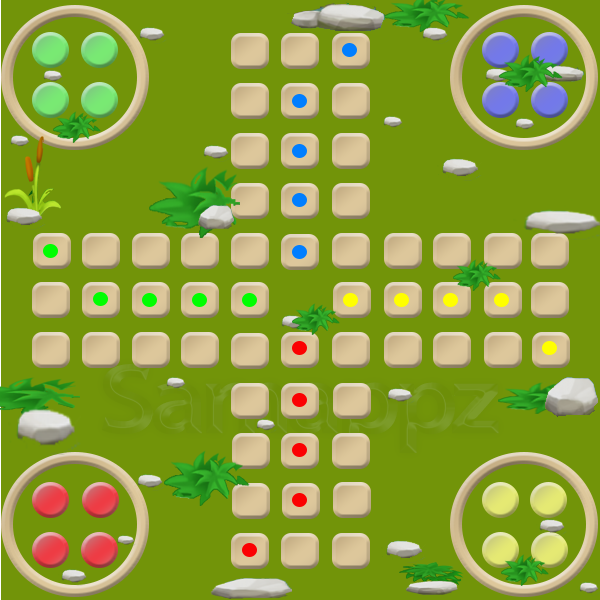
Ludo is a Board application developed by Samappz, but with the best Android emulator-LDPlayer, you can download and play Ludo on your computer.
Running Ludo on your computer allows you to browse clearly on a large screen, and controlling the application with a mouse and keyboard is much faster than using touchscreen, all while never having to worry about device battery issues.
With multi-instance and synchronization features, you can even run multiple applications and accounts on your PC.
And file sharing makes sharing images, videos, and files incredibly easy.
Download Ludo and run it on your PC. Enjoy the large screen and high-definition quality on your PC!
Ludo – Fun, Nostalgia, and Family Competition!Ludo is one of the most popular family and friend board games, enjoyed for generations. Play solo against smart AI or challenge your friends and family in multiplayer mode for hours of fun.
Originally a German classic, the game’s name in Iran comes from Mensch ärgere Dich nicht , which means “Don’t get angry, man.” With simple rules, exciting competition, and a cheerful atmosphere, Ludo has remained a timeless favorite.
Features:
Single-player and multiplayer modes
Beautiful design and smooth gameplay
Simple rules, suitable for all ages
Nostalgic and fun experience
If you are looking for a family-friendly, casual, and classic board game with both competition and nostalgia, download Ludo now and enjoy playing with your friends and family.
Keywords: ludo, ludo game, board game, classic board game, family game, casual game, multiplayer game, nostalgic game