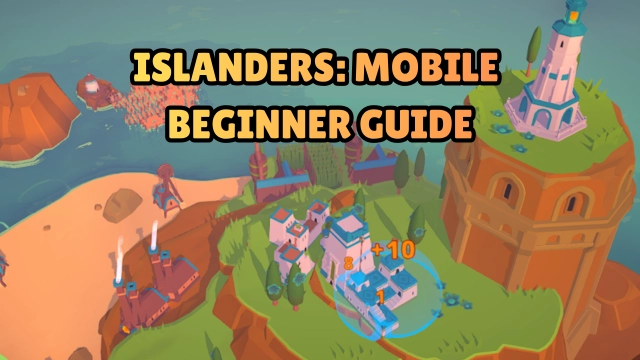
ISLANDERS: Mobile is a minimalist city-building strategy game developed by Coatsink Software. Set on a series of tranquil islands, the game invites you to become a skilled planner—placing buildings, shaping landscapes, and watching your cities bloom at your own pace. With no timers or intrusive ads, you are free to build and relax.
Core Gameplay & Features
-
Build and place from 44 unique building types, each interacting with its surroundings to maximise your score.
-
Explore procedurally generated islands across 7 distinct island biomes, each offering new layouts and aesthetic possibilities.
-
Choose between High Score mode (strategic placement for maximal points) and Sandbox mode (free-form creativity and relaxation).
-
Use Boons, one-time power-ups that allow unique twists such as duplicating or replacing buildings to achieve higher scores.
-
Enjoy a soothing build-at-your-own-pace experience with minimalist visuals, calming soundtrack, and intuitive touch controls—no rush, no pressure.
Player Impressions
The moment I dropped my first building and watched it link up with neighbouring structures, I realised how peaceful yet clever this game is.
Switching between islands feels like flipping through a photo album of mini paradises—and I always want to redesign one more.
Sandbox mode becomes my go-to when I need to unwind: just me, an island, and the sound of waves in the background.
Play ISLANDERS: Mobile on PC with LDPlayer for Best Experience
Enjoy ISLANDERS: Mobile on a larger screen and bring your island-planning to life with LDPlayer’s PC optimisation:
-
Ultra Screen – Expand your view to see entire islands and building layouts in full clarity.
-
Custom Controls – Map keyboard and mouse to easily place, rotate and reposition buildings with precision.
-
High FPS – Ensure smooth frame-rates for seamless drag-and-drop and scenic transitions.
-
Battery-free Play – Long sessions without battery concern; perfect for extended creative builds.
-
Multi-instance Sync – Run multiple islands or accounts concurrently, ideal for varied layouts or creative experimentation.
Switch to PC with LDPlayer and build your dream island city with freedom and comfort—relaxation and creativity await.