Jewel Block King is a Puzzle application developed by springpocket, but with the best Android emulator-LDPlayer, you can download and play Jewel Block King on your computer.
Running Jewel Block King on your computer allows you to browse clearly on a large screen, and controlling the application with a mouse and keyboard is much faster than using touchscreen, all while never having to worry about device battery issues.
With multi-instance and synchronization features, you can even run multiple applications and accounts on your PC.
And file sharing makes sharing images, videos, and files incredibly easy.
Download Jewel Block King and run it on your PC. Enjoy the large screen and high-definition quality on your PC!
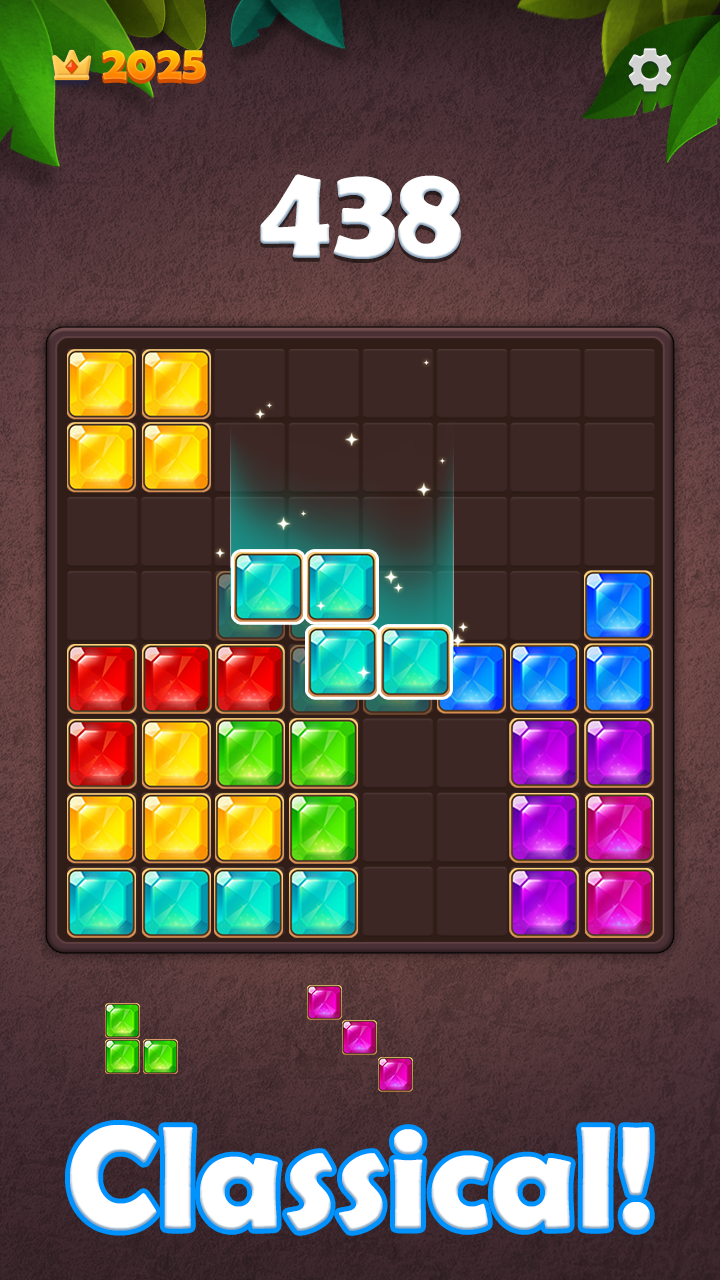
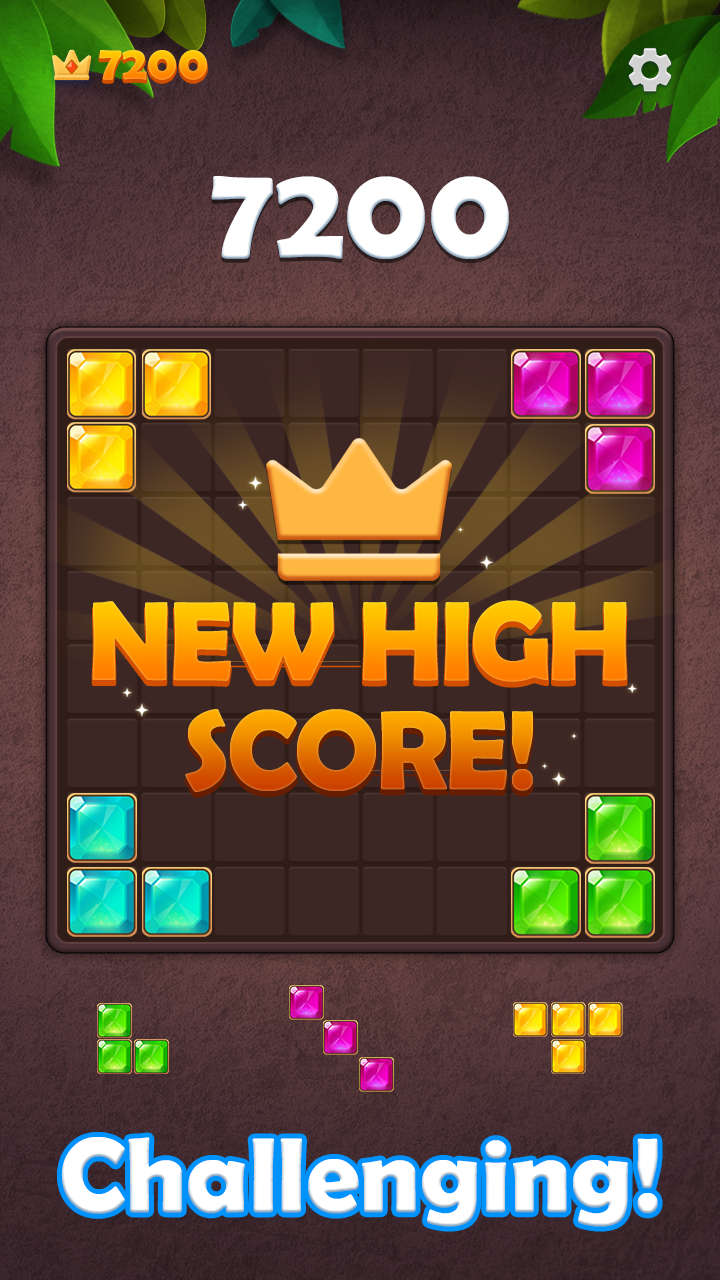
Jewel Block King - A Block Puzzle Game to Wake Up Your Brain!Jewel Block King is a simple yet addictive block puzzle game that enhances strategic thinking and logical skills.
Combine the sparkling jewel blocks to clear the board and achieve the highest score.
With various puzzle modes, you can enjoy playing anytime, anywhere.
Game Features
✔ Simple yet deep puzzle gameplay – Easy to learn, but requires strategic play to achieve high scores
✔ Play anytime, anywhere – No Wi-Fi needed, enjoy even in airplane mode
✔ Great for brain training – Improve logical thinking and problem-solving skills
✔ Beautiful jewel theme – Experience a dazzling puzzle game with sparkling jewel blocks
How to Play
✔ Drag and place blocks on the 8x8 board
✔ Complete horizontal or vertical lines to clear the blocks
✔ The game ends when there is no space left to place blocks
✔ Clear multiple lines at once to earn bonus points
✔ Blocks cannot be rotated, so plan your placement carefully
Tips for High Scores
✔ Remove multiple lines at once to earn extra points
✔ Plan your block placements in advance for optimal space usage
✔ Take your time and think strategically before placing blocks
✔ Maximize opportunities to gain bonus points
Train your brain and set new high scores with Jewel Block King!
Enjoy anytime, anywhere and challenge yourself to become the ultimate puzzle master!