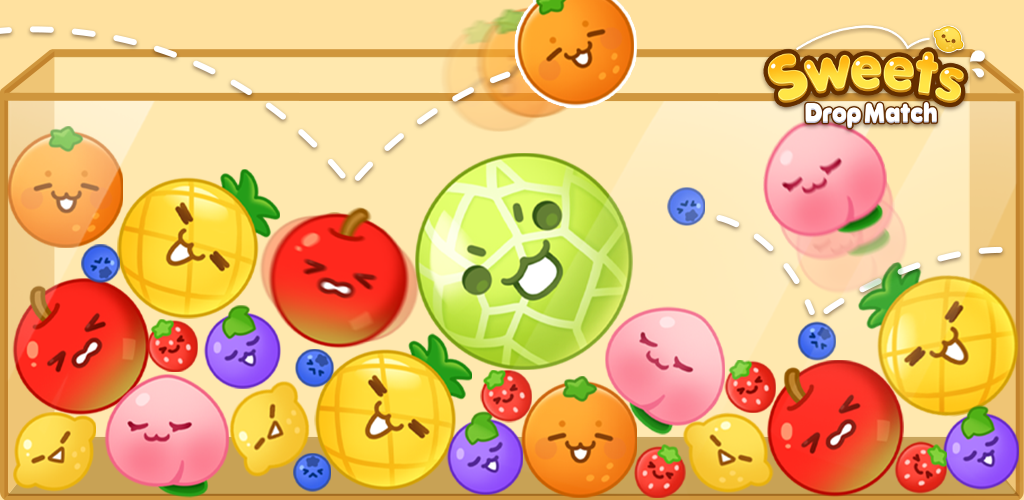
Sweets Drop Match is a Puzzle application developed by springpocket, but with the best Android emulator-LDPlayer, you can download and play Sweets Drop Match on your computer.
Running Sweets Drop Match on your computer allows you to browse clearly on a large screen, and controlling the application with a mouse and keyboard is much faster than using touchscreen, all while never having to worry about device battery issues.
With multi-instance and synchronization features, you can even run multiple applications and accounts on your PC.
And file sharing makes sharing images, videos, and files incredibly easy.
Download Sweets Drop Match and run it on your PC. Enjoy the large screen and high-definition quality on your PC!
In the game ‘Watermelon Puzzle: Drop Match’, merge adorable fruits to create the biggest fruit!Aim to be the world’s number one in this globally popular fruit block puzzle game!
Unlike other merging block puzzle games, this one is easy and fun!
Collide identical fruits without letting them drop out of the box!
Can you strategize to solve this fruity puzzle?
What Makes ‘Watermelon Puzzle: Drop Match’ So Fun
1. Simple gameplay that you can enjoy anytime, anywhere with one hand
2. The fun of merging cute fruits to create the biggest one
3. Satisfaction from solving tricky puzzles with fruit blocks
4. Clean design and vibrant colors
How to Play ‘Watermelon Puzzle: Drop Match’
1. Drop fruit blocks into your desired positions
2. Drop fruit into the spaces created as the cute fruit blocks merge
3.Merge fruits slowly, aiming for the final melon
4. When the two biggest fruits combine, they disappear, and you earn extra points
5. Aim for the highest score and become the world’s number one!
Create your highest score in ‘Watermelon Puzzle: Drop Match’!
Embark on a journey of dynamic fruit matching and strategic gameplay. Dive into this charming and fun fruit-matching quest to prove your skills!
Contact Email: help@spcomes.com