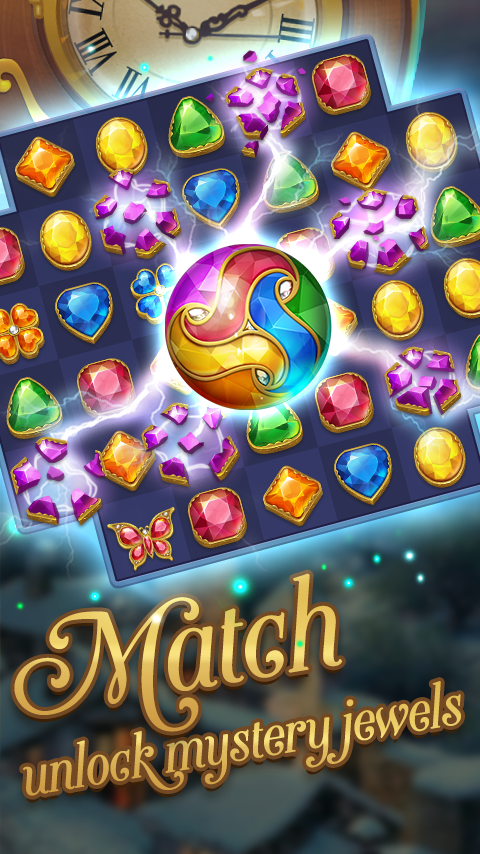
Jewel Mystery is a Casual game developed by IVYGAMES. LDPlayer is the best platform for playing Jewel Mystery on Windows PC, offering powerful features to enhance your immersive experience in Jewel Mystery.
When playing Jewel Mystery on your computer, if you find repetitive actions or tasks tedious and time-consuming, fret not! Macro can alleviate your concerns. Simply record your actions with a click of the screen recording feature and let macros take care of the rest. Macros automate your operations, allowing you to effortlessly conquer the game with minimal effort! Start downloading and playing Jewel Mystery on your computer now!
Jewel Mystery is a classical match 3 game that discover stories and solve puzzles. Explore the ancient legend of The Fountain of Youth. Bill and his Search Dog embark on this adventure to collect keys for saving his lover's life. Complete challenges, find letters, and discover the story! With the ups and downs of the story, can Bill fulfill his wish?CLASSIC MATCH 3 GAMEPLAY
Match jewels & gems of the same color to eliminate them, complete challenges, help Bill find letters, and unlock the plot! Use special jewels strategically, Boost the magical power gems to help you eliminate quickly.
UPS AND DOWNS STORY
Collect pieces of letters, try to reorganize and interpret the story, find out the secret of the legend. With the continuous reversal of the story, we must keep our mind clear for
exploring. Find hidden obstacles, combine magical props, solve thousands of challenging match-3 levels.
QUAINT DESIGN, LEADING RETRO TREND
Classical luxury art style, can be used as the screen of mobile wallpaper!
Collect famous quotes, and maintain a healthy mindset.
You will be immersed in this twisty story and exciting world of fabulous match 3 game!
GAME FEATURES
Thousands of mystery match 3 levels and well-designed gameplay.
Support EN, JP, GE, KR, PT and other languages, easy to read and easy to use.
Log in to your Facebook account, explore with friends around the world, and save your progress if you change the phone.
PLEASE NOTE
Network connection is required.
Jewel Mystery is free to download and play. Some in-app items can also be purchased for real money. In-app purchases can be disabled through your device’s settings.
By downloading this app, you agree to our privacy policy and terms of use.
Follow us on Facebook for updates, reward events and more!
https://www.facebook.com/JewelMystery/
Your suggestions is our greatest encouragement!
Contact: help@ivymobile.com