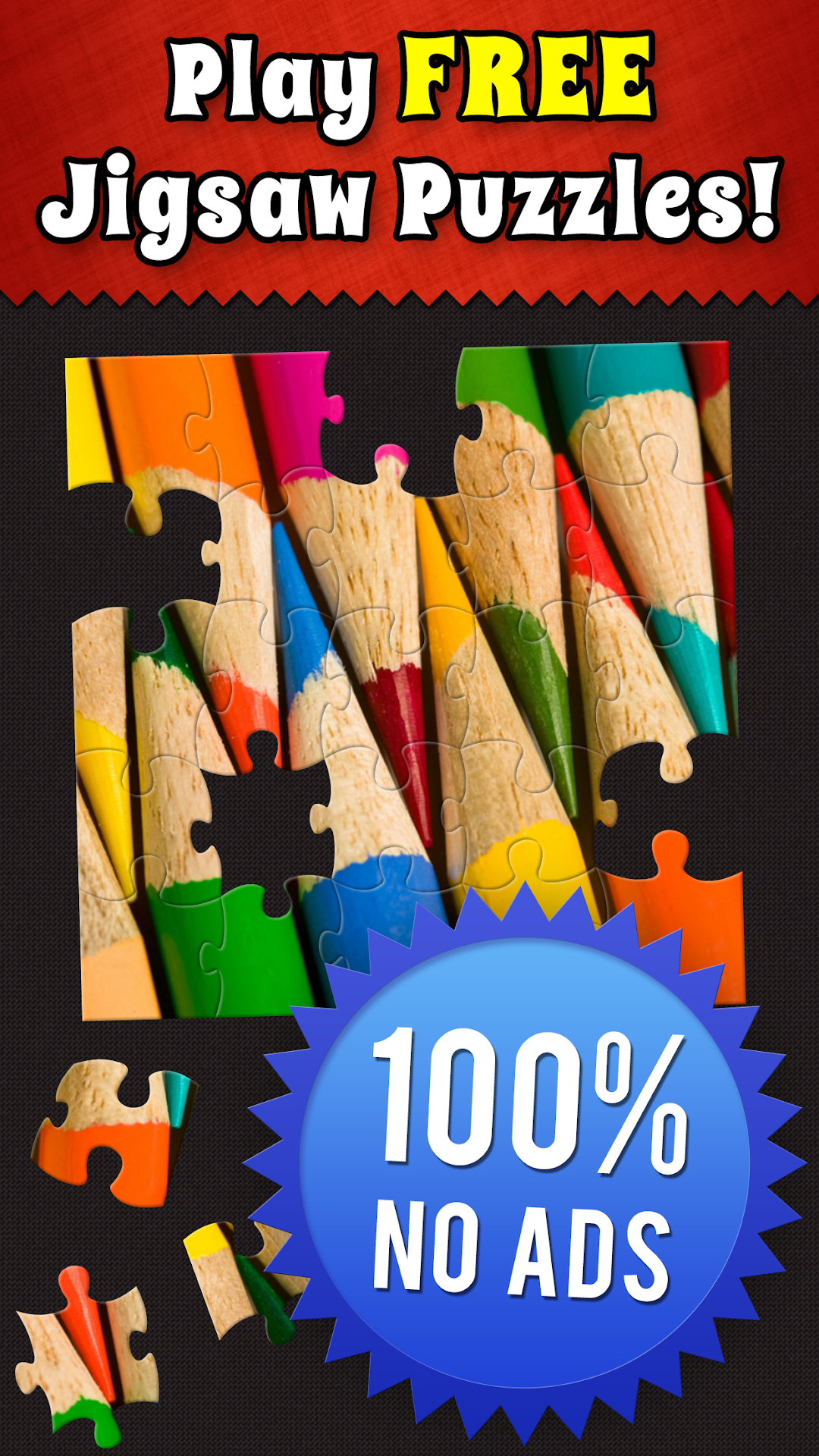
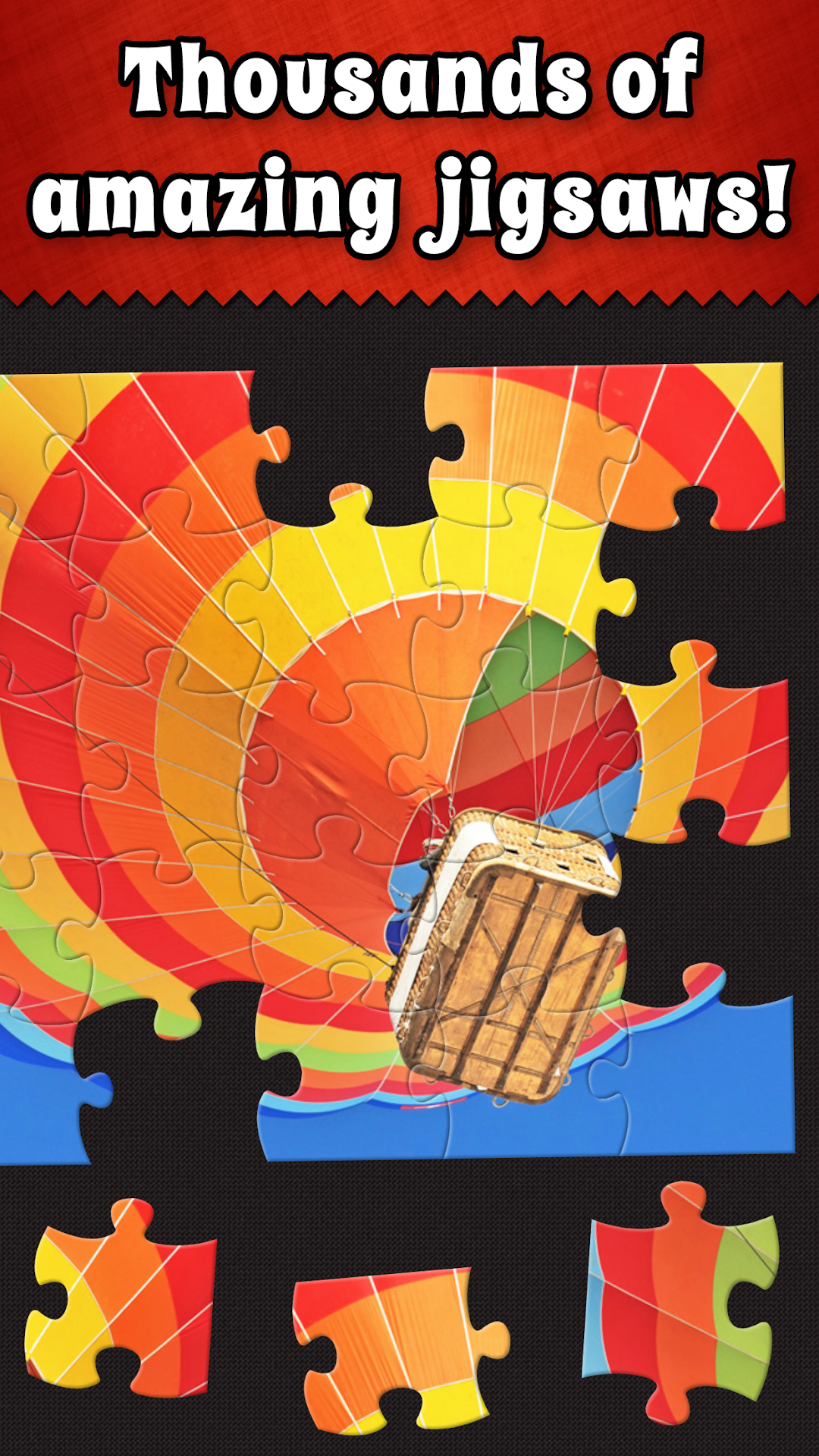
Jigsaw Puzzle Bug is a Puzzle application developed by Digital Strawberry LLC, but with the best Android emulator-LDPlayer, you can download and play Jigsaw Puzzle Bug on your computer.
Running Jigsaw Puzzle Bug on your computer allows you to browse clearly on a large screen, and controlling the application with a mouse and keyboard is much faster than using touchscreen, all while never having to worry about device battery issues.
With multi-instance and synchronization features, you can even run multiple applications and accounts on your PC.
And file sharing makes sharing images, videos, and files incredibly easy.
Download Jigsaw Puzzle Bug and run it on your PC. Enjoy the large screen and high-definition quality on your PC!
Jigsaw Puzzle Bug is simply the best jigsaw puzzle app! From our puzzles to our pictures, we went the extra mile to give you an amazing jigsaw puzzle experience.FEATURES:
- Thousands of high-resolution jigsaw puzzles
- Beautiful images from professional photographers
- Puzzles in a variety of exciting categories
- Four distinct jigsaw puzzle cut styles
- Optional tray feature to keep your pieces organized
- Puzzles for the whole family and for every skill level
- Automatically save in-progress jigsaws to finish later
- Dynamic jigsaw puzzle cuts for a new challenge every time you play
- Advanced options including border shuffle, edges only, ghost image and more
- Customize the game background to fit your mood
- No annoying third-party advertisements
ABOUT JIGSAW BUG:
We love jigsaw puzzles! That's why we set out to build the best jigsaw puzzle app.
It all starts with our photos. Amazing jigsaw puzzles come from amazing photos. We select the very best pictures from professional photographers around the world.
We artfully hand-crafted four different jigsaw cut styles to provide the feel of real jigsaws. Our team of programmers made it possible for you to have a unique jigsaw puzzle every time you play.
Puzzles were meant for everyone to enjoy. Your kids and grandkids will love playing our 4, 6, and 12 piece cuts. You'll enjoy puzzles up to 80 pieces on your phone and up to 300 pieces on your tablet. We offer a wide range of photos, cuts and styles for every mood and skill level.
Jigsaws should be enjoyed, not interrupted by ads. Jigsaw Puzzle Bug proudly features no third-party advertisements.
GET IN TOUCH
We want you to have the best jigsaw puzzle experience possible! If you ever have any questions or suggestions, please contact us at http://www.jigsawbug.com/contact/. We always love hearing from our players.
Thanks for downloading Jigsaw Bug. Happy puzzling!