Officially franchised by the original creators, Kaiju No.8 The Game enters a world fraught with lurking dangers and cataclysmic Kaiju launched on 28 August. The game restores the anime story and expands unique plot. Join the Japan Anti-Kaiju Defense Force and enjoy this command card battle RPG! Are you ready for experiencing unparalleled combat and fight monsters together?
Game Features
[Immersive 3D Visuals]
Immerse yourself in 3D plots, including main story, memories, and character stories. You can explore expending Kaiju No.8 universe, discovering Kafka Hibino fancy adventures. Embark on your battle!
[Fascinating Game Features]
Kaiju No.8 The Game is mobile turn-base RPG with command card system. Squad setup is composed of 4 characters, as partner in team can deal extra damage. Equip your members with exclusive weapons to maximize their power and build your strategic lineups. In addition, unleash your Ultimate while monsters expose their core.
[Unlimited Potential]
Reinforcement&Enhancement system boost their versatilities. Character will obtain ture potential by Awakening, skill enhancement, and Ascension. You can also strengthen your weapons!
[Diverse Anime Characters]
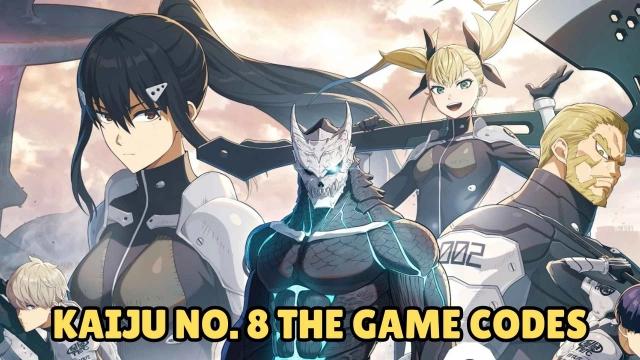
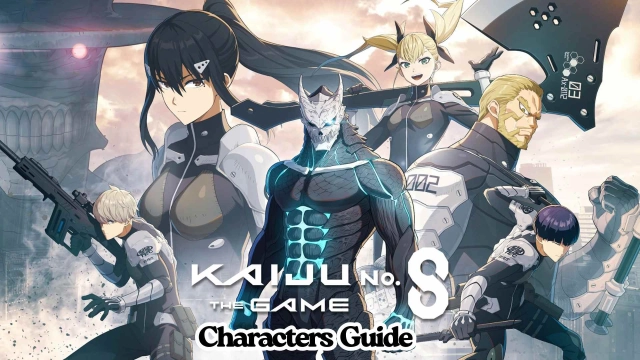
Kaiju No.8 The Game has released over ten popular anime characters. You can picks your favourite characters such as Soshiro Hoshina, Mina Ashiro and etc. .
[Original Anime Voice Actors]
Kafka Hibino/KAIJU NO. 8: Masaya Fukunishi
Mina Ashiro: Asami Seto
Reno Ichikawa: Wataru Katoh
Kikoru Shinomiya: Fairouz Ai
Soshiro Hoshina: Kengo Kawanishi
Isao Shinomiya: Tessyo Genda
and many more!
Why Play Kaiju No.8 The Game on PC with LDPlayer
Enjoy the smoothest mobile game on PC. LDPlayer - the best Android Emulator to play Kaiju No.8 The Game - help you dominate it with the wonderful functions such as multi-instance, high FPS, ultra-wide screen and etc.! Download LDPlayer for convenience gaming experience.
Multi-instance & Sync: Create multiple instance and execute the same operation simultaneously, reinforce and enhance quickly.
Customizable FPS: Unlock fixed FPS settings, customize your optimal FPS and enjoy smoothest gameplay.
Ultra-Wide Screen: Get a full view of the battlefield and enjoy immersive 3D visuals.