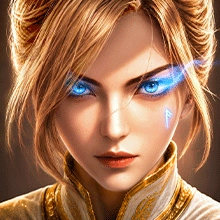


Kaldoris: Rising Crown is a Role Playing game developed by NTWorld, and LDPlayer is the best platform for playing Kaldoris: Rising Crown on Windows PC, offering powerful features for an immersive experience.
When playing Kaldoris: Rising Crown on PC, as a new player looking to start with a fresh account, the multi-instance and sync features are extremely useful for rerolls. You can use them to run multiple instances and begin the synchronization process. Bind your account until you draw the desired heroes.
In addition, operation recorder is great for games that require you to level up and complete tasks! Run the sync and record your actions, then repeat the main instance's actions in real-time. By doing so, you can run 2 or more accounts simultaneously. You can always get the heroes you want before others by faster rerolls and more efficient summoning! Start downloading and playing Kaldoris: Rising Crown on your computer now!
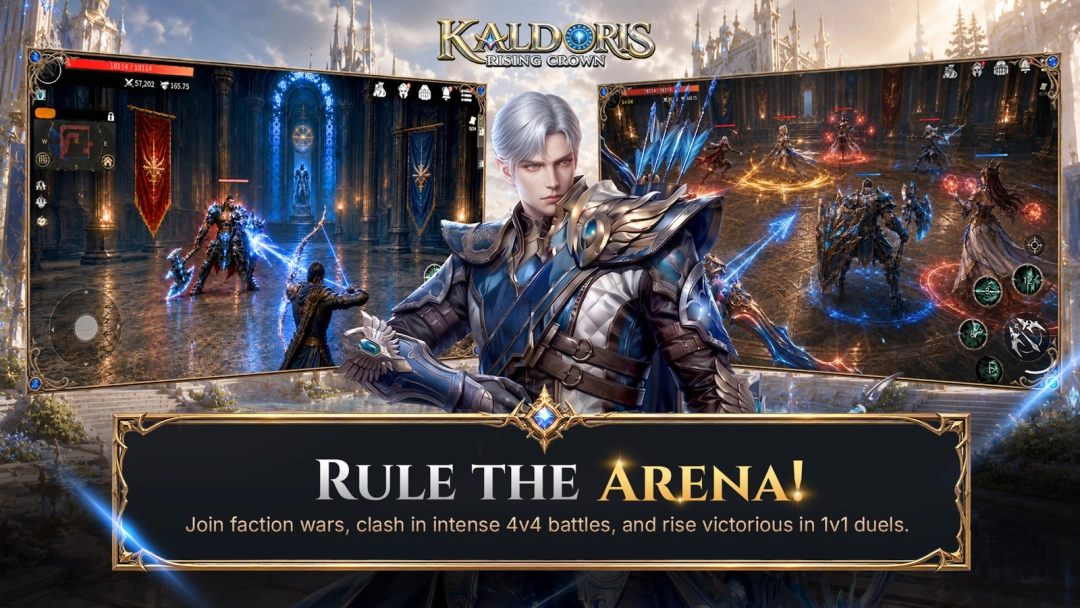
Kaldoris: Rising Crown is a real-time action MMORPG built on three pillars: massive battles, guild warfare, and the Guardian Fusion system.
Step into a dark fantasy world, pick your class, and fight shoulder-to-shoulder with hundreds of players in live, large-scale combat.
SIX UNIQUE CLASSES
Play as the Archer, Holy Knight, Assassin, Mage, Canon Shooter, or Warrior — each with its own branching skill tree built around Link, Take, Promote, and Stack mechanics. Mix and match to engineer the build that wins.
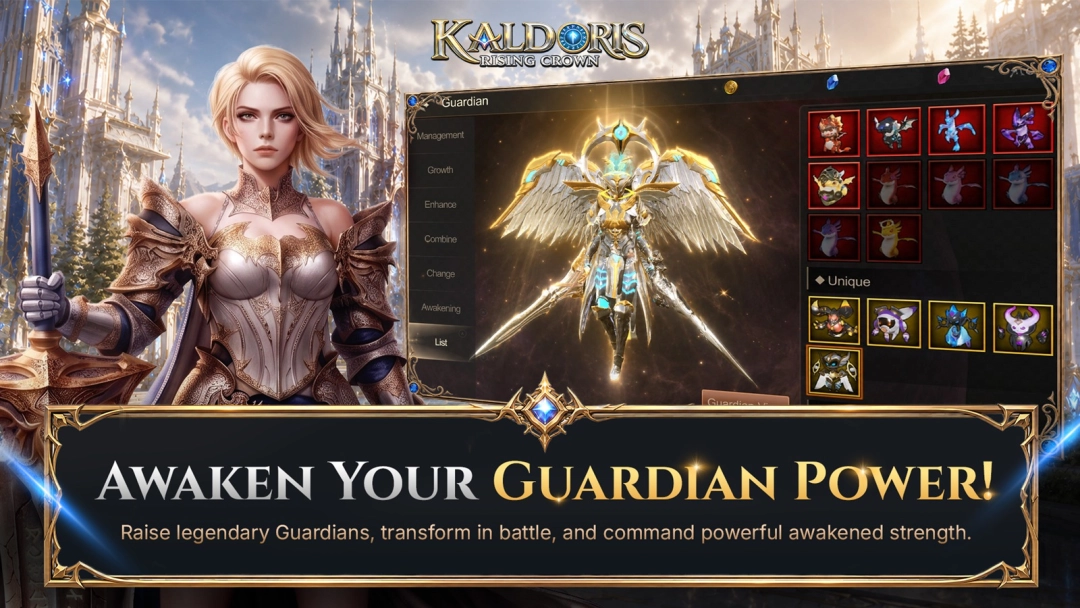
GUARDIAN FUSION
Gather and fuse more than 100 Guardians across five attributes — Angel, Demon, Otherworldly, Spirit, and Machine. Evolve and merge them to multiply your base damage and swing any fight in your favor.
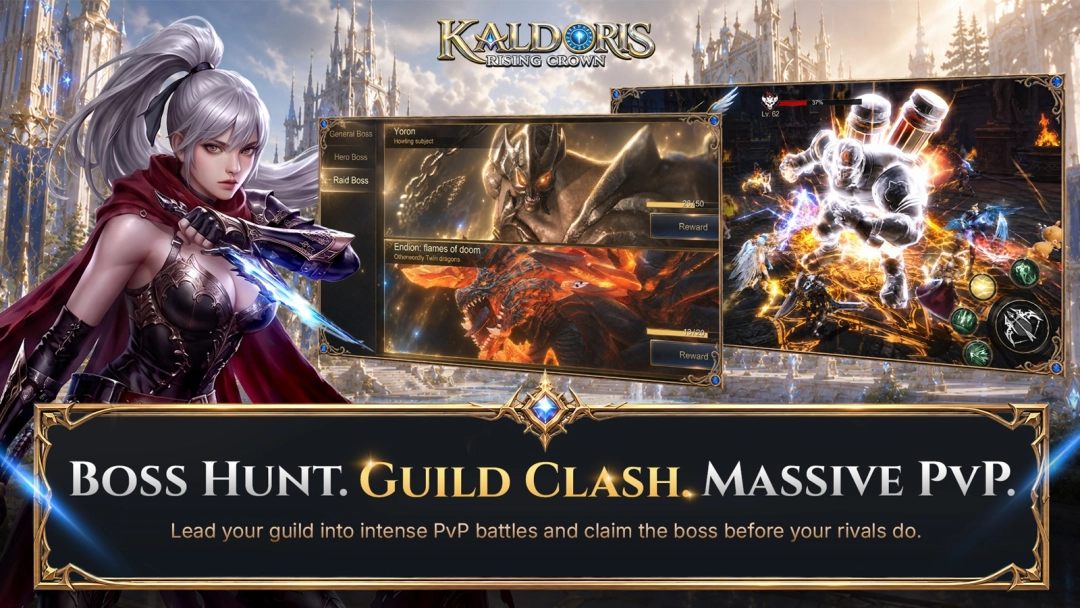
HUNDRED-PLAYER WORLD BOSS RAIDS
Rally your guild and converge with allies and rivals on open-field World Bosses, where hundreds of players battle at once. Bring down the boss together and claim the spoils.
CROSS-SERVER GUILD WARS
Take your guild beyond its home server. In mixed PvP and PvE modes, members are auto-matched into battle against rival guilds. Out-think, out-coordinate, and out-fight them for cross-server supremacy.
NO LEVEL CAP — STRAIGHT TO THE ACTION
Race through main quests and level rewards, then head for the EXP map where auto-battle pushes your power higher fast. There's no ceiling — only the next fight.
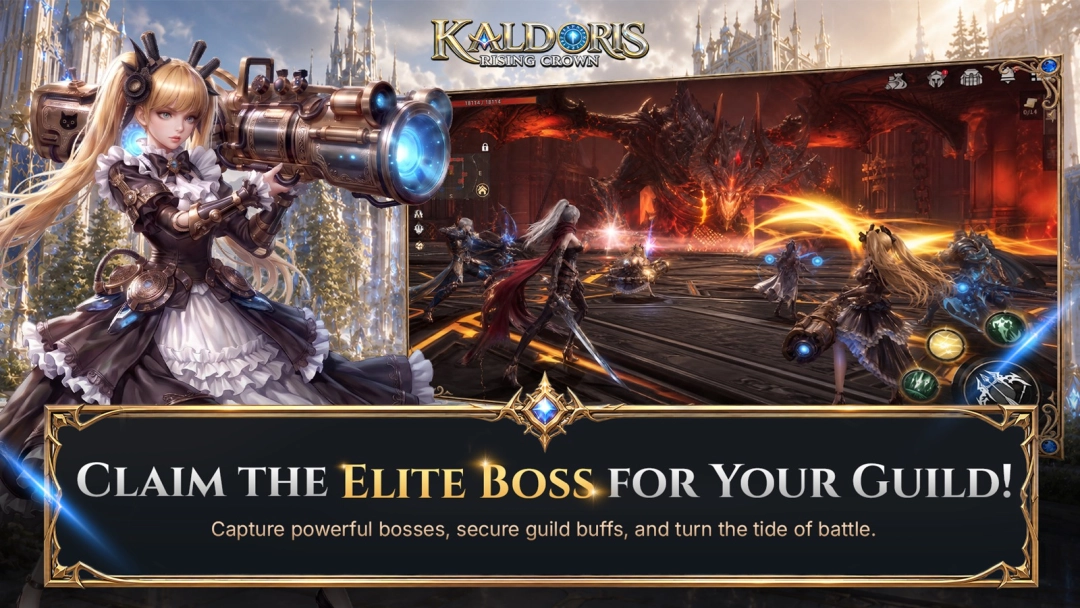
ELITE BOSS SYSTEM
Team up in dungeons to take down Elite Bosses. Beat one and it grants daily buffs to your entire guild — and joins you as a loyal Guardian ally.
CRAFT YOUR OWN GEAR
Forge and combine equipment that's truly yours. Every craft succeeds at 100%, and your gear is never destroyed no matter how far you push the enhancement.
MASSIVE REAL-TIME BATTLES
Throw yourself into large-scale PvP, guild wars, and world boss raids with hundreds of players on screen. New challenges and rewards land every day — this is intense combat at its purest.
Your crown is waiting. Choose your class, forge your Guardians, rally your guild, and rise to claim it.
Official Website: https://www.kaldoris.ntworld.com.sg
Discord: https://discord.gg/BHK4PvDJbq
Contact: support@ntworld.com.sg