Kid-E-Cats Kids Colour Book is a Educational application developed by Kidify, but with the best Android emulator-LDPlayer, you can download and play Kid-E-Cats Kids Colour Book on your computer.
Running Kid-E-Cats Kids Colour Book on your computer allows you to browse clearly on a large screen, and controlling the application with a mouse and keyboard is much faster than using touchscreen, all while never having to worry about device battery issues.
With multi-instance and synchronization features, you can even run multiple applications and accounts on your PC.
And file sharing makes sharing images, videos, and files incredibly easy.
Download Kid-E-Cats Kids Colour Book and run it on your PC. Enjoy the large screen and high-definition quality on your PC!
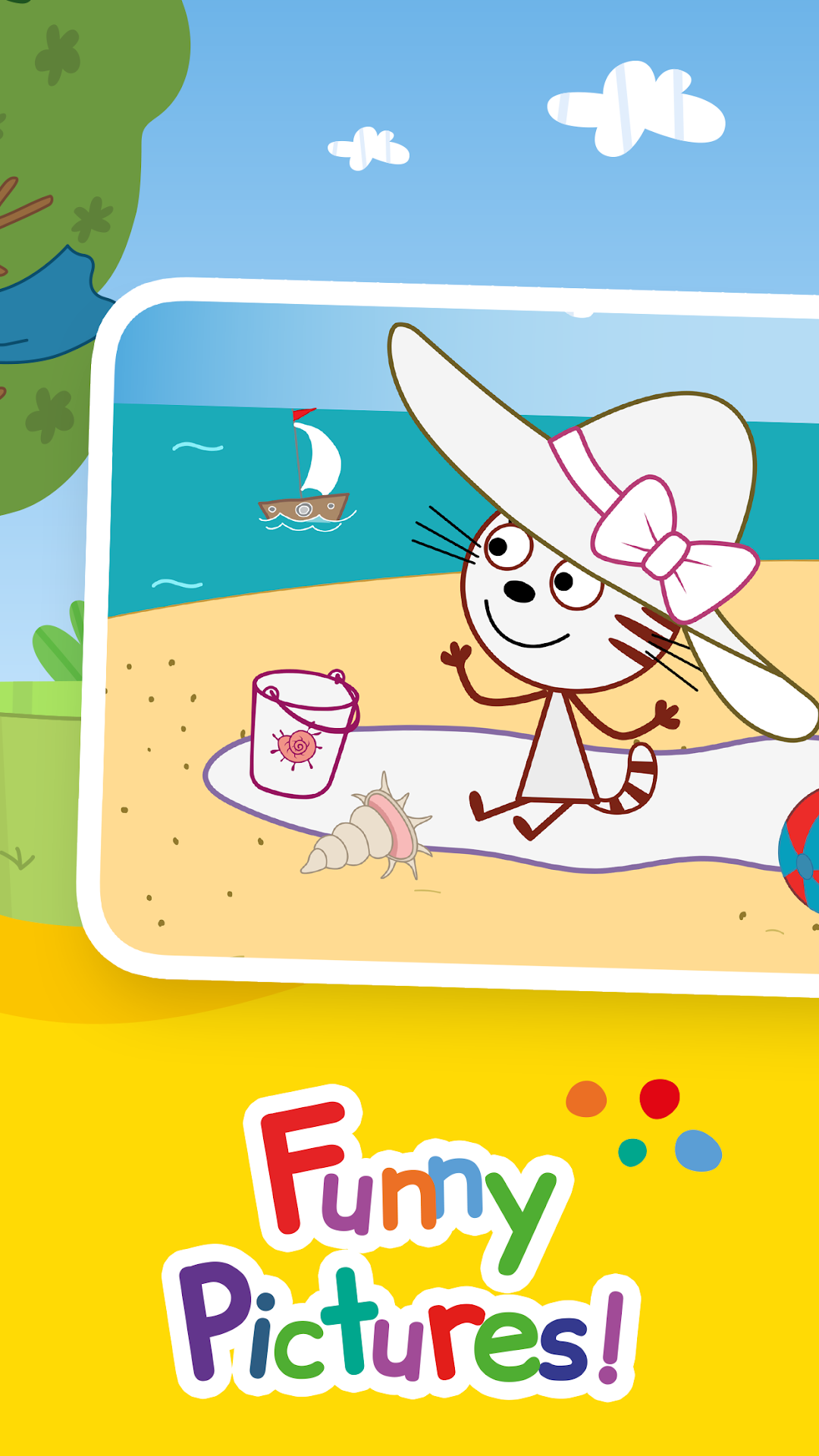
Kid-E-Cats present an exciting new interactive colouring app for kids! And this colouring book is free to enjoy!Imagine the joy on your child’s face as they colour their favorite Candy from the hit show Kid-E-Cats! But wait – the fun doesn’t stop there! Watch Candy come to life and turn into an interactive game! Plus, your little artist can colour Pudding and Cookie, with each character bringing their own unique adventure.
This app is completely free, with all colouring pages available right from the start. Ads help keep the Kid-E-Cats Colouring book free, and they’re carefully selected to be kid-friendly and 100% safe.
Creativity and Growth:
Coloring helps develop fine motor skills, hand-eye coordination, and creative thinking. The app offers a wide palette of colors and textures, so your child can make every character uniquely their own!
It’s as easy as 1, 2, 3:
1. Pick a drawing from the menu.
2. Follow Candy’s fun voice instructions to color it in.
3. Watch your drawing come to life – now it’s playtime!
At launch, you’ll get 10 interactive drawings set in different fun locations. But there’s more to come – new colouring pages are on their way!
Why your kids will love it:
* Fun, interactive elements beyond the characters themselves.
* A simple, kid-friendly interface – even toddlers can enjoy it.
* Stunning artwork straight from the beloved Kid-E-Cats show.
* All coloring pages are completely free – no hidden fees!
Download the Kid-E-Cats Colouring app for free today and let your child dive into a world of creativity, fun, and play!
Want to skip the ads? You can subscribe for one month or one year. Manage subscriptions in your device settings.
Privacy Policy: https://kidify.games/privacy-policy/
Terms of Use: https://kidify.games/terms-of-use/