Kids Spelling game Learn words is a Puzzle application developed by Abuzz, but with the best Android emulator-LDPlayer, you can download and play Kids Spelling game Learn words on your computer.
Running Kids Spelling game Learn words on your computer allows you to browse clearly on a large screen, and controlling the application with a mouse and keyboard is much faster than using touchscreen, all while never having to worry about device battery issues.
With multi-instance and synchronization features, you can even run multiple applications and accounts on your PC.
And file sharing makes sharing images, videos, and files incredibly easy.
Download Kids Spelling game Learn words and run it on your PC. Enjoy the large screen and high-definition quality on your PC!
This educational game teaches various basic words in English, to the kindergarten children. For the young child, it will help them to learn alphabets and how to spell the first words. For kids of Class 1 & 2, it is a practice of the word spellings they have already learned and thus improve on their English language skills.We have added colorful cartoon pictures of everyday objects, which the child interacts with in the house and primary school. They learn the pronunciation of alphabets as well as the words. There are multiple ways to play, from learning to practicing and simply improving on their vocabulary. They also learn to recognize the names associated with the images and by putting together the letters in words, they learn the spelling in English.
Features:
Learn - this is for beginners, where they simply match the alphabets to the shadows under the object picture and learn the pronunciation of each letter as well as the spelling for the entire word.
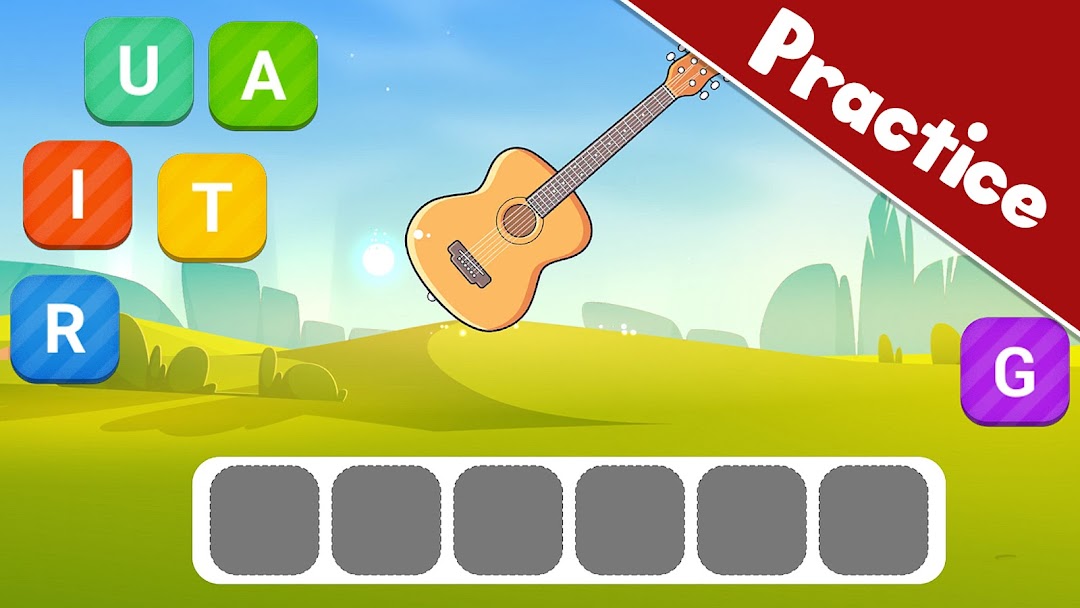
Practice - this is when the kids already know the spelling and are putting the letters to form the spelling of the object name.
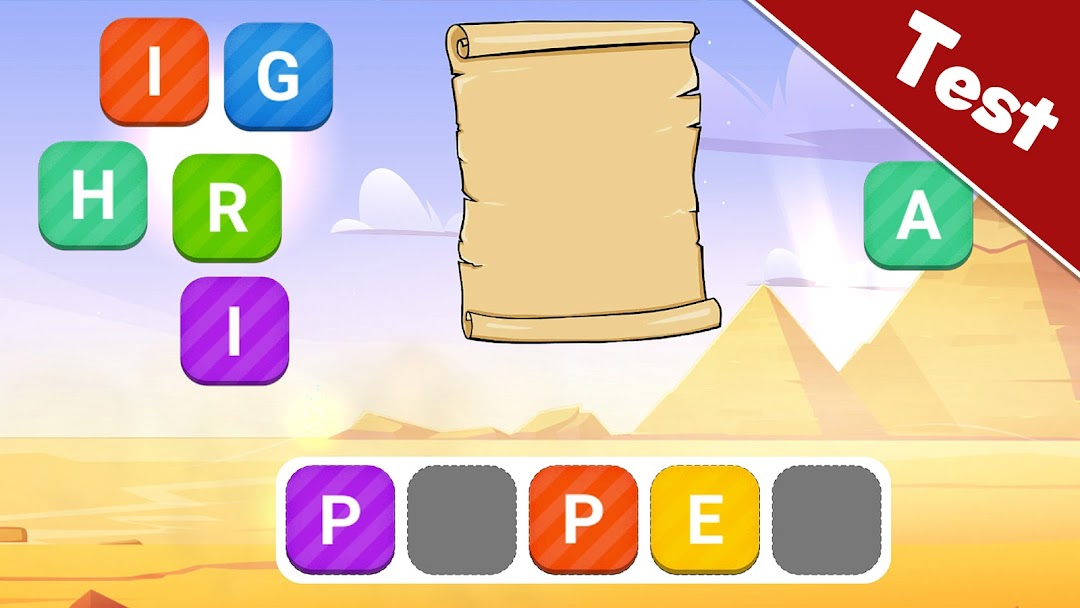
Test - this is where it gets interesting and the children are now required to fill up the missing alphabets from the multiple correct and incorrect letters that they have at the bottom.
Difficult - this is advanced level for kids and is like preparing for the school examination. They have blank space under the image and are required to form the correct spelling from various alphabets.
Matching - this is for all ages and is like pairing the picture with the correct name. It is like recognizing the images for the names in English.
Themes - we have added multiple first words from all categories like animals, fruits, kitchen, clothes, cars, kindergarten, house tools, living room, music and more.
Different length of words for spelling - you will get some 2 letter words and 3 letter words in the beginning to get you going. And then it will increase to 4 letter words and 5 letter words and even test you for 6 letter words.
12 Languages - English, Danish, Dutch, Finnish, French, German, Italian, Norwegian, Polish, Portuguese, Spanish and Swedish..
If you have any feedback and suggestions on how we could further improve the design and interaction of our games, please visit our website www.iabuzz.com or leave us a message at kids@iabuzz.com